



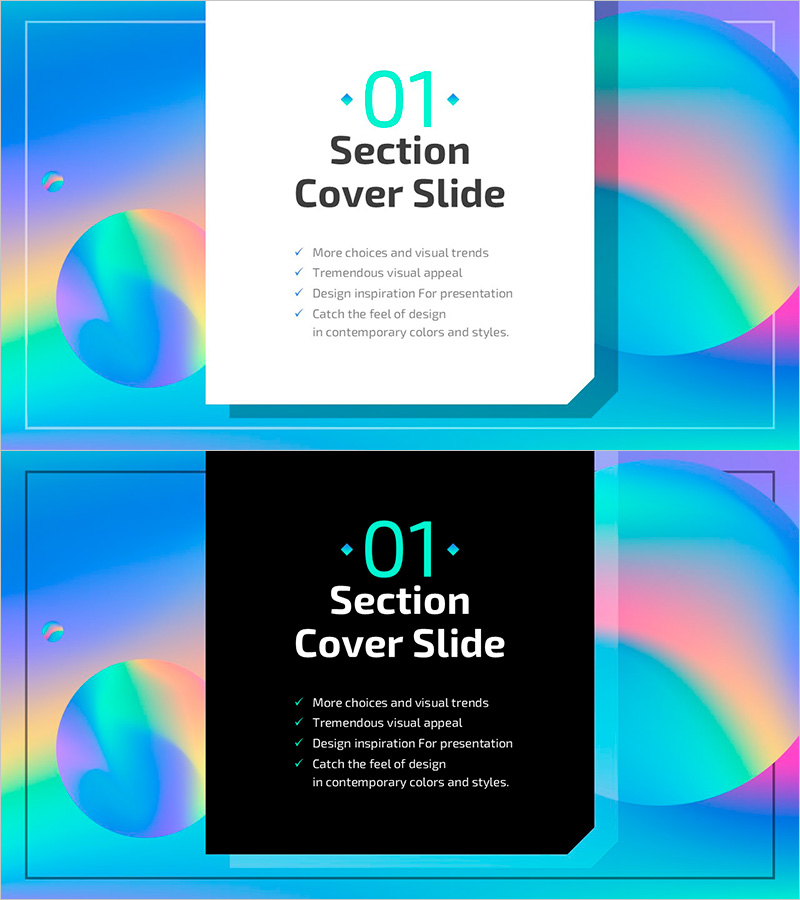
Hologram Wide PowerPoint Section Cover Slide
RJ0200053_3
- Last Update 04/14/2025
- File Size 0.9MB
- # of Slides 2
- File Format PPTX
- Slide Ratio 16:9
- Color
Keywords
About the Product
A section divider slide for presentations featuring a hologram gradient background blending cyan, pink, and yellow tones with circular graphic elements. The slide includes a section number input field in the upper left, a centered title area, and descriptive text space for flexible customization across various presentation topics. Designed in 16:9 widescreen format with 2 slides—one with a light background and one with a dark background. Both versions are fully editable in PowerPoint, allowing you to modify text and adapt the layout to your presentation needs.
Usage Points
-
Main Usage
This section cover slide provides visual separation between presentation sections, helping audiences follow the flow of your content. The hologram gradient background captures attention while the section number and title emphasize key transitions, creating a structured and professional presentation experience.
-
How to Use
Enter your section number (01, 02, 03, etc.) in the upper field, add your section title in the centered text box, and include a brief summary or objective in the description area below. Choose between the light or dark background version based on your overall presentation design. All text fields are fully editable and ready for immediate use.
-
Recommended For
Ideal for business plans, marketing proposals, investment pitch decks, formal proposals, educational seminars, and any multi-section presentation. Particularly effective for maintaining audience engagement during longer presentations with multiple topics or distinct content blocks.
-
Slide Structure
2-slide set consisting of one light background version and one dark background version. Each slide contains three editable elements: section number field (upper left), centered title text box, and descriptive text area (bottom). The circular gradient background graphics remain fixed while all text is fully customizable.
Related Products
-
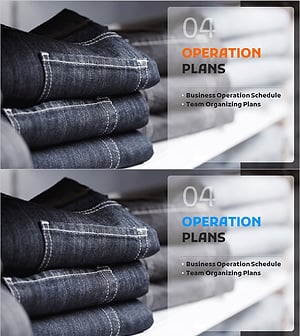
Fashion Business Plan Template Section Slide – Emphasizing Operation Plans
#Slide Type #Section Cover
-
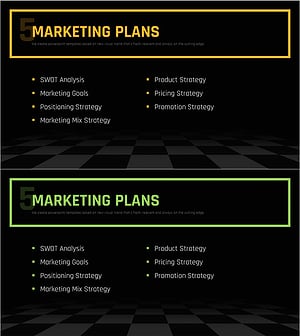
Chess Themed Business Strategy Template Section Slide
#Slide Type #Section Cover
-
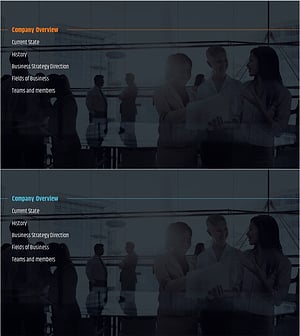
City Modern Theme Business Plan Template Section Slide
#Slide Type #Section Cover
-
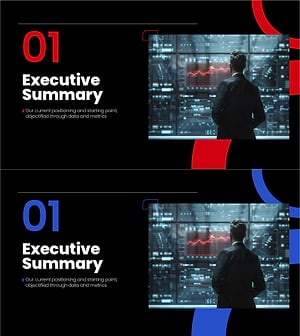
Section Divider PowerPoint Slide – Dark Numbered Intro
#Slide Type #Section Cover
