



Visualizing Marketing Strategy with Geometry Diagram
RJ0200034_8
- Last Update 04/07/2025
- File Size 0.5MB
- # of Slides 2
- File Format PPTX
- Slide Ratio 16:9
- Color
Keywords
- #Content-Based Slides
- #Design-Based Slides
- #Product/Service Introduction
- #Marketing Plan and Strategy
- #Diagram
- #Program Introduction
- #Target Market Strategy
- #Spread
- #16:9
- #marketing strategy diagram PowerPoint
- #divergence slide design
- #geometric diagram presentation
- #how to visualize marketing strategy in PowerPoint
- #4-direction layout slide
About the Product
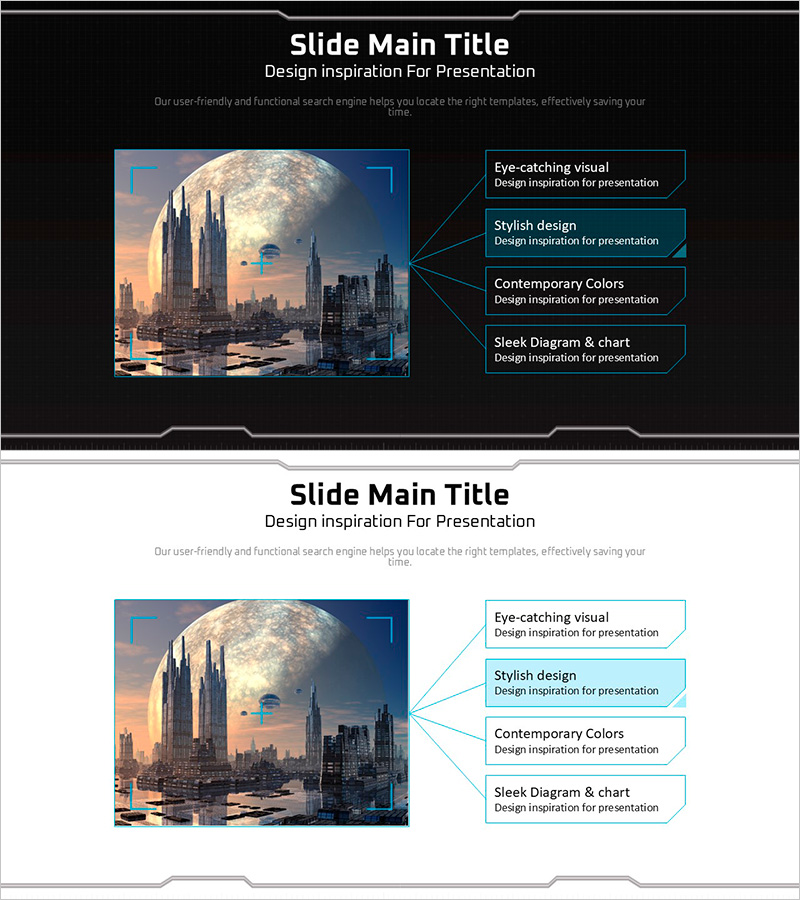
A geometric diagram PowerPoint slide that visualizes marketing strategy through a divergence layout. Centered around a core image, four directional branches extend outward to present strategy pillars and execution details simultaneously. The dark background with cyan accent lines enhances presentation professionalism and visual hierarchy. The 2-slide set is ready to apply across diverse marketing scenarios including product launches, program overviews, and strategic presentations. Each slide features distinct background treatments to accommodate different presentation contexts.
Usage Points
-
Main Usage
Presents marketing strategy hierarchy by positioning a core element at center with four directional branches extending outward. Enables stakeholders to grasp multi-layered strategy structure at a glance, supporting executive briefings, marketing team alignment, and client presentations for informed decision-making.
-
How to Use
Place core strategy or product image in the central area. Input strategy components (target audience, channels, messaging, KPIs) into the four directional text boxes positioned at upper-right, lower-right, upper-left, and lower-left. Cyan geometric lines automatically connect each element, creating an integrated strategy visualization.
-
Recommended For
Marketing managers, product strategists, sales executives, and consultants presenting strategy rollouts, product launches, and campaign frameworks. Particularly effective for multi-channel marketing, integrated marketing communications, and market entry strategies involving multiple interconnected elements.
-
Slide Structure
Two-slide set with dark background version and light background version. Each slide contains one central image area and four directional text boxes (total 5 input zones), unified by cyan geometric lines that create visual coherence and directional flow across the layout.
Related Products
-
Finger Puzzle Diagram – Product and Service Introduction
#Product/Service Introduction #Business Vision and Strategy #Diagram
-
Diffusion Diagram of Book Image - Product and Service Overview
#Product/Service Introduction #Diagram #Program Introduction
-
Cartoon Theme Diffusion Diagram – Creative Business Introduction
#Product/Service Introduction #Business Introduction #Diagram
-
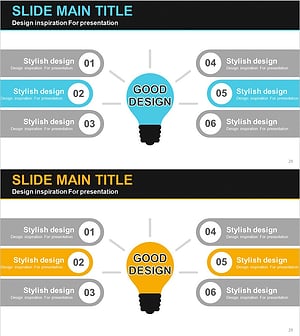
Good Idea Light Bulb Diagram – Effectively Communicating Business Goals
#Product/Service Introduction #Business Vision and Strategy #Diagram
