



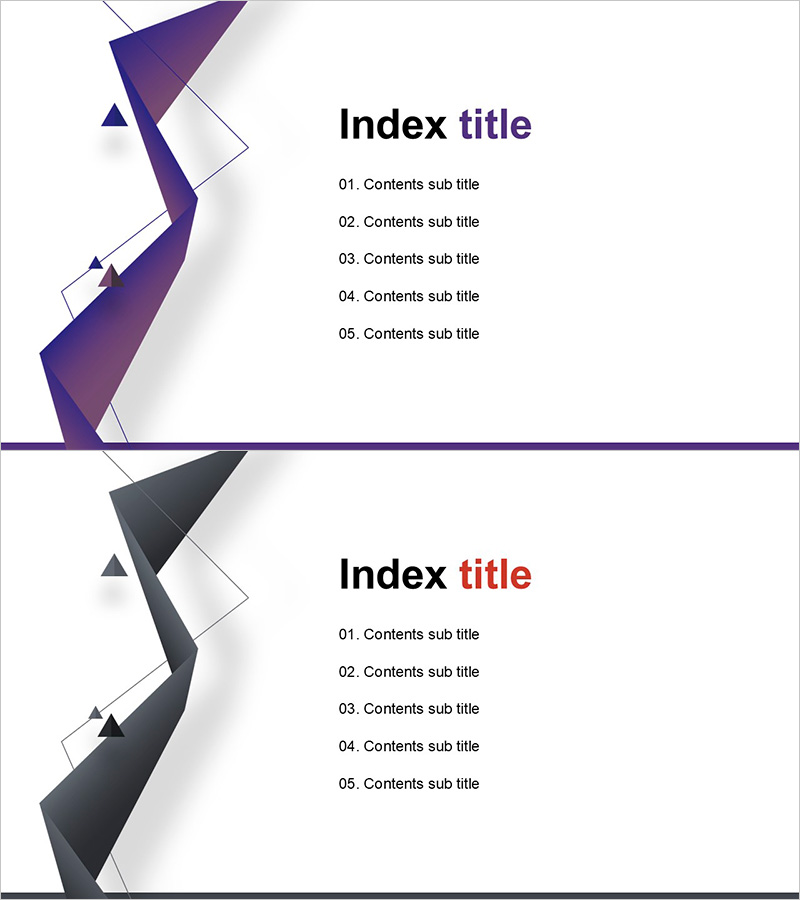
Table of Contents Design Template – Modern Layout
RJ0200029_2
- Last Update 04/05/2025
- File Size 0.3MB
- # of Slides 2
- File Format PPTX
- Slide Ratio 16:9
- Color
Keywords
About the Product
Create a professional table of contents slide that sets the tone for your entire presentation. This PowerPoint slide features two design variations using purple and gray geometric shapes, allowing you to match your corporate brand or presentation theme. Optimized for 16:9 widescreen format, the layout clearly displays up to 5 content sections with numbered markers (01–05) for visual hierarchy. The left side showcases a 3D geometric form while the right side provides ample white space for text input, creating a balanced and polished appearance. Easily editable in PowerPoint, this slide works seamlessly for business plans, proposals, company profiles, marketing presentations, and investor pitches. The combination of geometric elements and clean typography ensures your audience understands the presentation structure at a glance.
Usage Points
-
Main Usage
Serve as the second slide in your presentation to outline the complete content structure and help your audience follow the flow. This table of contents slide improves comprehension and creates smooth transitions between major sections. Essential for business plans, proposals, company introductions, marketing strategies, and investor presentations.
-
How to Use
Place this slide immediately after your title slide to introduce the presentation agenda. Replace each numbered item with your actual section titles. Choose between the purple or gray design variant to match your corporate branding. The text areas and numbered markers are pre-positioned, requiring minimal editing for immediate use.
-
Recommended For
Ideal for business plans, proposals, company profiles, marketing presentations, investor pitch decks, product introductions, training materials, and any professional presentation with 5 or more major sections. Particularly suited for B2B presentations where credibility and clear structure are essential.
-
Slide Structure
Left side features a 3D geometric shape in purple or gray. Right side contains 5 vertically stacked text input areas, each preceded by a numbered marker (01–05). All items maintain consistent spacing and alignment. A title area at the top and a horizontal line at the bottom frame the entire layout for visual cohesion.
Related Products
-
Luxury Hotel Marketing Plan Template Contents
#Slide Type #Table of Contents
-
Modern Simple Proposal Template Contents – Professionalism and Clarity
#Slide Type #Table of Contents
-
Global Investment Attraction Template Contents – Professionalism and Innovation
#Slide Type #Table of Contents
-
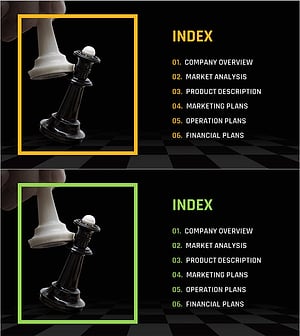
Chess Themed Business Strategy Template Contents
#Slide Type #Table of Contents
