



Volume Presentation Template for Project List – Business Vision and Strategy
RJ0200017_9
- Last Update 04/02/2025
- File Size 3.2MB
- # of Slides 2
- File Format PPTX
- Slide Ratio 16:9
- Color
Keywords
About the Product
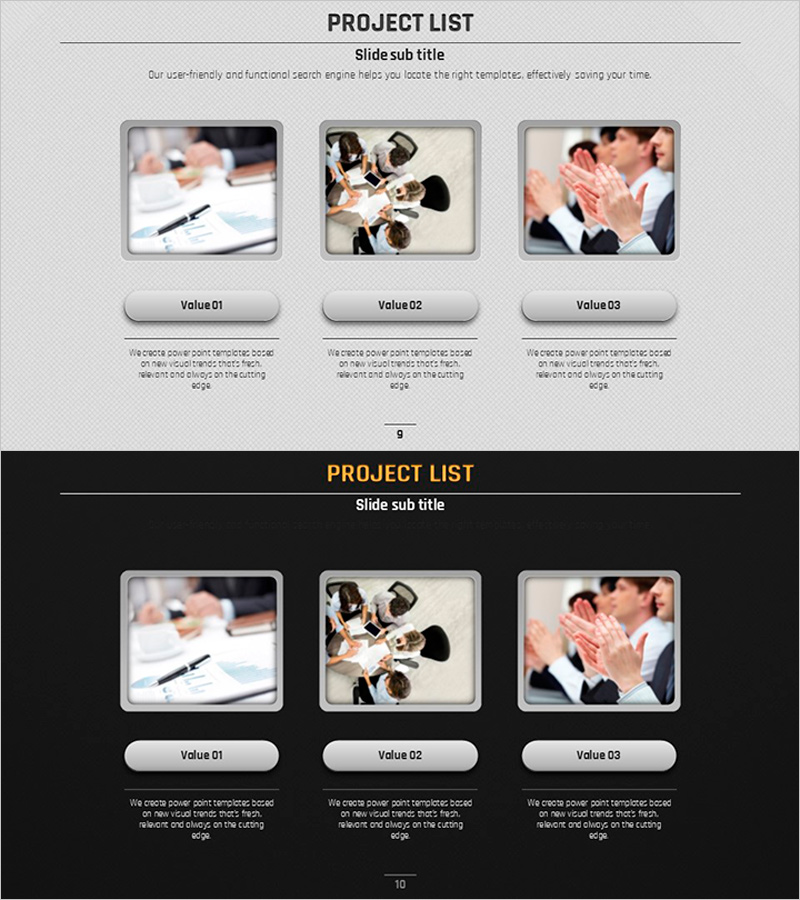
A PowerPoint slide designed to visually organize project progress during business objective and strategy planning phases. The slide features a light gray background with three project items arranged horizontally in a volume layout, allowing simultaneous comparison of each project's image, title, and description. With a 16:9 widescreen ratio and 2-slide composition, it integrates flexibly into presentation flows, and clearly defined text and image areas enable intuitive information input. Ideal for business plan presentations, investor briefings, strategy meetings, and other scenarios where project portfolios need to be communicated effectively.
Usage Points
-
Main Usage
A slide for presenting and comparing multiple projects side-by-side during business strategy development and project portfolio presentations. Designed to display each project's key information (image, title, description) at a glance, supporting decision-making and stakeholder persuasion.
-
How to Use
Insert project representative photos or logos in the image area of each project item, enter project names in the title field, and add key information such as objectives, timeline, and budget in the description area. Use as a project status section in business plans, investor presentations, or strategy meeting materials, or structure as a portfolio page in standalone project management reports.
-
Recommended For
Business strategy and planning professionals, project managers, investment relations specialists, and executive reporting teams benefit from this slide when systematically organizing and presenting project portfolios. Particularly useful for organizations managing multiple concurrent projects to compare priorities, progress status, and outcomes at a glance.
-
Slide Structure
The slide consists of a title area at the top and three project item areas at the bottom. Each item features a left image input space (photos/logos), center title text box, and right description text box in a 3-column horizontal layout, maintaining visual consistency with gray background and white button-style labels.
Related Products
-
Business Plan Presentation Template - Vision & Mission
#Business Vision and Strategy #Diagram #Business Vision
-
Visualizing Business Goals with Hologram Wide PPT Icons & Text
#Business Vision and Strategy #Business Vision #Business Goals
-
Fantastic Wide Slide with Icons and Description – Business Vision and Goals
#Business Vision and Strategy #Business Vision #Business Goals
-
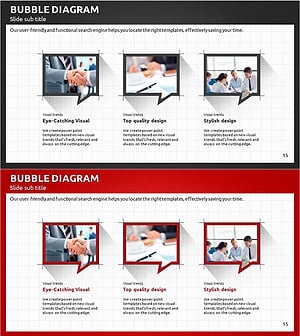
Modern Business Plan PowerPoint – Bubble Diagram for Business Goals
#Business Vision and Strategy #Business Vision #Business Goals
