



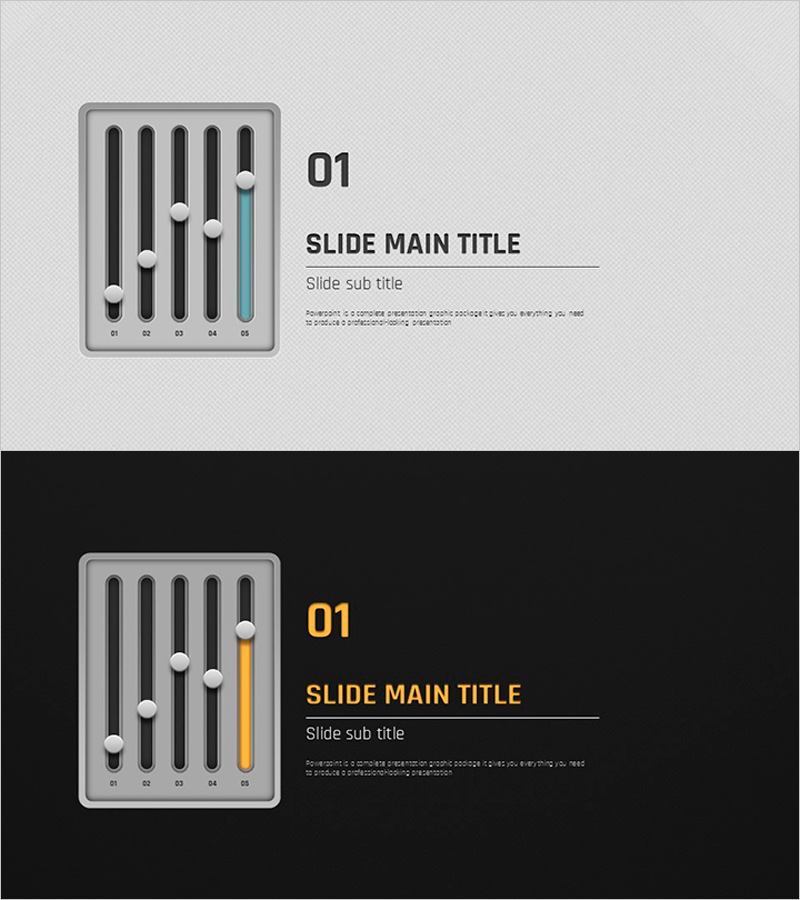
Volume Presentation Template – Effective Section Dividing Slide
RJ0200017_3
- Last Update 04/02/2025
- File Size 3MB
- # of Slides 2
- File Format PPTX
- Slide Ratio 16:9
- Color
Keywords
About the Product
A section divider slide that clearly separates presentation topics and transitions between content areas. The design features a light gray background with a 5-bar vertical chart icon positioned on the left, visually representing information hierarchy and progression. The slide layout includes dedicated areas for slide numbering, main title, and subtitle, enabling effective topic communication. The 2-slide 16:9 format allows repeated use across multiple section breaks, with fully editable text and color options in PowerPoint. This practical design works seamlessly in business presentations, educational materials, proposals, and strategic documents.
Usage Points
-
Main Usage
This divider slide marks transitions between major sections in your presentation, capturing audience attention during topic shifts. The 5-bar chart icon subtly suggests progressive information flow, while the distinct title and numbering areas emphasize the structural importance of each section break.
-
How to Use
Insert this slide at the beginning of each new section to signal topic transitions. Add your section name in the title area and a brief description in the subtitle field. Customize colors and fonts to match your corporate branding for a cohesive presentation appearance across all slides.
-
Recommended For
Ideal for business plans, marketing proposals, investment pitches, training materials, research reports, and any multi-section document. Particularly effective in corporate presentations and academic materials where clear section demarcation enhances audience comprehension and document structure.
-
Slide Structure
2-slide set featuring light gray background version (top) and dark background version (bottom). Each slide includes a 5-bar vertical chart icon on the left and dedicated input areas for slide number, title, and subtitle on the right, optimized for 16:9 aspect ratio.
Related Products
-

AI Technology IR Template Section Slide – Innovative Company Introduction
#Slide Type #Section Cover
-
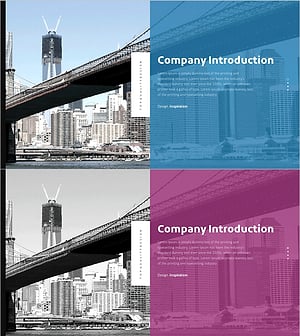
Investment Attraction Presentation Template Section Slide
#Slide Type #Section Cover
-
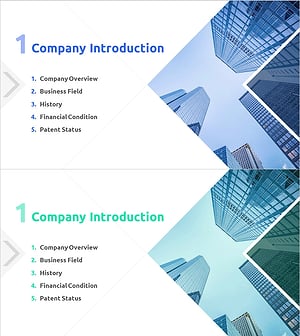
Startup Investment Attraction Template Section Slide – Company Introduction
#Slide Type #Section Cover
-
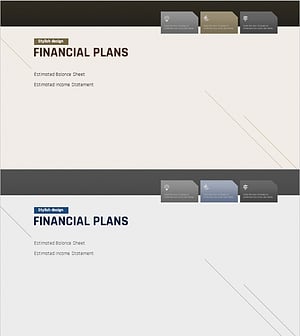
Modern Simple Business Plan Template Section Slide
#Slide Type #Section Cover
