



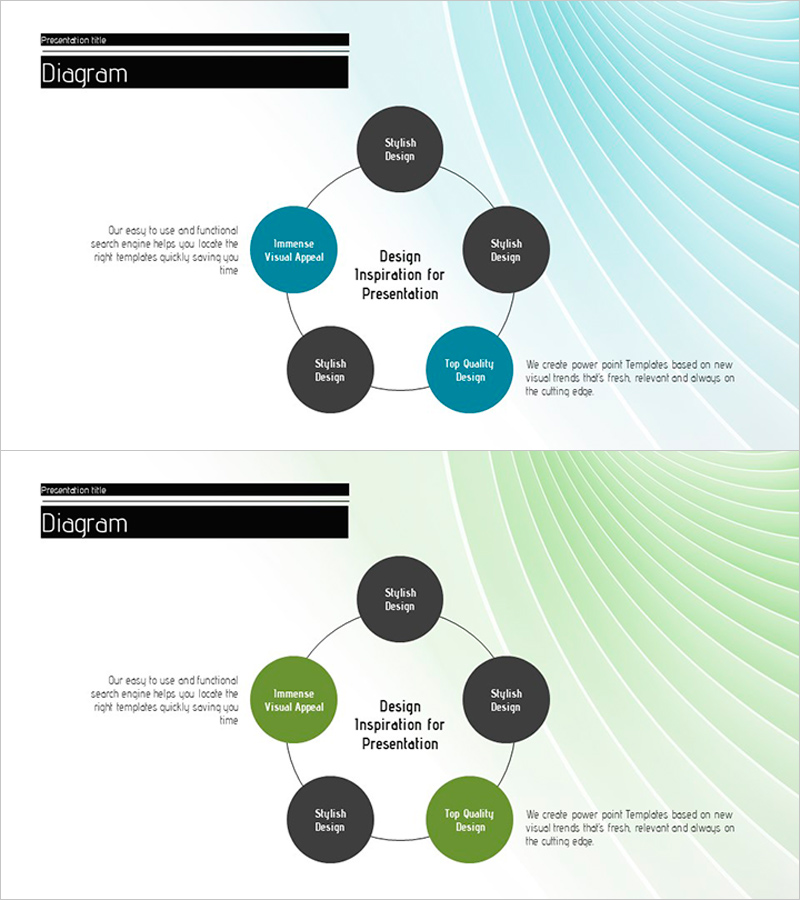
Circular Diagram for Introduction and Characteristics – Emphasizing Business Impact
RJ0200012_24
- Last Update 03/31/2025
- File Size 1.3MB
- # of Slides 2
- File Format PPTX
- Slide Ratio 16:9
- Color
Keywords
- #Content-Based Slides
- #Design-Based Slides
- #Product/Service Introduction
- #Business Vision and Strategy
- #Operational Plan
- #Diagram
- #Differentiation Strategy for Products/Services
- #Core Competencies
- #Organizational Structure and Staffing Plan
- #Spread
- #Decentralized Diagram
- #16:9
- #circular diagram PowerPoint
- #5-node diagram slide
- #business process presentation
- #cycle diagram template
- #diagram PowerPoint slide design
About the Product
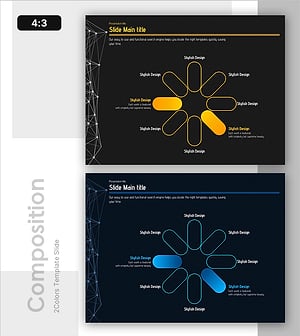
A PowerPoint slide featuring a 5-node circular structure surrounding a central message, ideal for presenting business processes, product characteristics, and service flows. The design uses a two-tone color scheme of teal and charcoal gray to create visual emphasis, with each node fully editable. Formatted in 16:9 widescreen with 2 slides, it's ready for immediate use in various presentation scenarios. Arrow connectors clearly indicate sequential flow, while left and right text areas allow flexible additional explanations.
Usage Points
-
Main Usage
Explains five cyclical or equally important elements related to a central concept, such as product features, service workflows, business models, organizational functions, or marketing strategies. Ideal when all components have equal significance and interconnected relationships.
-
How to Use
Enter the core message in the center, then fill each of the 5 nodes with corresponding stages, elements, or characteristics. Add supporting details or insights in the left and right text areas to enhance presentation flow. Node colors can be customized by importance level.
-
Recommended For
Product managers, marketing professionals, business development teams, consultants, and educators presenting process explanations, business models, or strategic frameworks. Suitable for executive briefings, client presentations, and team meetings.
-
Slide Structure
1 central text box + 5 circular nodes (2 teal, 3 charcoal) + 5 arrow connectors + 2 side text areas. 16:9 format with 2 slides: first shows the base structure, second provides a color variation.
Related Products
-
The Road Template Diffusion Diagram – Product and Service Differentiation Strategy
#Product/Service Introduction #Business Vision and Strategy #Diagram
-
Business Competency Circular Diagram – Visualizing Core Strategies
#Product/Service Introduction #Business Vision and Strategy #Diagram
-
Business Diagram Template with Color Theme
#Product/Service Introduction #Business Vision and Strategy #Diagram
-
8 Key Concepts for Visualizing Business Vision
#Business Introduction #Business Vision and Strategy #Diagram
