



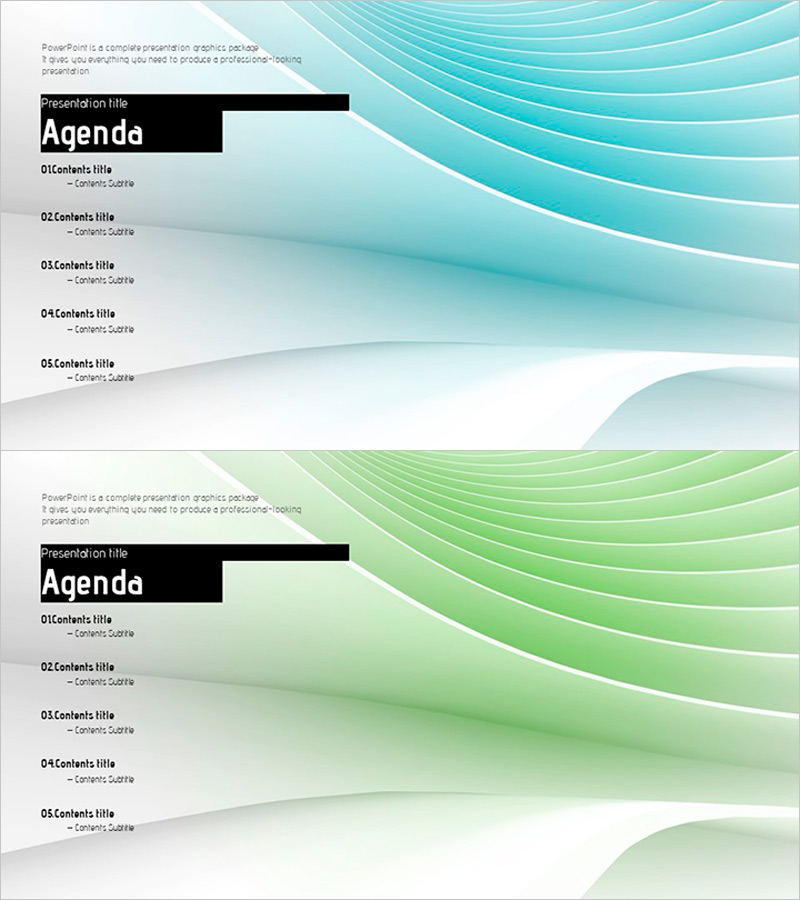
Curved Graphic Table of Contents Slide - Information Delivery and Aesthetic Elements
RJ0200012_2
- Last Update 03/31/2025
- File Size 1.8MB
- # of Slides 2
- File Format PPTX
- Slide Ratio 16:9
- Color
Keywords
About the Product
A professional table of contents PowerPoint slide that clearly presents your presentation structure. Soft curved graphics in teal and green create a flowing background, while a black title box and text input areas establish clear information hierarchy. The layout accommodates five sequential items, building audience anticipation at the start of your presentation and enabling viewers to grasp the overall flow at a glance. Available in 16:9 PPTX format for immediate editing, this slide works seamlessly across business presentations, proposals, reports, and various professional documents.
Usage Points
-
Main Usage
This table of contents slide introduces your presentation's complete structure and key sections to the audience. The curved graphic creates a natural visual flow that smoothly launches your presentation, while the five clearly defined items help viewers anticipate the presentation direction and maintain engagement throughout.
-
How to Use
Place this slide immediately after your title slide to outline your presentation structure. Enter section names in each text area and adjust colors or fonts as needed to match your brand identity. Suitable for business presentations, academic seminars, proposal decks, investor pitches, and corporate communications.
-
Recommended For
Executives, business planners, marketers, consultants, educators, and students preparing structured presentations. Particularly effective for medium to long-form presentations with five or more major sections, helping audiences understand and retain the overall narrative flow.
-
Slide Structure
The 2-slide set features teal and green curved graphic backgrounds. Each slide displays a black title box at the top ('Agenda' or 'Presentation title') with five vertically arranged text input areas below. Each item includes spaces for numbering, title, and subtitle, creating a clear hierarchical structure for presenting information sequentially.
Related Products
-
Table of Contents Slide – Rounded Edge Business PowerPoint
#Slide Type #Table of Contents
-
Interior Product Introduction Template Contents – Essential Structure Provided
#Slide Type #Table of Contents
-
Luxury Hotel Marketing Plan Template Contents
#Slide Type #Table of Contents
-
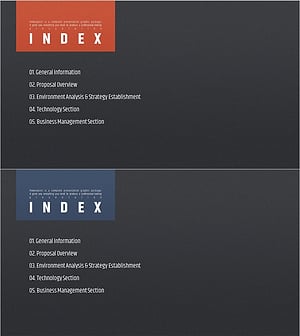
Modern Simple Proposal Template Contents – Professionalism and Clarity
#Slide Type #Table of Contents
