



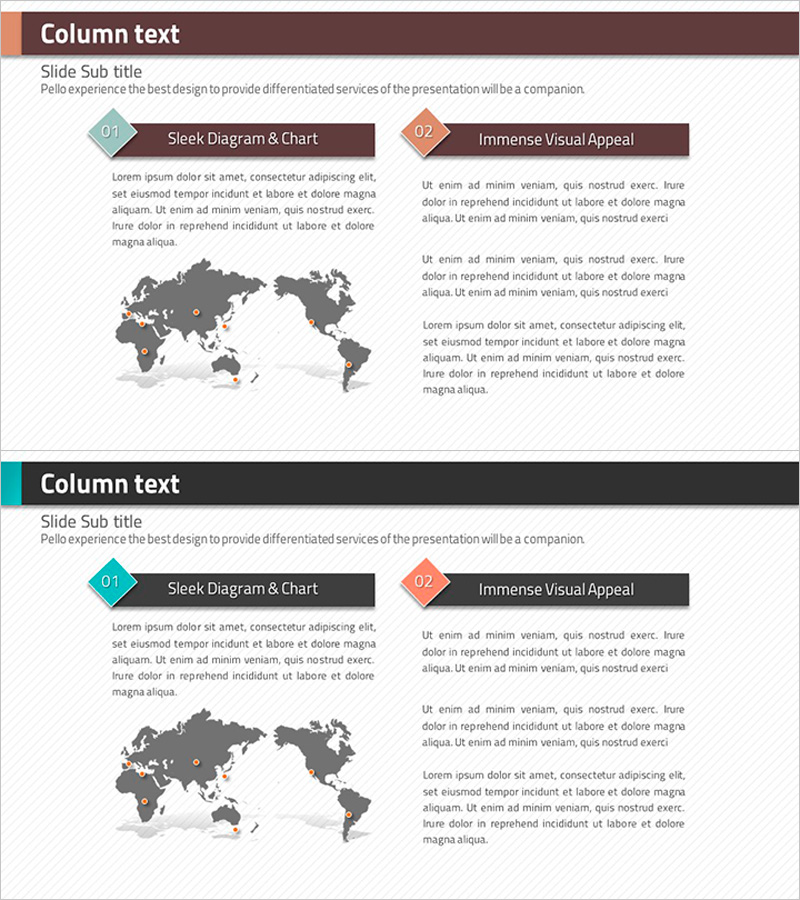
Rhombus Presentation Template for Visualizing Global Network – Company Introduction
RJ0200011_29
- Last Update 03/31/2025
- File Size 0.6MB
- # of Slides 2
- File Format PPTX
- Slide Ratio 16:9
- Color
Keywords
About the Product
A PowerPoint slide deck visualizing your company's global network and client-partner relationships using rhombus-shaped diagram elements. Features brown, orange, and teal rhombus icons combined with a world map to intuitively represent international business networks. The 2-slide layout balances left-side text areas with right-side visual elements for clear information hierarchy. Optimized for company introduction presentations where you need to emphasize global presence and strategic partnerships. Delivered in 16:9 widescreen PPTX format, fully editable and ready to customize.
Usage Points
-
Main Usage
Showcase your company's global footprint, international partnerships, and client-partner networks in a single visual. The rhombus-icon and world-map combination communicates multi-regional business structure intuitively, reinforcing corporate credibility in investor and partner presentations.
-
How to Use
Place this slide in the 'Global Network' or 'Clients & Partners' section of your company introduction deck. Enter network descriptions and key partner information in the left text area, then use the world map and rhombus icons on the right to indicate regional or sector-specific collaboration. Color customization allows department or region-based differentiation.
-
Recommended For
Ideal for corporate investor relations, company introduction presentations, partner meetings, and international business collaboration proposals. Particularly effective for multinational corporations, import-export businesses, and global service providers emphasizing international reach.
-
Slide Structure
Two-slide format with header section (brown background + title), left-side dual-text area (rhombus numbering + descriptions), and right-side world map visualization. Three rhombus icons (brown, orange, teal) and map highlights create visual information hierarchy across both slides.
Related Products
-
Business Forest Wide Template Map for Global Network
#Company Introduction #Other #Global Network
-
Global Business Map PowerPoint Template – Client and Partner Network
#Company Introduction #Other #Global Network
-
Identity Wide Template – Visualizing Global Network
#Company Introduction #Text Box #Other
-
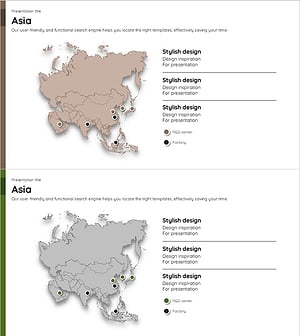
Map of Asia and a Brief Analysis – Introduction to Global Network
#Company Introduction #Other #Global Network
