



Rhombus Presentation Template Map – Introducing Clients and Partners
RJ0200011_26
- Last Update 03/31/2025
- File Size 0.7MB
- # of Slides 2
- File Format PPTX
- Slide Ratio 16:9
- Color
Keywords
About the Product
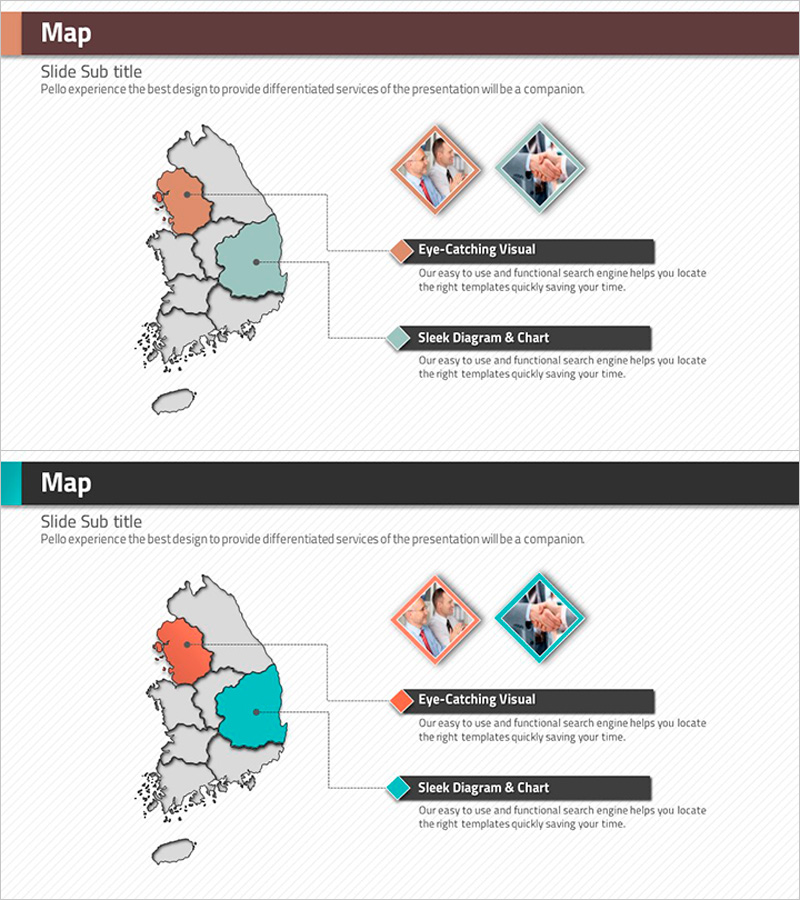
A map-based PowerPoint slide that visualizes domestic regional customer and partner networks using rhombus frames. Two color variants (orange and teal) distinguish regions, with rhombus-framed photo areas on the right side for inserting location images. Text boxes labeled 'Eye-Catching Visual' and 'Sleek Diagram & Chart' provide space to describe regional characteristics and business details. Delivered in 16:9 widescreen PPTX format, this presentation slide is ready for immediate use in corporate introductions, business reports, and investor pitches.
Usage Points
-
Main Usage
Visualize domestic regional customer distribution, partner networks, and branch locations on a map-based layout. Rhombus frames and dual-color coding emphasize regional importance and business status, enabling investors, partners, and employees to quickly understand your company's geographic expansion strategy.
-
How to Use
Select regions to highlight using rhombus frames on the left-side map. Insert regional office or branch images in the right-side photo areas. Fill 'Eye-Catching Visual' and 'Sleek Diagram & Chart' text boxes with regional business details, customer information, and partner data to explain your network by location.
-
Recommended For
Ideal for company profile presentations (Global Network or Domestic Presence sections), business reports (Regional Business Status pages), investor pitch decks (Market Expansion Strategy slides), and partner introduction presentations. Particularly suited for finance, retail, real estate, and manufacturing companies with region-based operations.
-
Slide Structure
2-slide set with consistent layout: left side features a Korea map with selected regions highlighted by rhombus frames; right side includes two rhombus-framed photo insertion areas (top) and two text boxes—'Eye-Catching Visual' and 'Sleek Diagram & Chart' (bottom). Two color variants (orange and teal) provide clear regional differentiation.
Related Products
-
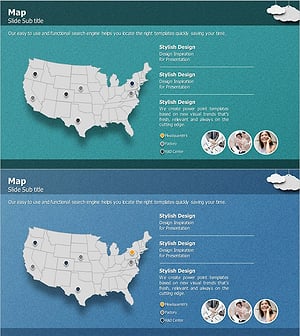
Customer and Partner Analysis Map – Visualizing Network Status
#Company Introduction #Other #Customers and Partners
-
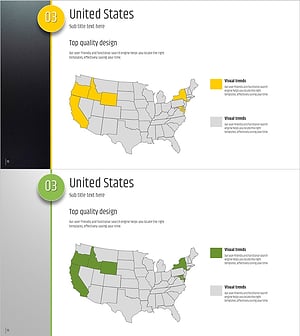
Five Color Wide Template – Presentation Highlighted with Maps
#Company Introduction #Other #Customers and Partners
-
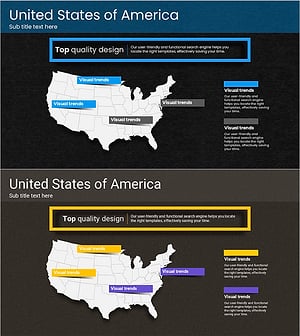
Touch Wide Map Template – Custom Visualization for Clients
#Company Introduction #Other #Customers and Partners
-
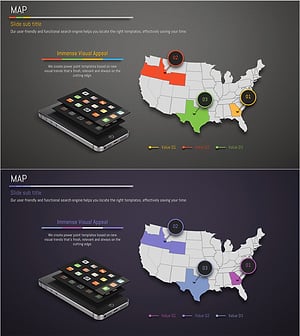
Map of Domestic Networks and Partners in the U.S. – Orange, Green, Purple
#Company Introduction #Other #Customers and Partners
