



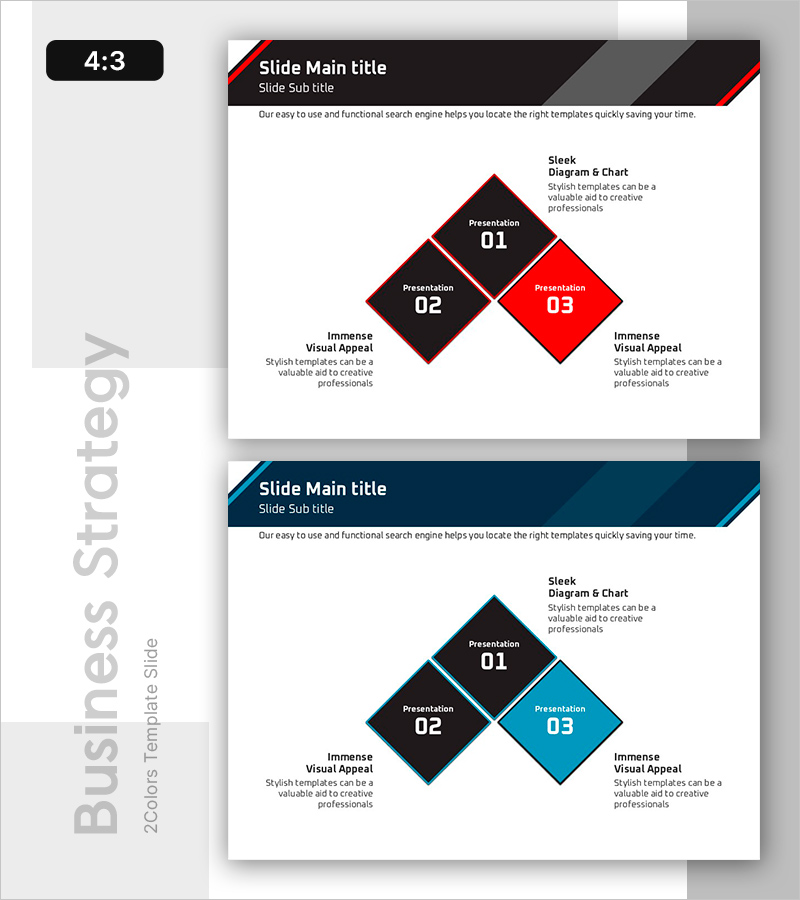
Core Direction Diagram Slide
RB0800032_6
- Last Update 03/24/2025
- File Size 0.1MB
- # of Slides 2
- File Format PPTX
- Slide Ratio 4:3
- Color
Keywords
- #Content-Based Slides
- #Design-Based Slides
- #Business Vision and Strategy
- #Operational Plan
- #Diagram
- #Business Strategy
- #Risk Management
- #Spread
- #Decentralized Diagram
- #4:3
- #diamond diagram PowerPoint
- #3-node diagram slide
- #strategic direction slide
- #business strategy diagram
- #hierarchy structure PPT slide
About the Product
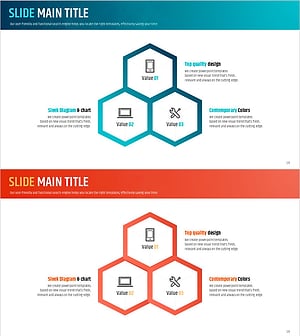
A 3-node diamond diagram PowerPoint slide that visually represents core strategic directions and organizational priorities. The red and black two-tone color scheme emphasizes importance hierarchy, while the rotated square node structure clearly expresses layered relationships. This presentation template is ready to use for business strategy, vision, and operational planning presentations. The 4:3 aspect ratio with 2-slide composition adapts to various presentation environments.
Usage Points
-
Main Usage
Visualizes organizational core directions, strategic priorities, and vision frameworks in a 3-tier hierarchy. The diamond node arrangement intuitively expresses the relationship between central core elements and supporting components on both sides, with the red accent node highlighting top-priority items.
-
How to Use
Use in executive reports, business planning presentations, and strategy development meetings to explain core directional focus. Input text into each node to specify organizational goals, strategic initiatives, and execution tasks, then leverage color emphasis to visually communicate priorities.
-
Recommended For
Ideal for executives, strategic planning teams, business development teams, and consultants presenting organizational direction, business strategy, and risk management approaches. Particularly effective in C-level executive reports, board presentations, and company-wide strategy sharing sessions.
-
Slide Structure
2-slide composition. Slide 1: Three diamond nodes (black-red-black) arranged in rotated layout to express hierarchical relationships. Slide 2: Identical structure with color variation (black-blue-black) offering alternative design. Each node includes text input area with descriptive text boxes positioned on left and right sides.
Related Products
-
Business Strategy Process – Diagram for Successful Operations Planning
#Business Vision and Strategy #Operational Plan #Diagram
-
Differentiated Technology Strategy – Innovative Business Vision
#Business Vision and Strategy #Operational Plan #Diagram
-
Bookmark Template Strategy Diagram – Business Vision and Operational Planning
#Business Vision and Strategy #Operational Plan #Diagram
-
Instrument Repair Diagram – Secrets of Technical Management
#Operational Plan #Technical Approach #Diagram
