



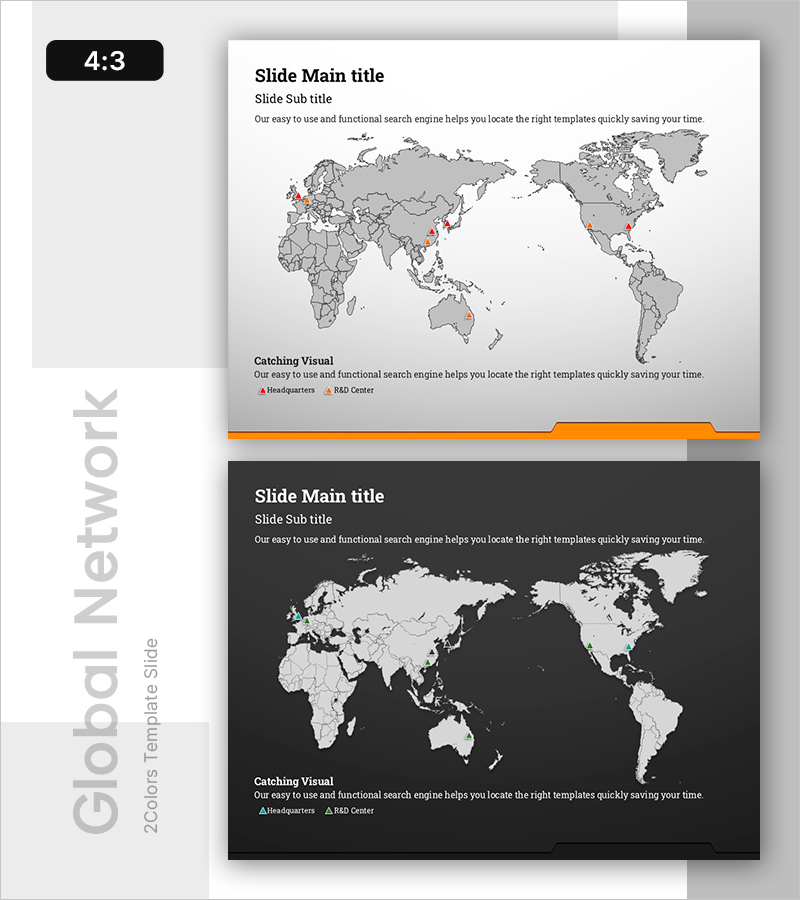
Map-Based Data Visualization Slide – Global Positioning Introduction
RB0800029-1_8
- Last Update 03/24/2025
- File Size 0.9MB
- # of Slides 2
- File Format PPTX
- Slide Ratio 4:3
Keywords
About the Product
A map-based PowerPoint slide that visualizes your global business network and headquarters locations. This 2-slide set features a gray-toned world map with icons marking key offices such as headquarters and R&D centers, making it ideal for company introduction presentations. In 4:3 PPTX format with fully editable title, subtitle, description text areas, and legend, this slide deck is perfect for investor and partner pitches to demonstrate your global reach.
Usage Points
-
Main Usage
This slide effectively communicates your company's global footprint and international presence. By displaying headquarters, regional offices, and R&D centers on a world map with distinct icons, it provides investors and partners with a clear visual understanding of your global scale and market reach.
-
How to Use
Insert this slide into the Global Network or International Operations section of your company presentation. Customize the title to 'Global Headquarters,' 'International Presence,' or similar, then update map markers and the legend to reflect your actual office locations. Use in investor pitches, partner meetings, and corporate overview presentations.
-
Recommended For
Ideal for executives, IR professionals, and marketing teams at multinational corporations, companies with international expansion, and organizations with global supply chains. Recommended for investor presentations, partner meetings, and corporate communications where demonstrating global presence is key.
-
Slide Structure
2-slide layout with title and subtitle area, world map visualization zone, descriptive text section, and editable legend showing office types (headquarters, R&D center, regional office). 4:3 aspect ratio allows full customization of all text and icon positions.
Related Products
-
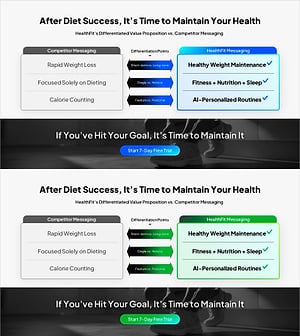
Brand vs. Competitor Messaging Slide – 3-Point, Blue & Green
#Product/Service Introduction #Market and Competitor Analysis #Benefits and Advantages
-
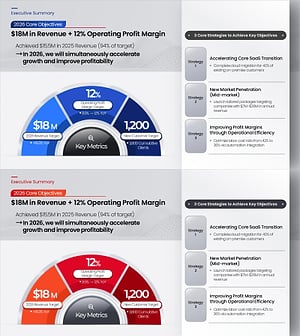
Key Objectives Summary PowerPoint Slide – Gauge KPIs
#Company Introduction #Business Vision and Strategy #Key Achievements
-
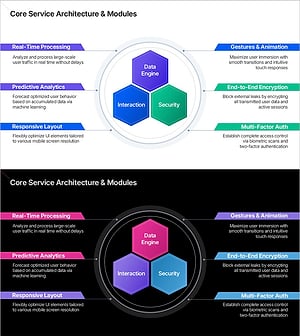
Service Architecture PowerPoint – Hexagon Hub 6 Modules
#Product/Service Introduction #Technical Approach #Product/Service Introduction
-
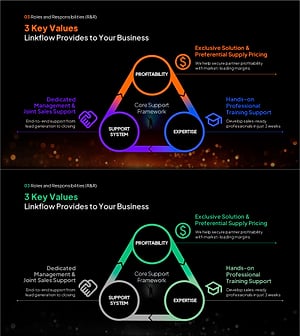
3 Key Values Framework PowerPoint Slide – Triangle Cycle
#Company Introduction #Diagram #Core Values, Vision, and Mission
