




Introducing Our Key Speakers – Diagram and Cluster
RB0800029-1_30
- Last Update 03/24/2025
- File Size 0.5MB
- # of Slides 2
- File Format PPTX
- Slide Ratio 4:3
- Color
Keywords
About the Product
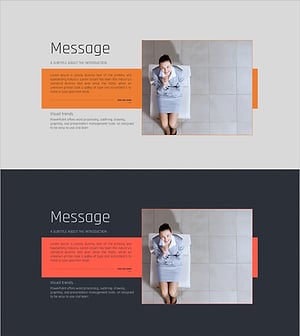
A professional PowerPoint slide template for introducing keynote speakers at seminars, conferences, and forums. The layout features a speaker photo on the left side and biographical information on the right, creating a balanced two-column structure that naturally guides audience attention. The design uses orange, gray, and white tones with clear information hierarchy, effectively conveying speaker credibility and expertise. This 4:3 aspect ratio template includes 2 slides, allowing you to introduce multiple speakers sequentially. Fully editable PPTX format ready for immediate use.
Usage Points
-
Main Usage
Designed for seminars, conferences, forums, and academic presentations to introduce keynote speakers with their titles, backgrounds, and areas of expertise. The balanced photo-and-text layout builds audience confidence in speaker credentials while capturing attention before presentations begin.
-
How to Use
Insert speaker portrait in the left photo area and add name, title, affiliation, background, and expertise in the right text boxes. For multiple speakers, duplicate the slide and customize each with speaker information. The orange accent lines and gray background maintain visual consistency while allowing individual speaker profiles to stand out.
-
Recommended For
Event organizers, conference planners, marketing teams, and seminar coordinators who need to introduce multiple speakers professionally. Ideal for large-scale events where consistent speaker introduction design reinforces event professionalism and speaker authority.
-
Slide Structure
Two-slide template with each slide divided into left photo area (approximately 40%) and right text area (60%). The text section accommodates 5-6 information fields (name, title, affiliation, background, expertise) arranged vertically, with orange accent lines providing visual separation between information categories.
Related Products
-
Key Messages from the CEO – Executive Vision and Goals
#Company Introduction #Text Box #Company Overview
-

Representative & Top Team Member Profiles Slide Template
#Company Introduction #Diagram #Introduction of Executives
-
Minimal Design Business Template – Innovation and Practicality
#Company Introduction #Financial Plans and Performance #Introduction of Executives
-
Medical Seminar Today's Speaker Profile
#Company Introduction #Diagram #Introduction of Executives
