



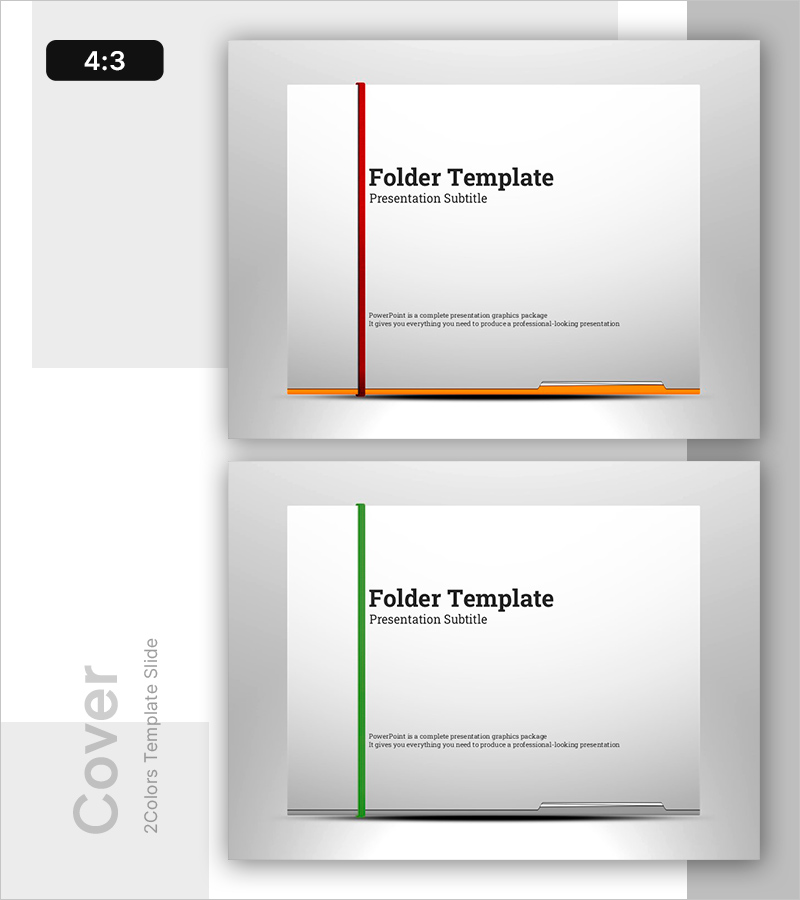
Folder Template Cover – Professional First Impression
RB0800029-1
- Last Update 03/24/2025
- File Size 0.5MB
- # of Slides 2
- File Format PPTX
- Slide Ratio 4:3
- Color
Keywords
About the Product
Professional folder cover PowerPoint slide for business document submission. Features a vertical accent line on the left (red or green) and an orange bar at the bottom, creating a trustworthy first impression. Two-slide set with color options, clear text input areas for company name, department, and project title. 4:3 aspect ratio in PPTX format, ready to edit and print. Ideal for business plans, proposals, reports, and official document covers.
Usage Points
-
Main Usage
Create a professional and trustworthy first impression when submitting business documents in folders. Choose between red or green accent colors to match your company branding, and visually communicate document importance and content type.
-
How to Use
Edit the cover slide with company name, department, project title, presentation topic, and date. Print and attach to folder, or use as a digital document cover page. Customize the left line and bottom bar colors to align with your company CI guidelines.
-
Recommended For
Business plans, proposals, reports, investment pitch decks, marketing plans, and official business documents. Recommended for sales teams, planning departments, executive reports, and formal submissions to clients or investors.
-
Slide Structure
Two-slide set with red and green color versions. Each slide includes a left vertical accent line, top title area for company and department name, center text input area for project name and title, and bottom orange bar. Optimized for 4:3 aspect ratio.
Related Products
-
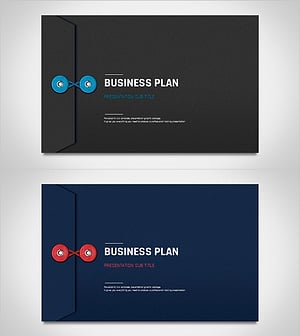
Business Plan Presentation Template Cover – Professionalism and Trust
#Slide Type #Cover
-
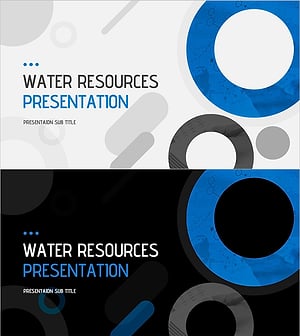
Water Resources Wide Presentation Template Main Cover – Possibilities through Water
#Slide Type #Cover
-
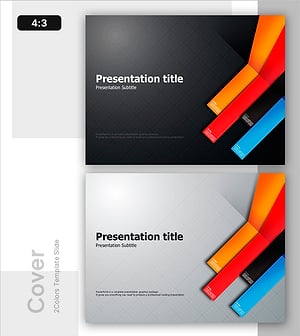
Start PPT Cover to Unfold the Strategy
#Slide Type #Cover
-
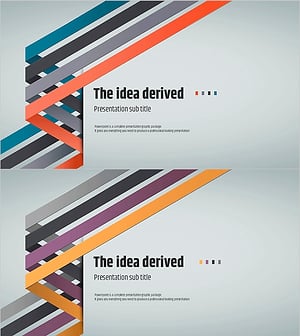
Idea Derived Template – Cover Slide for Creative Presentations
#Slide Type #Cover
