



Connected Diagram – Stylish Diagram Slide
RB0800028-1_23
- Last Update 03/23/2025
- File Size 0.4MB
- # of Slides 2
- File Format PPTX
- Slide Ratio 4:3
- Color
Keywords
- #Content-Based Slides
- #Design-Based Slides
- #Business Vision and Strategy
- #Operational Plan
- #Diagram
- #Core Competencies
- #Business Processes
- #Cluster
- #Chain Diagram
- #Free Templates
- #Free Diagrams
- #4:3
- #free connected diagram PowerPoint slide
- #free 4-item grid diagram PPT
- #free comparison layout slide download
- #how to make a 4-block diagram slide in PowerPoint
- #free chain diagram PowerPoint template download
About the Product
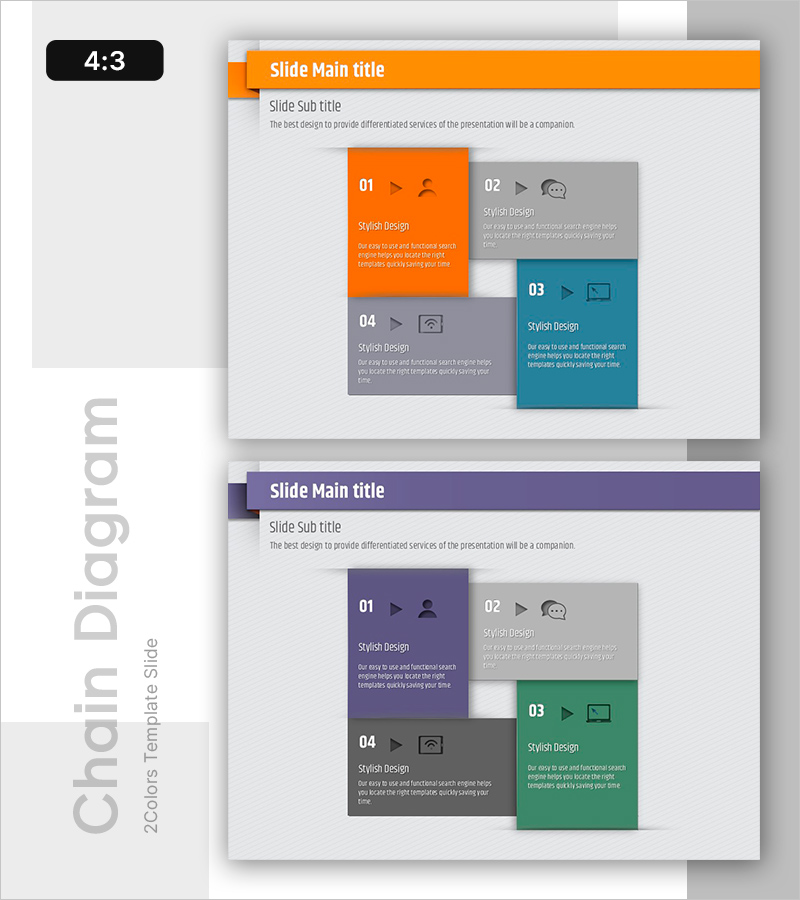
This free connected diagram PowerPoint slide offers two color themes — an orange and teal blue combination and a purple and green combination — giving you flexibility to match your brand identity. The layout features four square blocks arranged in a 2×2 grid, each containing a numbered label (01–04), a line icon, a subtitle, and a description text area, making it ideal for presenting four product features, service components, or strategic pillars side by side. A horizontal banner title bar at the top clearly separates the slide title from the subtitle, while the light gray background enhances the visual impact of the colored accent blocks. Provided as a 4:3 ratio PPTX file, this presentation slide can be inserted into any business document — from proposals and pitch decks to company profiles and business plans — simply by replacing the placeholder text. For more free diagram slides with similar structures, explore the GoodPello Free Diagram section.
Usage Points
-
Main Usage
Designed to present four parallel items — such as product features, service components, core competencies, or strategic pillars — in a structured 2×2 grid layout that allows audiences to compare and absorb information at a glance.
-
How to Use
Replace the numbered labels (01–04), subtitles, and description text in each block with your own content. Choose between the orange-teal or purple-green color theme to match your brand, then add your slide title and subtitle to the top banner bar.
-
Recommended For
Suitable for business planners, marketers, startup founders, and consultants who need to visually organize four key points in product presentations, business proposals, pitch decks, or company profile slides.
-
Slide Structure
Single-slide layout with four square blocks in a 2×2 grid arrangement. Each block includes a number label, line icon, subtitle, and description text area. Features a top horizontal banner title bar and two color theme variants: orange-teal and purple-green.
Related Products
-
Business Process Visualization Diagram Slide
#Operational Plan #Technical Approach #Diagram
-
Effective Water Resources Wide Presentation Template Diagram
#Product/Service Introduction #Operational Plan #Diagram
-
Business Process Diagram - Cluster Connection
#Operational Plan #Diagram #Business Processes
-
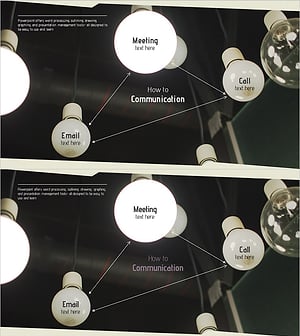
Business Process Diagram – Communication Flow
#Operational Plan #Technical Approach #Diagram
