



Polygonal Pattern PPT Template – High Usability Slide Design
RB0800027_3
- Last Update 03/23/2025
- File Size 0.6MB
- # of Slides 2
- File Format PPTX
- Slide Ratio 4:3
- Color
Keywords
About the Product
A professional divider slide template featuring geometric polygonal patterns in two color variations: red and blue. The design combines a grayscale polygonal background with bold accent color boxes and diagonal stripe elements that create visual impact. This PowerPoint slide is optimized for use as a cover or section divider in presentations, with 4:3 aspect ratio compatibility across all platforms. Ideal for corporate presentations, proposals, reports, and business documents that require a modern, dynamic opening. Both color versions are included in a single PPTX file, allowing you to match your presentation's tone and branding requirements.
Usage Points
-
Main Usage
Serves as a professional cover or section divider slide to establish visual hierarchy and enhance presentation credibility. The geometric polygonal pattern conveys modernity and dynamism, while the bold accent colors command audience attention and create memorable visual breaks between content sections.
-
How to Use
Insert your company name, presentation title, and speaker information into the designated text areas. Use the red version for proposals, marketing materials, and urgent communications that require energy and impact. Choose the blue version for corporate reports, financial presentations, and investor materials where trust and stability are paramount.
-
Recommended For
Ideal for business plans, project proposals, investment pitch decks, marketing presentations, quarterly reports, and corporate communications. Suitable for startups, SMEs, and enterprise-level organizations across all industries seeking professional presentation materials.
-
Slide Structure
Two-slide set with red and blue color variations. Each slide includes a main title input area, subtitle field, and space for company name and presenter information. Minimal text elements allow maximum customization while maintaining visual consistency.
Related Products
-
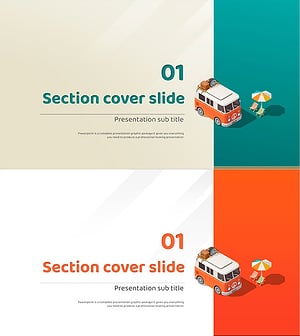
Camping Isometric Project Template – Stylish Section Slide Design
#Slide Type #Section Cover
-
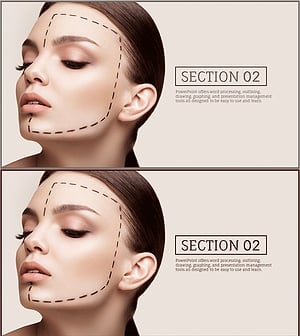
Stylish Slide for Plastic Surgery Pursuing Perfect Beauty
#Slide Type #Section Cover
-

Section Divider PowerPoint Slide – Dark Numbered Intro
#Slide Type #Section Cover
-
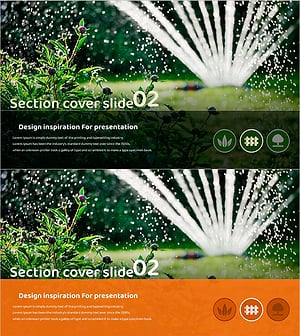
Gardening Wide Template Section Cover02 – Harmony with Nature
#Slide Type #Section Cover
