Notebook Style PowerPoint Table of Contents – Practical and Concise Design
RB0800020_2
- Last Update 03/21/2025
- File Size 3MB
- # of Slides 2
- File Format PPTX
- Slide Ratio 4:3
- Color
Keywords
About the Product
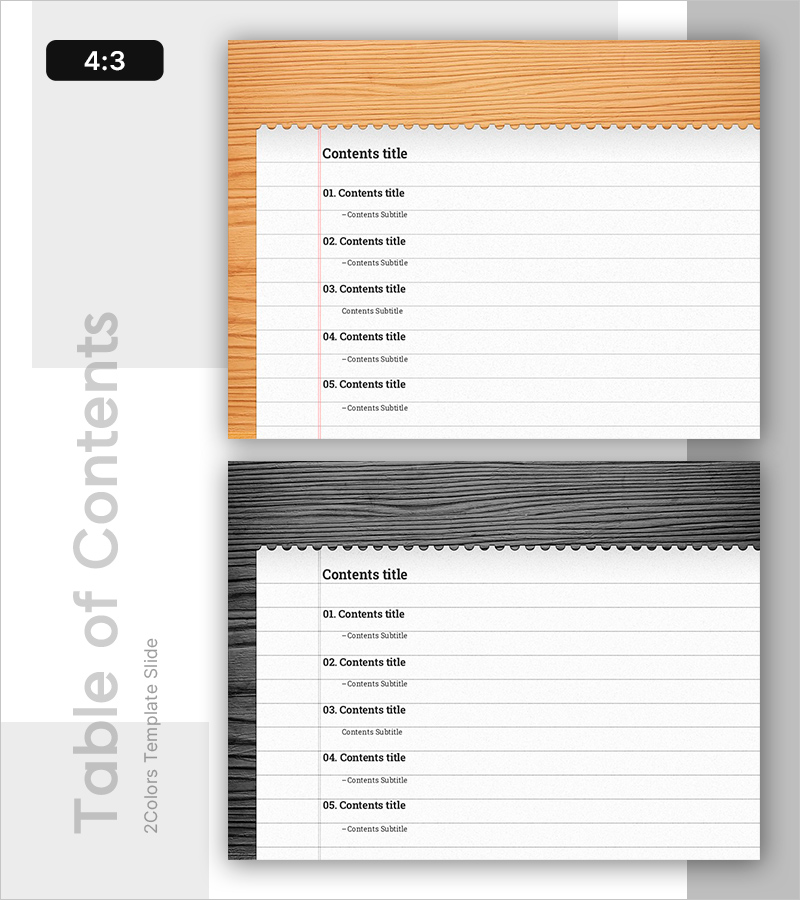
A professional table of contents PowerPoint slide designed to clearly present your presentation structure. This slide deck combines a warm wood-tone background with white paper texture in a notebook-style format, delivering both credibility and readability for business presentations. The 2-slide set accommodates up to 5 items per slide with dedicated subtitle areas for each entry, making it immediately applicable to various document types. Ideal for corporate reports, proposals, business plans, and all professional presentations requiring a structured overview.
Usage Points
-
Main Usage
Introduces your complete presentation structure to the audience and establishes a clear flow for your talk. The notebook-style design softens formality while maintaining professional credibility throughout your delivery.
-
How to Use
Place this slide immediately after your opening or at major section transitions to refocus audience attention. Edit the item text to match your actual presentation structure and use subtitles to briefly summarize each section's key points.
-
Recommended For
Recommended for corporate reports, investment proposals, business plans, marketing presentations, project pitches, educational seminars, and all professional presentations. Particularly effective for presentations covering 5 or more major sections.
-
Slide Structure
2-slide set with 5 item entry areas per slide. Features a title section, 5 numbered items (01-05), and dedicated subtitle space for each item. Two-column layout with warm wood-tone left bar and white main content area.