



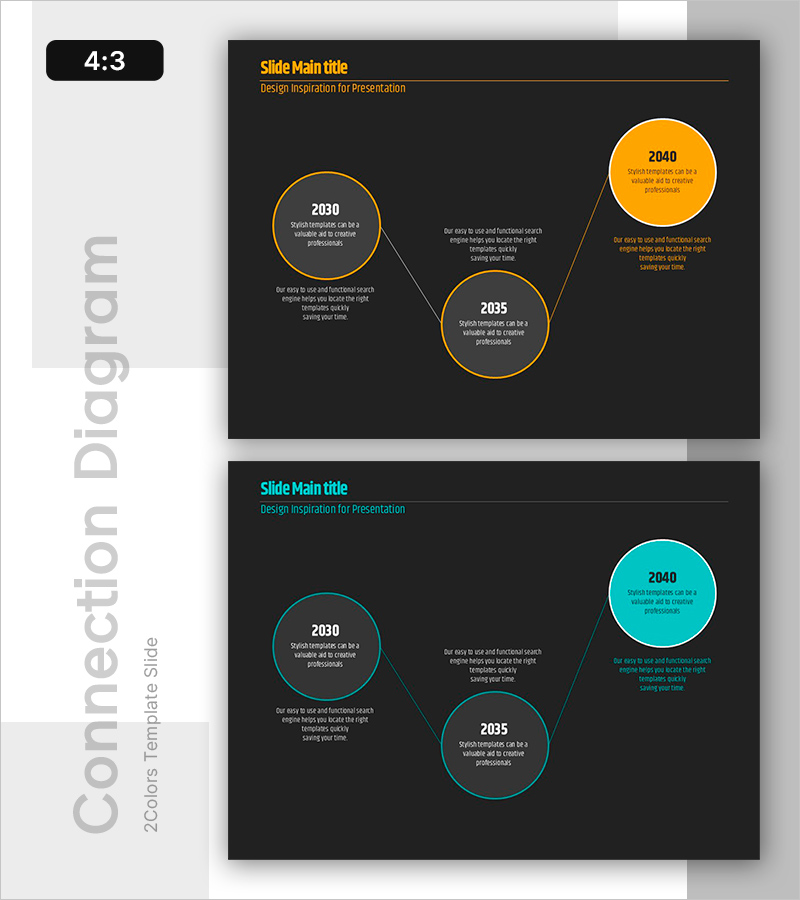
Circular History Connection Diagram – Expressing Time Flow Elegantly
RB0800014_3
- Last Update 03/20/2025
- File Size 0.1MB
- # of Slides 2
- File Format PPTX
- Slide Ratio 4:3
- Color
Keywords
About the Product
A timeline PowerPoint slide expressing time progression through three circular nodes with connecting lines. Presented on a dark background with two color options—orange and cyan—each slide provides clearly defined text input areas for stage-specific information. Ideal for presentation cover pages, section dividers, or timeline visualizations in business documents. Effectively communicates project phases, historical progression, strategic roadmaps, and milestone timelines. The 2-slide set offers flexible color options for easy customization to match corporate branding and presentation themes.
Usage Points
-
Main Usage
Visually represent time-based progression, project phases, historical milestones, strategic vision timelines, and organizational development stages. The three-node circular structure clearly communicates key information at each time point, making it ideal for executive presentations and strategic planning documents.
-
How to Use
Use as a section divider or opening slide in presentations, or integrate into business plans, strategy presentations, and project reports as a dedicated timeline section. Enter year labels, phase names, and key descriptions in each circular node, and customize colors to align with corporate branding guidelines as needed.
-
Recommended For
Strategic planning presentations, project management reports, business plans, corporate vision statements, marketing roadmaps, product development timelines, and organizational change communications. Particularly valuable for decision-support materials requiring clear visualization of phased execution plans and milestone tracking.
-
Slide Structure
2-slide set with each slide featuring 3 circular nodes (2030, 2035, 2040) connected by lines, with dedicated text input areas beneath each node. First slide uses orange accent color, second uses cyan, allowing selection based on presentation theme or section focus.
Related Products
-
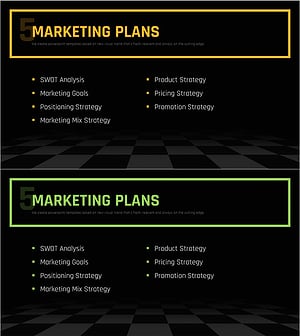
Chess Themed Business Strategy Template Section Slide
#Slide Type #Section Cover
-

Fashion Business Plan Template Section Slide – Emphasizing Operation Plans
#Slide Type #Section Cover
-
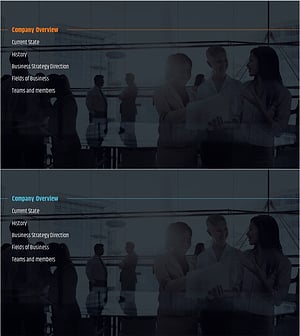
City Modern Theme Business Plan Template Section Slide
#Slide Type #Section Cover
-
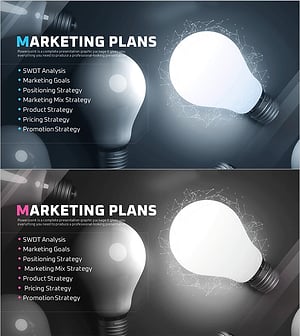
Startup Business Plan Template Section – Marketing Plans
#Slide Type #Section Cover
