



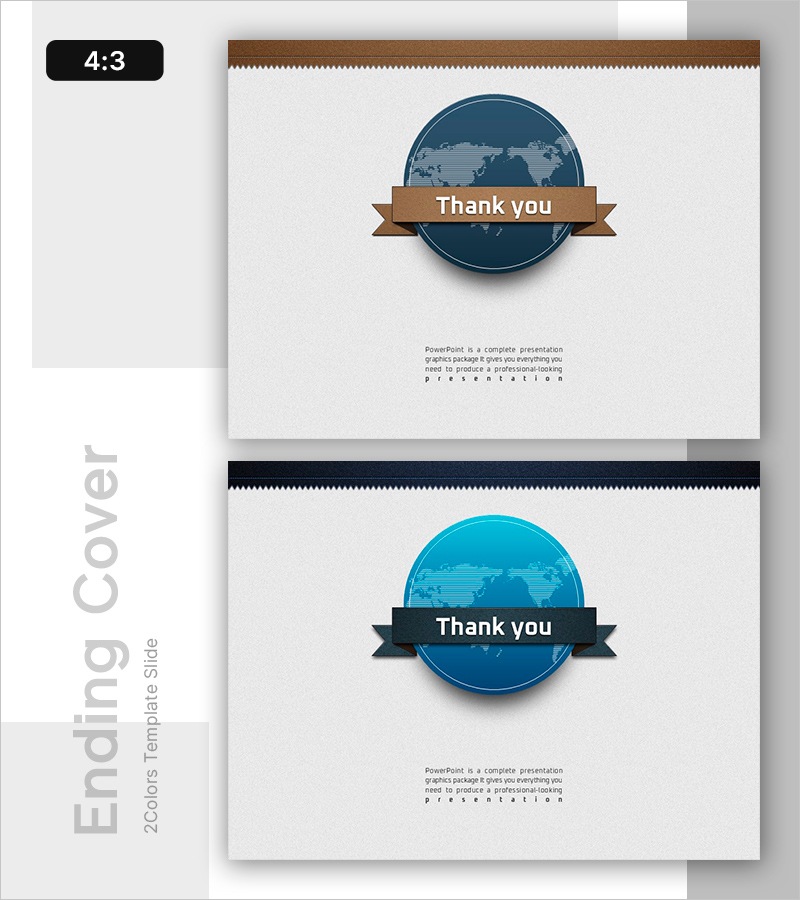
Global Illustration PPT Ending Cover
RB0800013_20
- Last Update 03/20/2025
- File Size 13.4MB
- # of Slides 2
- File Format PPTX
- Slide Ratio 4:3
- Color
Keywords
About the Product
A professional ending cover PowerPoint slide designed to conclude your presentation with impact. Featuring a globe illustration and brown-toned banner, this slide conveys global business expertise and international vision. Ideal for corporate presentations, investor pitches, international conferences, and business meetings. The 2-slide set includes color variations in brown and black tones, formatted in 4:3 ratio PPTX for compatibility with all PowerPoint versions. Pre-designed text areas for thank you messages and company information enable quick customization and professional closure.
Usage Points
-
Main Usage
Serve as the final slide of your presentation to deliver gratitude and reinforce your company's global vision. The globe illustration visually represents international business, global expansion, and cross-border partnerships, leaving a lasting positive impression on your audience.
-
How to Use
Place this slide at the end of business plans, investor presentations, company profiles, or proposals. Customize the text area with thank you messages, contact information, and website details. Add your company logo or QR code to encourage audience follow-up and engagement.
-
Recommended For
International business professionals, export sales teams, global corporation employees, consultants, and presenters addressing multinational audiences. Particularly effective for emphasizing corporate global capabilities in international meetings and cross-border business presentations.
-
Slide Structure
2-slide set with brown-toned banner on slide 1 and black-toned banner on slide 2. Each slide features a centered globe illustration, 'Thank you' banner at the top, and customizable text area at the bottom for company information and contact details. 4:3 aspect ratio ensures optimal display on all projectors and screens.
Related Products
-

Overseas Travel Illustration Template – Ending Page to Express Gratitude
#Slide Type #Ending Cover
-

Green Eco-friendly Energy Template – End Page for a Sustainable Future
#Slide Type #Ending Cover
-

Sports Game Template Ending Cover
#Slide Type #Ending Cover
-
Carbon Neutral Wide Template_Ending Page
#Slide Type #Ending Cover
