



Presentation Template for Operation Planning and Risk Management
RJ0800006_11
- Last Update 03/18/2025
- File Size 0.4MB
- # of Slides 4
- File Format PPTX
- Slide Ratio 16:9
- Color
Keywords
- #Content-Based Slides
- #Design-Based Slides
- #Operational Plan
- #Risk Management and Regulatory Compliance
- #Graph
- #Risk Management
- # Risk Management Strategy
- #Line
- #Line Chart
- #16:9
- #line chart PowerPoint
- #trend analysis slide template
- #data visualization PPT
- #operational planning presentation
- #risk management chart
- #time series graph slide
About the Product
A line chart PowerPoint slide set optimized for operational planning and risk management presentations. This 4-slide template visualizes 8-year data trends from 2001 to 2008 with high-contrast dark background and orange line design for clear visibility in projection environments. Each slide features circular node markers and dedicated text areas to communicate both numerical trends and strategic insights simultaneously. Delivered as an editable 16:9 PPTX file, ready for immediate use in financial reports, business performance analysis, operational metrics briefings, and executive dashboards.
Usage Points
-
Main Usage
Designed to clearly visualize numerical changes and trends over time, emphasizing the progression of operational metrics, revenue trends, risk indicators, and performance KPIs. The visual format strengthens decision-making by making data patterns immediately apparent to stakeholders.
-
How to Use
Modify the Y-axis scale and X-axis years to match your dataset, then adjust the orange line and circular marker positions accordingly. Replace the right-side text box content with your key insights or analysis findings to create a cohesive narrative between the chart and supporting commentary.
-
Recommended For
Ideal for finance teams presenting quarterly and annual performance reports, operations teams analyzing KPI trends, risk management teams monitoring risk indicators, executive briefings, and investor presentations. Particularly effective for strategy meetings and board reports where long-term trends need emphasis.
-
Slide Structure
All 4 slides follow identical structure: dark background (black/charcoal) + orange line chart (8 data points) + circular node markers (3-4 highlighted) + right-side text area (title + 3-line description). Each slide functions independently while maintaining consistent visual hierarchy across the set.
Related Products
-
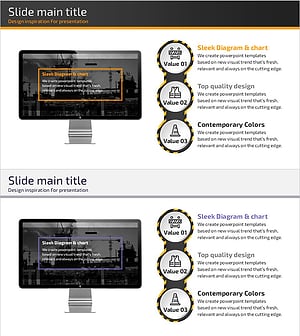
Safety Management System – Optimized Diagram for Risks and Compliance
#Operational Plan #Risk Management and Regulatory Compliance #Diagram
-
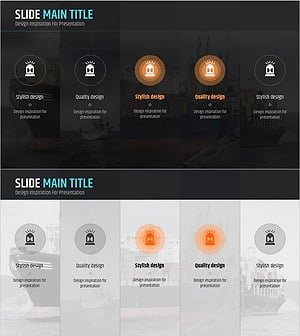
Risk Management Presentation Template – Systematic and Practical Design
#Operational Plan #Risk Management and Regulatory Compliance #Diagram
-
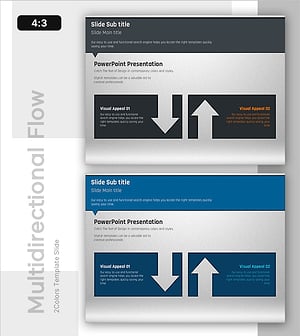
Slide Showing Pros and Cons – Diagram for Risk Management
#Operational Plan #Risk Management and Regulatory Compliance #Diagram
-
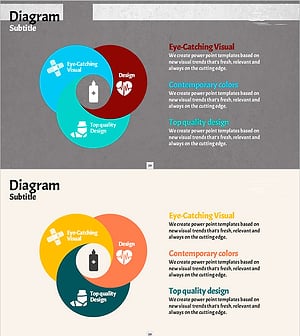
How to Deal with a Crisis in Case of an Accident - Effective Risk Management Tool
#Operational Plan #Risk Management and Regulatory Compliance #Diagram
