



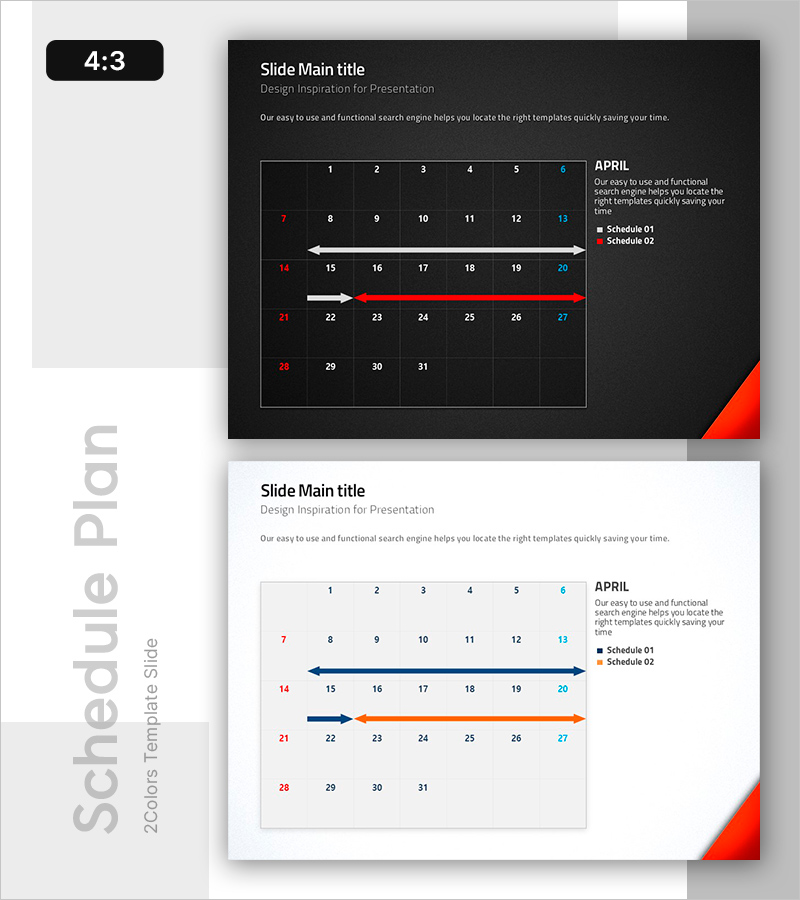
Simple Schedule Table – Efficient Time Management
RB0800005_16
- Last Update 03/18/2025
- File Size 1.9MB
- # of Slides 2
- File Format PPTX
- Slide Ratio 4:3
- Color
Keywords
About the Product
A table-based schedule diagram PowerPoint slide designed for clear monthly timeline visualization and project scheduling. The slide features a high-contrast layout with white text on dark background and light text on white background, ensuring readability across presentation environments. The grid structure with date cells and directional arrows (blue and red) allows you to highlight key milestones and prioritize tasks effectively. The 2-slide set includes both dark and light versions, enabling seamless integration with any presentation theme. Ideal for project timelines, team scheduling, marketing campaign planning, and executive status reports.
Usage Points
-
Main Usage
Display monthly or quarterly project schedules, team meeting calendars, marketing campaign timelines, and product launch roadmaps with visual clarity. The date-cell grid structure and color-differentiated arrows (blue for standard tasks, red for critical milestones) enable clear communication of schedule priorities and task dependencies.
-
How to Use
Enter specific dates and task names into the calendar cells. Use the color-coded arrows to distinguish between routine schedules and critical milestones, referencing the legend (Schedule 01 and 02). Select either the dark or light version based on your presentation theme and display environment. The editable grid allows flexible date range highlighting and task categorization.
-
Recommended For
Project managers, team leads, marketing professionals, operations managers, and executives presenting status updates. Particularly effective for scenarios involving overlapping schedules, priority adjustments, cross-functional coordination, and stakeholder communication requiring visual timeline clarity.
-
Slide Structure
6-column × 5-row monthly calendar grid with date input cells. Week numbers (7, 14, 21, 28) appear on the left margin. Title 'APRIL' and legend (Schedule 01, 02) are positioned on the right. Two directional arrows (blue and red) highlight specific date ranges, enabling clear period emphasis and milestone marking within the calendar structure.
Related Products
-

IR Team Structure Diagram – Divisions and Collaborations
#Company Introduction #Business Management #Diagram
-
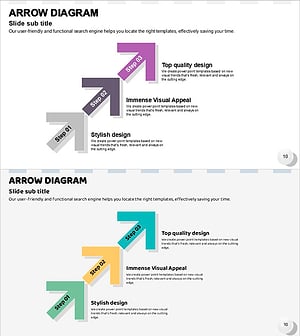
Triple Arrow Flow Slide
#Business Strategy #Diagram #Step-by-Step Schedule Plan
-

VR Technology Explanation Slides – Vision of Innovation and Creativity
#Product/Service Introduction #Technical Approach #Diagram
-
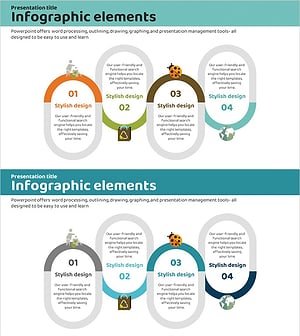
Carbon Neutral Solution Connection Diagram
#Operational Plan #Diagram #Risk Management
