



Highlighting Notes with Rounded Rectangle Text Box
RB0800005_10
- Last Update 10/04/2025
- File Size 1.9MB
- # of Slides 2
- File Format PPTX
- Slide Ratio 4:3
- Color
Keywords
- #Content-Based Slides
- #Design-Based Slides
- #Product/Service Introduction
- #Text Box
- #Features
- #Product and Service Overview
- #Rounded Rectangle Text Box
- #4:3
- #rounded rectangle text box PPT
- #text box PowerPoint slide
- #3-section comparison layout
- #emphasis slide design
- #rounded box presentation template
About the Product
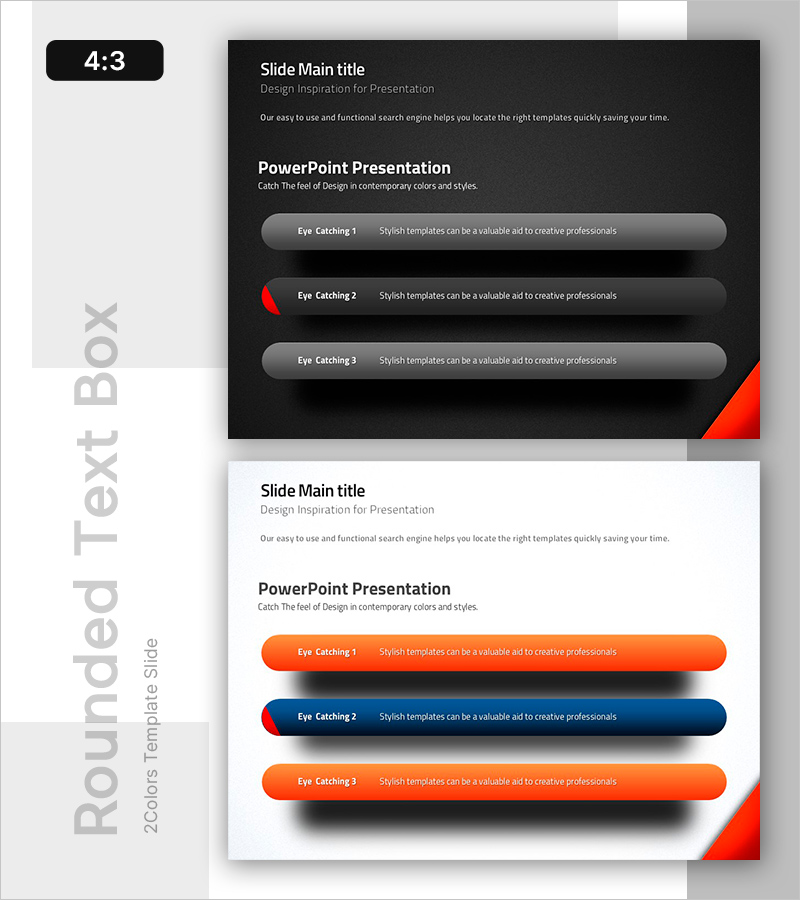
A PowerPoint slide featuring rounded rectangle text boxes to highlight key points and notes. The dark background with contrasting light text boxes ensures high readability, while three input areas create a clear comparison and emphasis structure. Gray, orange, and blue boxes are hierarchically arranged on a black background to establish information priority. This 4:3 ratio, 2-slide presentation template effectively communicates main points, notes, and important details in your slides.
Usage Points
-
Main Usage
This slide is designed to emphasize main points, notes, and important information in presentations. The soft rounded rectangle boxes combined with color contrast draw audience attention, while the 3-item comparison structure maximizes information delivery efficiency and clarity.
-
How to Use
Enter key titles and descriptions in each rounded box for comparative analysis, step-by-step explanations, or highlighting important notes. The high-contrast dark background layout works well for online presentations, in-person meetings, and report slides, with color boxes serving as additional emphasis elements.
-
Recommended For
Ideal for business reports, marketing plans, proposals, and educational seminars where key information needs emphasis. Particularly suited for presentations on cautions, checklists, comparative analysis, or presenting three options across various professional roles and departments.
-
Slide Structure
2-slide set with the first slide featuring three gray boxes on a dark background, and the second slide displaying orange, blue, and orange boxes. Each box includes a title input area and description text area, with rounded corners providing a soft visual effect.
Related Products
-
Rounding Box Items Slide – Product and Service Introduction
#Product/Service Introduction #Text Box #Features
-
Trial Closure Diagram for Legal Process Explanation
#Product/Service Introduction #Diagram #Features
-
Quality PowerPoint Slide Template with Versatile Text Boxes
#Product/Service Introduction #Text Box #Features
-
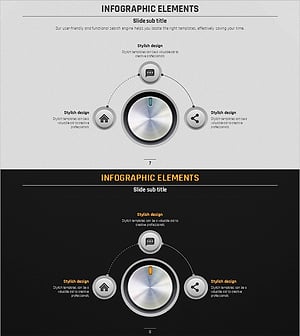
Volume Presentation Template – Infographic Elements for Product Introduction
#Product/Service Introduction #Features #Product and Service Overview
