



Design PowerPoint Table of Contents Slide – A Professional First Impression
RB0800001_2
- Last Update 03/17/2025
- File Size 3.4MB
- # of Slides 2
- File Format PPTX
- Slide Ratio 4:3
- Color
Keywords
About the Product
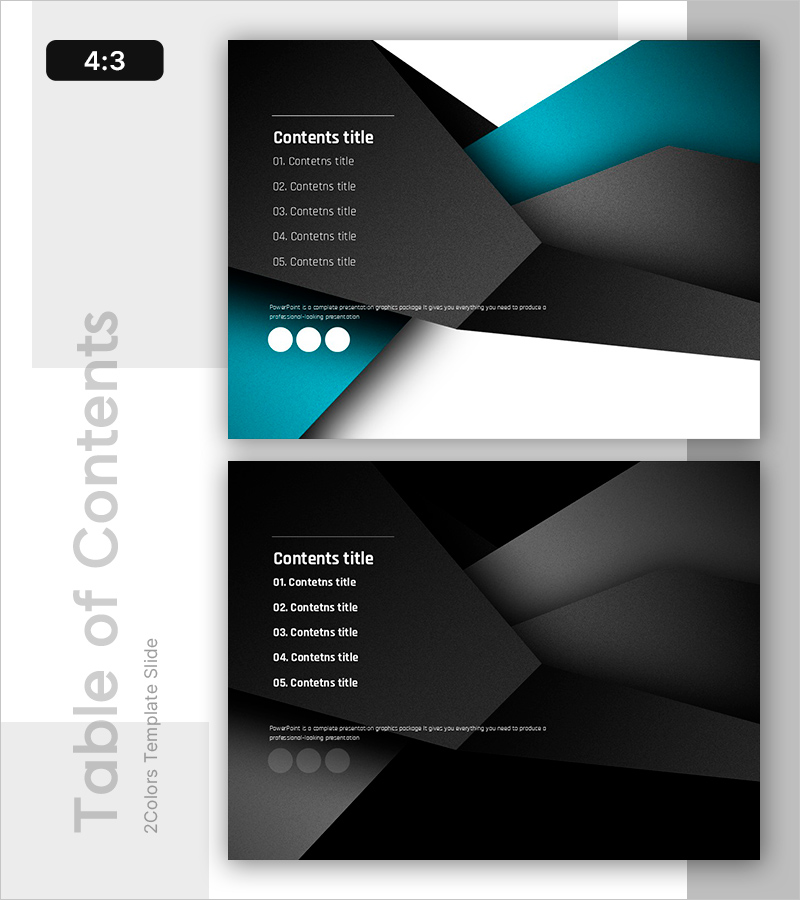
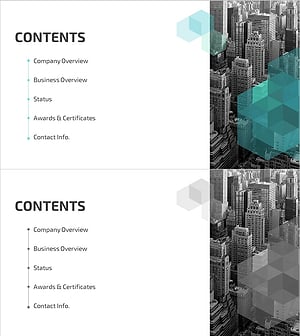
A professional table of contents slide that sets the tone for your entire presentation. This PowerPoint slide features a striking geometric background in black and teal with five clearly organized content items, ready for immediate use in corporate presentations and proposals. The left side provides a dark gray text input area with numbered entries, while the upper right teal accent and three circular elements at the bottom create visual balance. Delivered in 4:3 ratio PPTX format, it integrates seamlessly with existing templates for easy customization. Perfect for company introductions, business plans, proposals, and other professional presentations.
Usage Points
-
Main Usage
Serve as the table of contents page in your presentation to clearly communicate the structure and flow to your audience. The geometric background and color contrast capture attention, while the five-item hierarchical layout enables viewers to grasp the overall presentation structure at a glance.
-
How to Use
Place the first of two slides immediately after the title slide to introduce your presentation outline. Enter each section title in the left text area and adjust colors and fonts to match your existing template if needed. Suitable for corporate presentations, client proposals, business plans, and all professional documents.
-
Recommended For
Ideal for executive presentations, investor pitches, client proposals, internal meetings, and any professional setting requiring a polished introduction. Particularly effective for presentations with five or more sections, helping audiences understand and retain the overall structure.
-
Slide Structure
The slide set includes two layouts: the first features a teal accent version, and the second offers a monochrome alternative. Each slide contains five numbered text input areas on the left, a geometric background on the right, and three circular elements at the bottom, providing both information hierarchy and visual balance.
Related Products
-
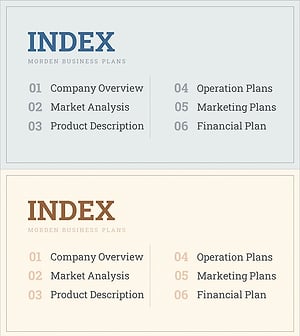
Interior Business Plan Template Contents - Modern Design
#Slide Type #Table of Contents
-
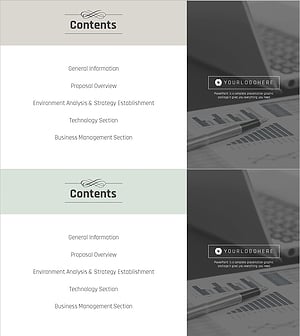
Business Classic Theme Proposal Contents Slide
#Slide Type #Table of Contents
-
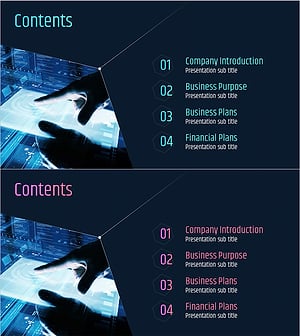
IT Investment Attraction Template Contents – Introduction for Successful Presentation
#Slide Type #Table of Contents
-
Hexagon 3D Company Profile Template Contents - Visually Appealing Structure
#Slide Type #Table of Contents
