



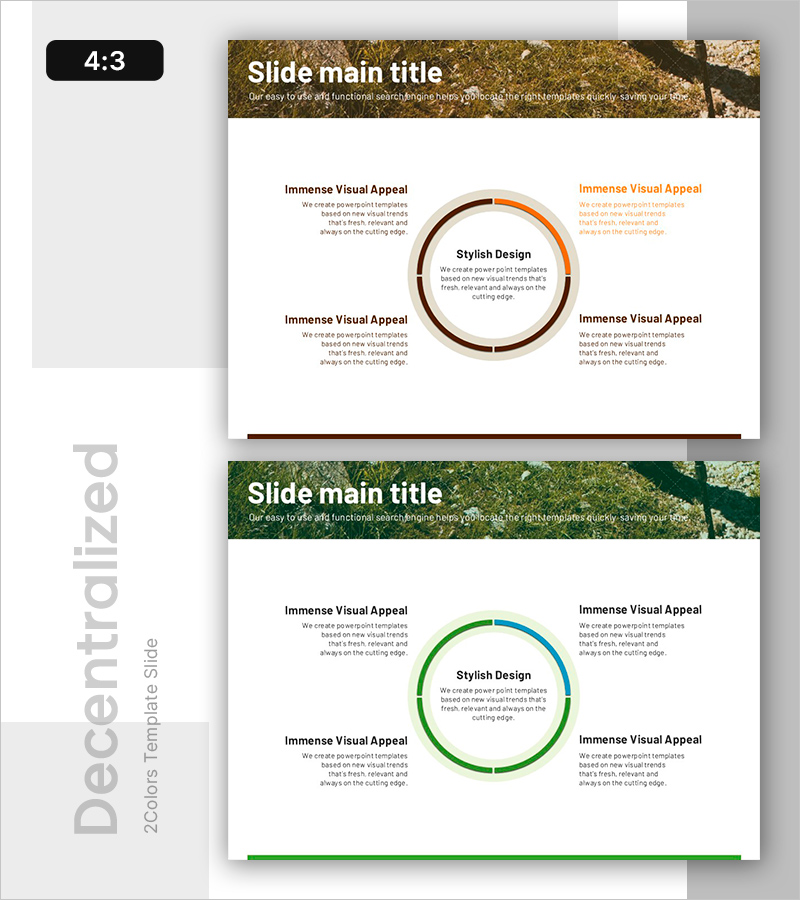
Mountaineering PPT Function Introduction Diagram
RB0600022_5
- Last Update 03/14/2025
- File Size 3.3MB
- # of Slides 2
- File Format PPTX
- Slide Ratio 4:3
- Color
Keywords
- #Content-Based Slides
- #Design-Based Slides
- #Business Vision and Strategy
- #Diagram
- #Business Strategy
- #Core Competencies
- #Spread
- #Centralized Diagram
- #4:3
- #central circular diagram PowerPoint
- #4-direction radial diagram slide
- #feature introduction PowerPoint template
- #business strategy diagram slide
- #capability overview presentation
About the Product
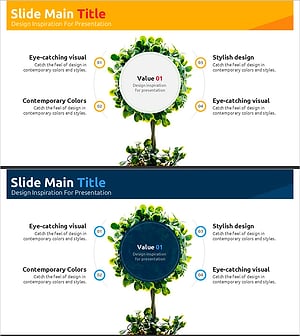
A radial diagram PowerPoint slide with a central focal point and four directional information branches. The design features a two-tone ring structure in brown-orange and green-blue, creating a layered visual hierarchy. Each directional text area accommodates detailed descriptions of features, capabilities, or strategic elements. The 2-slide set includes both color variations, allowing you to select the appropriate palette for your presentation topic. Ideal for business presentations, strategy overviews, capability introductions, and corporate communications that require balanced multi-point visualization.
Usage Points
-
Main Usage
Visualize organizational capabilities, business functions, or strategic elements radiating from a central concept. The design emphasizes the core message while maintaining balanced presentation of four supporting points, creating clear hierarchical relationships.
-
How to Use
Enter your core message (company name, strategy title, or product name) in the central circular area. Add feature descriptions, capabilities, objectives, or implementation strategies in the four directional text boxes. Choose between brown-orange or green-blue color schemes to match your presentation theme and corporate branding.
-
Recommended For
Executive presentations, business plans, organizational capability introductions, product feature explanations, marketing strategy pitches, and investment pitch decks. Particularly effective for presentations requiring balanced explanation of a central concept with four supporting elements.
-
Slide Structure
2-slide set. Each slide features a central two-tone ring (brown-orange or green-blue) with four directional text boxes positioned at top, bottom, left, and right. Central area displays core message (e.g., 'Stylish Design'), with supporting descriptions in each directional section.
Related Products
-
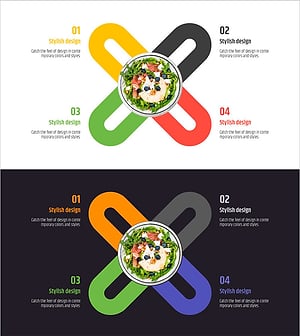
Salad Diagram – Visualizing Business Strategy and Core Competencies
#Business Vision and Strategy #Diagram #Business Strategy
-
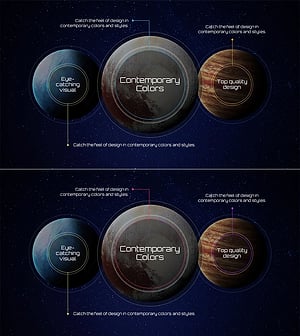
Slide Template Enhancing Visual Appeal with Contemporary Colors
#Business Vision and Strategy #Diagram #Business Strategy
-
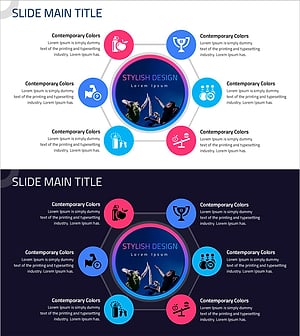
Exercise Theme Expansion Diagram Slide
#Business Vision and Strategy #Diagram #Business Strategy
-
Visualize Business Vision with Tree Expansion Diagram
#Business Vision and Strategy #Diagram #Business Strategy
