



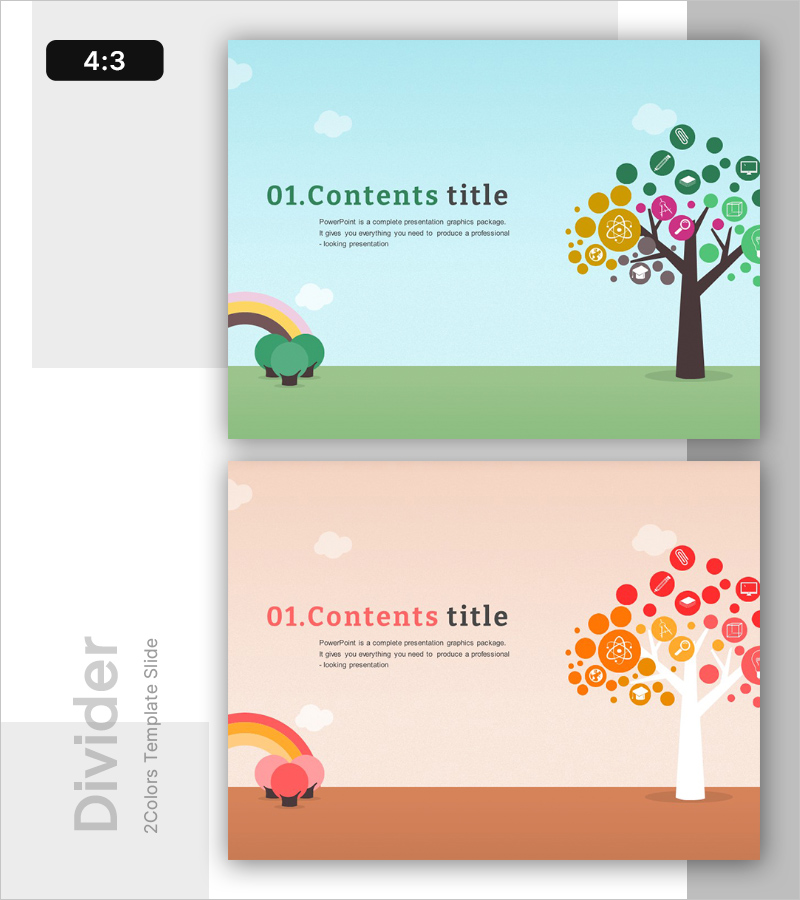
Education Tree Illustration Template – Section
RB0300025_3
- Last Update 03/10/2025
- File Size 3.4MB
- # of Slides 2
- File Format PPTX
- Slide Ratio 4:3
- Color
Keywords
About the Product
A section divider PowerPoint slide designed for educational and learning-focused presentations. Features a light sky blue and warm beige background with rainbow, tree, and icon illustrations representing educational content structure. The slide provides clear separation between title area and descriptive text input space, making it ideal for table of contents or section breaks. The 4:3 aspect ratio includes 2 slide variations with different color combinations, allowing you to maintain visual consistency while introducing design variety throughout your presentation. Ready to use immediately for educational institutions, learning programs, and educational seminar presentations.
Usage Points
-
Main Usage
Serves as a section divider page in educational and learning presentations to separate major content areas. Placed after table of contents or before each main section to refocus audience attention and clearly mark transitions to new content topics.
-
How to Use
Insert this slide before each major section of your presentation and add your section title in the designated title area. Use the descriptive text space below to write key learning objectives or a brief overview of that section. Choose between the two color variations to match your overall presentation design theme.
-
Recommended For
Ideal for educators, learning program coordinators, educational seminar facilitators, online course creators, and education consultants. Suitable for student education, corporate training programs, academic presentations, educational workshops, and professional development seminars.
-
Slide Structure
The slide layout features a title input area in the upper left and descriptive text input space in the center. The right side displays tree and icon illustrations as visual focal points. Both slides share identical layout structure but differ in background color (sky blue vs. beige), allowing you to use different colors for different sections to enhance visual distinction.
Related Products
-
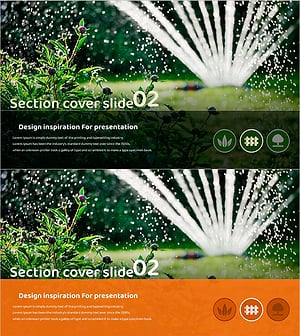
Gardening Wide Template Section Cover02 – Harmony with Nature
#Slide Type #Section Cover
-
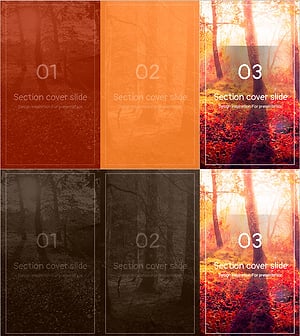
Natural Color Section Slide – Capturing the Beauty of Nature
#Slide Type #Section Cover
-
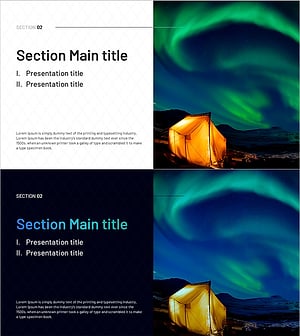
Nature-Inspired Template – Create Engaging Section Covers
#Slide Type #Section Cover
-
Stylish Slide for Plastic Surgery Pursuing Perfect Beauty
#Slide Type #Section Cover
