



Strategic Global Trade Template Outline
RB0100095_2
- Last Update 03/07/2025
- File Size 1MB
- # of Slides 2
- File Format PPTX
- Slide Ratio 4:3
- Color
Keywords
About the Product
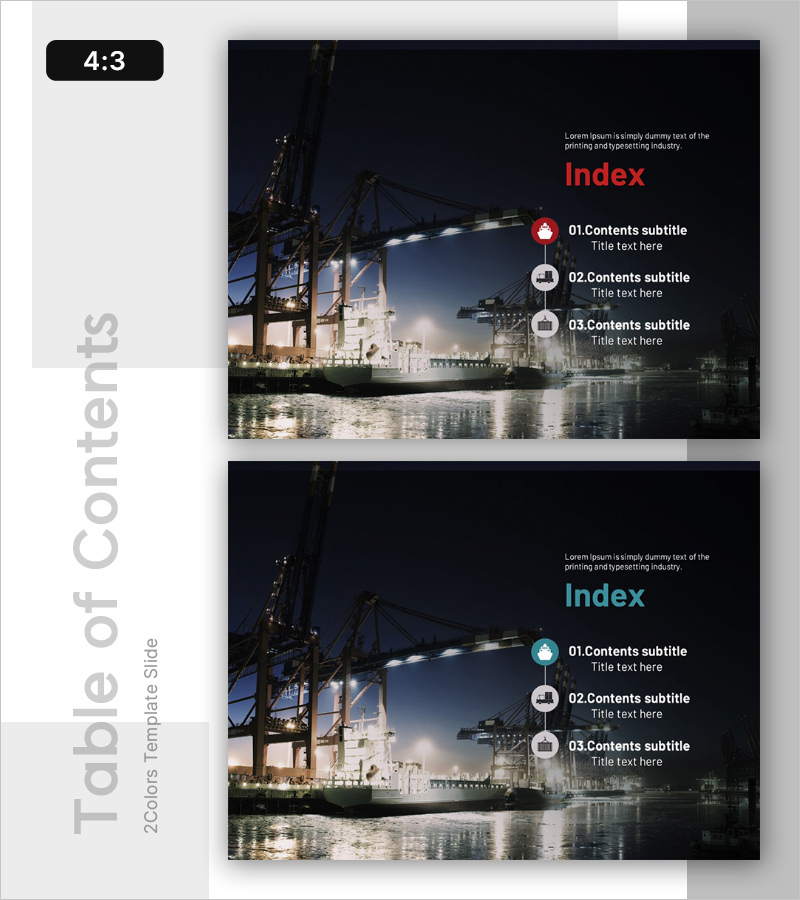
A professional table of contents PowerPoint slide designed for global trade business presentations. The slide features a dark background with a nighttime port harbor image on the left, while the right side displays three content sections arranged vertically with color-coded circular icons in red, gray, and blue tones. The title 'Index' is prominently displayed in red text, creating strong visual hierarchy. This presentation slide works perfectly for international trade, logistics, and business strategy pitches, helping audiences understand the presentation structure at a glance. The PPTX format allows full customization of colors, icons, text, and background imagery to match your corporate branding.
Usage Points
-
Main Usage
Serves as the opening table of contents slide for global trade, logistics, and international business presentations. The port harbor background naturally aligns with trade and logistics themes, while the three-section structure gives audiences an immediate overview of your presentation flow.
-
How to Use
Place this slide near the beginning of your presentation to introduce the agenda and structure to your audience. Replace the placeholder text next to each icon with your own section titles. You can easily adjust the number of sections, modify colors and fonts, and swap the background image to match your company's visual identity.
-
Recommended For
International trade professionals, logistics executives, export-import business consultants, and global strategy presenters. Ideal for investor pitches, partner collaboration proposals, internal strategy meetings, and international business conferences.
-
Slide Structure
Two-slide set with color variations—the first features red icons and the second uses blue icons for visual flexibility. Each slide is divided into two sections: a left area with the port harbor image and a right area with text and icon elements. Three vertical input fields are provided for your content sections.
Related Products
-
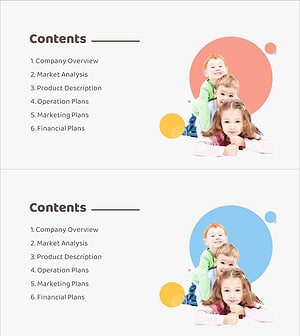
Baby Products Business Plan Template Contents
#Slide Type #Table of Contents
-
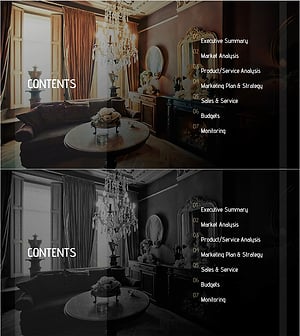
Luxury Hotel Marketing Plan Template Contents
#Slide Type #Table of Contents
-
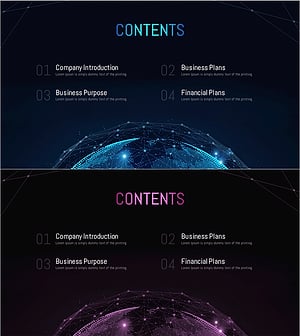
Global Investment Attraction Template Contents – Professionalism and Innovation
#Slide Type #Table of Contents
-
Painting Theme Company Profile Template Contents
#Slide Type #Table of Contents
