



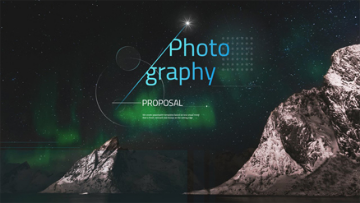
Section Guide Along the Business Flight Path
RB0100044_2
- Last Update 03/05/2025
- File Size 3MB
- # of Slides 2
- File Format PPTX
- Slide Ratio 4:3
- Color
Keywords
About the Product
A 2-slide PowerPoint presentation template designed for business document table of contents sections. Features an airplane window view of the sky as a visual metaphor for business progression and journey stages. The dark blue background with white typography displays five numbered content items with title and subtitle fields for each entry. Provided in 4:3 aspect ratio PPTX format, ready to integrate into existing presentations. Ideal for company profiles, business plans, proposals, and investment pitches where a structured content roadmap is essential.
Usage Points
-
Main Usage
Establish a clear content structure for business presentations by introducing the five main sections of your talk. The airplane window imagery serves as a visual metaphor for business progression, helping audiences understand the journey and flow of your presentation. Creates anticipation and provides a professional roadmap for the discussion ahead.
-
How to Use
Simply replace the placeholder text in each of the five numbered sections with your actual content titles and subtitles. The airplane window background and layout are pre-designed, so you only need to customize the text fields. Works well for company overviews, business strategies, solutions, results, and vision statements in corporate presentations.
-
Recommended For
Recommended for company introductions, business proposals, strategic plans, investor pitches, and marketing presentations. Particularly effective for organizations in travel, aviation, logistics, or international business sectors where the journey metaphor resonates. Suitable for executive presentations, investor meetings, and formal business communications.
-
Slide Structure
Two-slide set with consistent layout: airplane window image positioned on the left, with 'Contents' title and five numbered items (01-05) on the right. Each item includes three editable text fields: number, main title, and subtitle. The structure allows for flexible content customization while maintaining visual consistency and professional appearance throughout the presentation.
Related Products
-
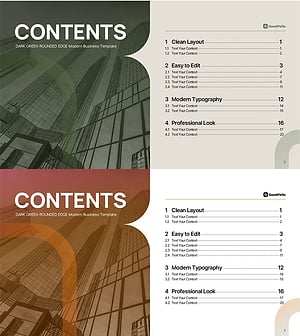
Table of Contents Slide – Rounded Edge Business PowerPoint
#Slide Type #Table of Contents
-
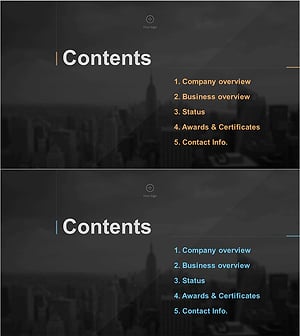
Stylish Company Profile Template Contents
#Slide Type #Table of Contents
-
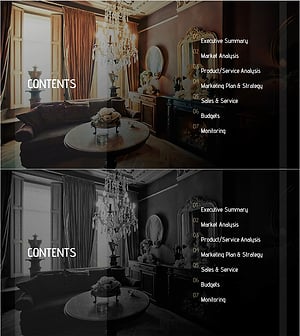
Luxury Hotel Marketing Plan Template Contents
#Slide Type #Table of Contents
-
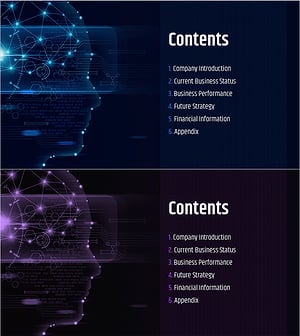
AI Technology IR Template Contents – Innovation and Vision
#Slide Type #Table of Contents
