History Education Template Table of Contents – Organized and Engaging Design
RM0900015_2
- Last Update 03/05/2025
- File Size 18.5MB
- # of Slides 2
- File Format PPTX
- Slide Ratio 16:9
- Color
Keywords
About the Product
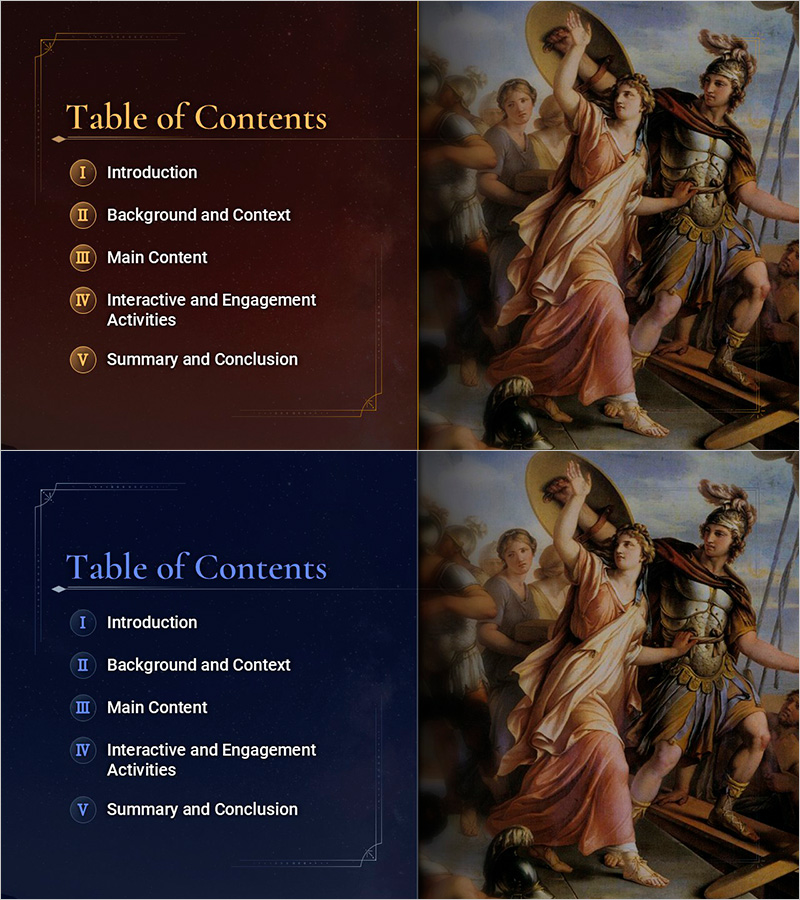
A professional table of contents PowerPoint slide designed for history education and academic presentations. Features a dark brown background with gold borders and Roman numeral numbering system (I–V) to create a structured, authoritative appearance. The 2-slide set clearly organizes five key sections: Introduction, Background and Context, Main Content, Interactive and Engagement Activities, and Summary and Conclusion. A historical painting image on the right side reinforces visual connection to educational content. Available in 16:9 widescreen PPTX format, fully editable and ready for immediate use in schools, universities, museums, and cultural institutions.
Usage Points
-
Main Usage
Provides a clear roadmap of your presentation structure using five distinct sections marked with Roman numerals. Helps audiences understand the flow and organization of your educational content while establishing credibility and professionalism for history, culture, and academic topics.
-
How to Use
Place this slide near the beginning of your presentation to introduce the overall structure. Edit the text fields to match your actual section titles. You can add hyperlinks to each section for interactive navigation. Customize background and border colors to align with your institution's branding or presentation theme.
-
Recommended For
History teachers, archaeology educators, museum professionals, cultural heritage specialists, university lecturers, academic researchers, and seminar presenters. Ideal for educational institutions, cultural organizations, and scholarly presentations.
-
Slide Structure
Two-slide layout with dark brown background. Left side contains five text input areas with Roman numerals (I–V), each with independent editing capability. Right side displays a historical painting image. Decorative borders and gold accent lines emphasize the hierarchical structure and professional appearance.