



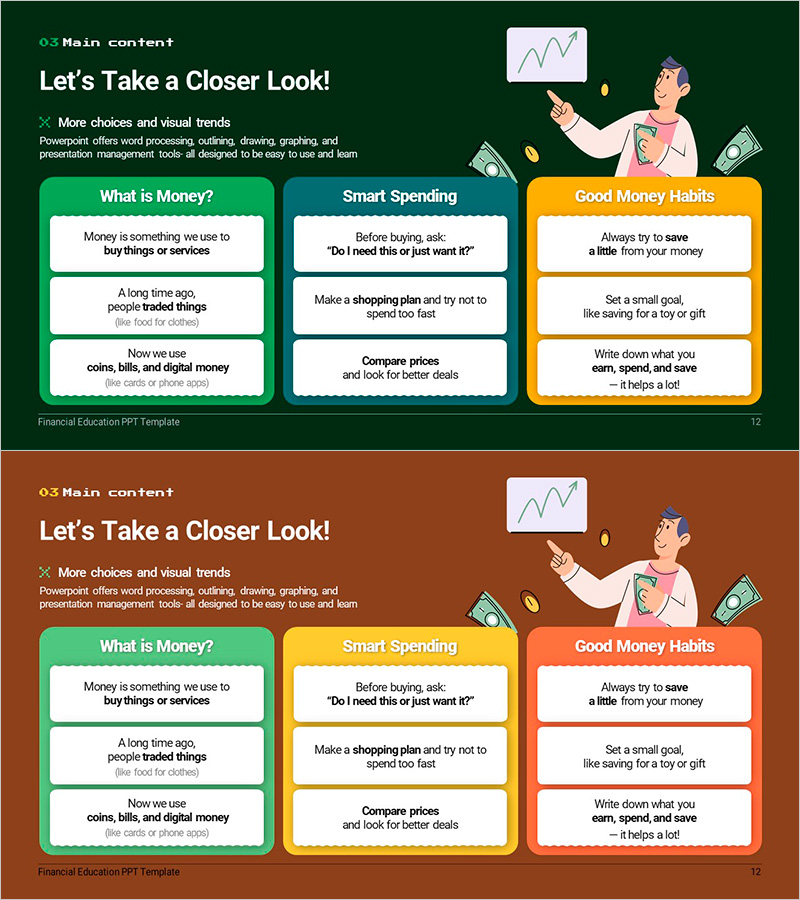
From Financial Basics to Smart Spending Strategies – Financial Education and Practical Tips
RM0900014_7
- Last Update 03/05/2025
- File Size 0.6MB
- # of Slides 2
- File Format PPTX
- Slide Ratio 16:9
- Color
Keywords
- #Content-Based Slides
- #Design-Based Slides
- #Product/Service Introduction
- #Technical Approach
- #Text Box
- #Program Introduction
- #Service Implementation Plan
- #Rounded Rectangle Text Box
- #16:9
- #financial basics PowerPoint slide
- #financial education presentation
- #spending strategy slide
- #financial literacy PPT
- #educational finance template
About the Product
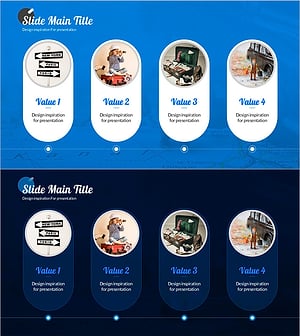
A PowerPoint slide presenting financial education and practical spending strategies with visual clarity. Three rounded-corner boxes in green, blue, and orange distinctly separate the topics of 'What is Money', 'Smart Spending', and 'Good Money Habits'. Each box contains 3–4 text areas organized hierarchically, complemented by illustrations and icons to enhance learner comprehension. Formatted in PPTX at 16:9 widescreen ratio, this slide is ready for immediate editing and deployment in financial literacy lectures, seminars, and corporate training programs.
Usage Points
-
Main Usage
This slide delivers core financial concepts (money, spending, saving) visually in financial literacy education. The contrasting green, blue, and orange boxes present three topics simultaneously, focusing learner attention. The balance of text and illustration makes it suitable for audiences ranging from elementary students to adults.
-
How to Use
Deploy as an introductory or core concept slide in school financial education classes, corporate employee financial training, financial product briefings, and personal wealth management seminars. Customize the text and colors in each box to match your organization's branding for tailored educational materials.
-
Recommended For
Financial educators, school teachers, corporate HR and finance teams, financial institution marketing departments, and personal finance consultants. Particularly effective when communicating complex financial concepts in a simple, intuitive manner to diverse audiences.
-
Slide Structure
Two-slide composition featuring a comparative layout with three rounded boxes (green, blue, orange) arranged horizontally. Each box contains 3–4 text input areas and one illustration space, optimized for 16:9 widescreen display.
Related Products
-
Career Seminar Introduction Slide – Growing Together
#Slide Type #Product/Service Introduction #Text Box
-
Halloween Event System Slide Template – Mysterious Diagram
#Product/Service Introduction #Technical Approach #Diagram
-
Halloween Rounding Box Design Slide – Perfect for Marketing Strategies
#Product/Service Introduction #Marketing Plan and Strategy #Diagram
-
Pre-Travel Preparation Steps Slide Template – Effective Information Delivery
#Product/Service Introduction #Technical Approach #Diagram
