



Gear Illustration Template Cool – Design and Innovation
RB0100037_3
- Last Update 03/05/2025
- File Size 4.6MB
- # of Slides 2
- File Format PPTX
- Slide Ratio 4:3
- Color
Keywords
About the Product
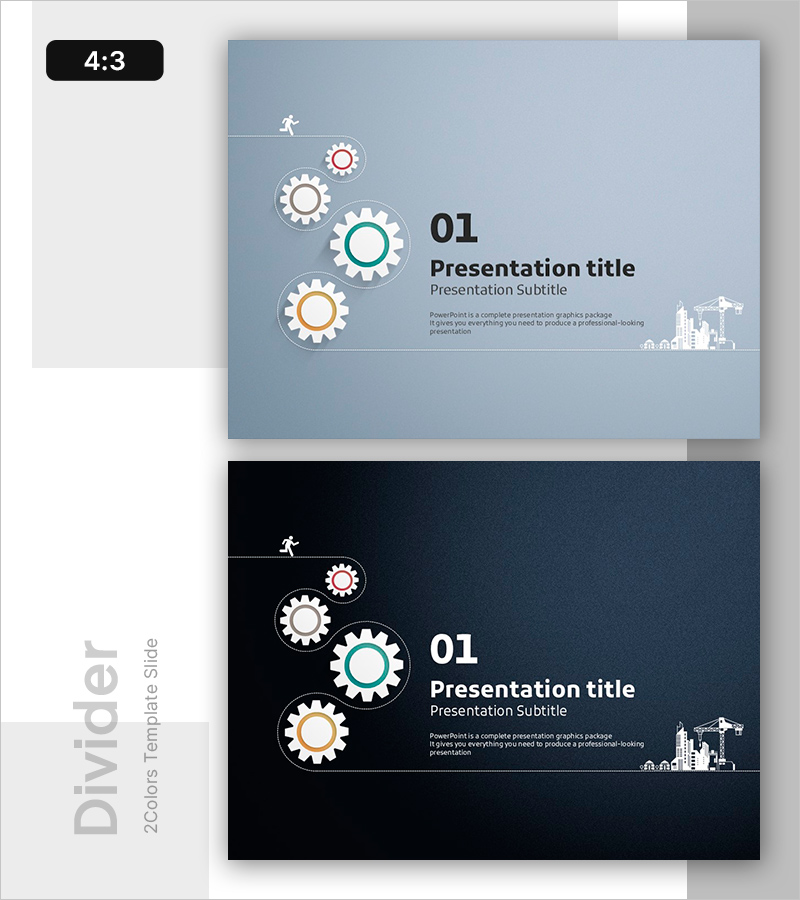
A PowerPoint divider slide featuring gear icons arranged diagonally to represent process flow and innovation. Available in two color options: light blue and dark navy backgrounds, with white, gray, and orange gear icons of varying sizes. The right side includes dedicated areas for title, subtitle, and body text, with a construction site illustration in the lower right corner. Perfect for opening slides or section dividers in technology, innovation, and process improvement presentations. Provided in 4:3 aspect ratio PPTX format, fully editable and ready to customize.
Usage Points
-
Main Usage
Serves as an opening or section divider slide to capture audience attention and establish visual continuity. The diagonal arrangement of gears communicates process progression and workflow stages, reinforcing credibility for technology, innovation, and improvement-focused presentations.
-
How to Use
Insert your presentation title, subtitle, and description text into the designated areas on the right side. Use the light blue background for technology and trust-focused presentations, or the navy background for executive-level reports requiring a premium appearance. Gear colors, sizes, and positions are fully customizable.
-
Recommended For
Technology teams, R&D departments, process improvement specialists, and innovation project leaders presenting business plans, technical updates, or process optimization proposals. Ideal for startups, manufacturing companies, and IT firms conducting investor pitches, internal meetings, and client presentations.
-
Slide Structure
Two-slide set featuring one light blue background and one dark navy background. Each slide displays four gears of varying sizes (white, gray, orange, and teal) arranged diagonally on the left, with three-tier text input areas (title, subtitle, body) on the right, and a construction site icon in the lower right corner.
Related Products
-
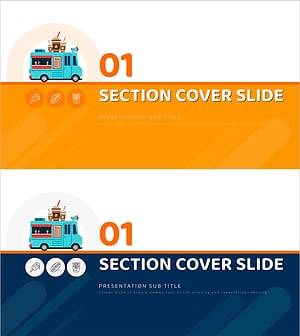
Food Truck PPT Chapter 01 – Menu Introduction & Presentation
#Slide Type #Section Cover
-
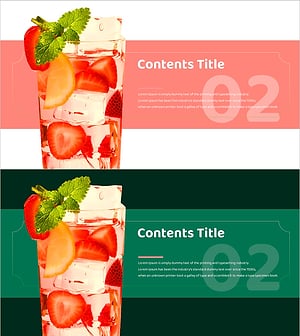
Strawberry Juice Section Slide
#Slide Type #Section Cover
-
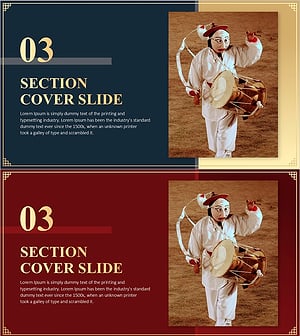
Korea Traditional Section Cover 03 – Harmony of Tradition and Modernity
#Slide Type #Section Cover
-
Health Exercise Template Section Cover Slide01
#Slide Type #Section Cover
