



College Course Guide Introduction – The First Step in Learning
RM0900005_3
- Last Update 03/03/2025
- File Size 1.2MB
- # of Slides 2
- File Format PPTX
- Slide Ratio 16:9
- Color
Keywords
About the Product
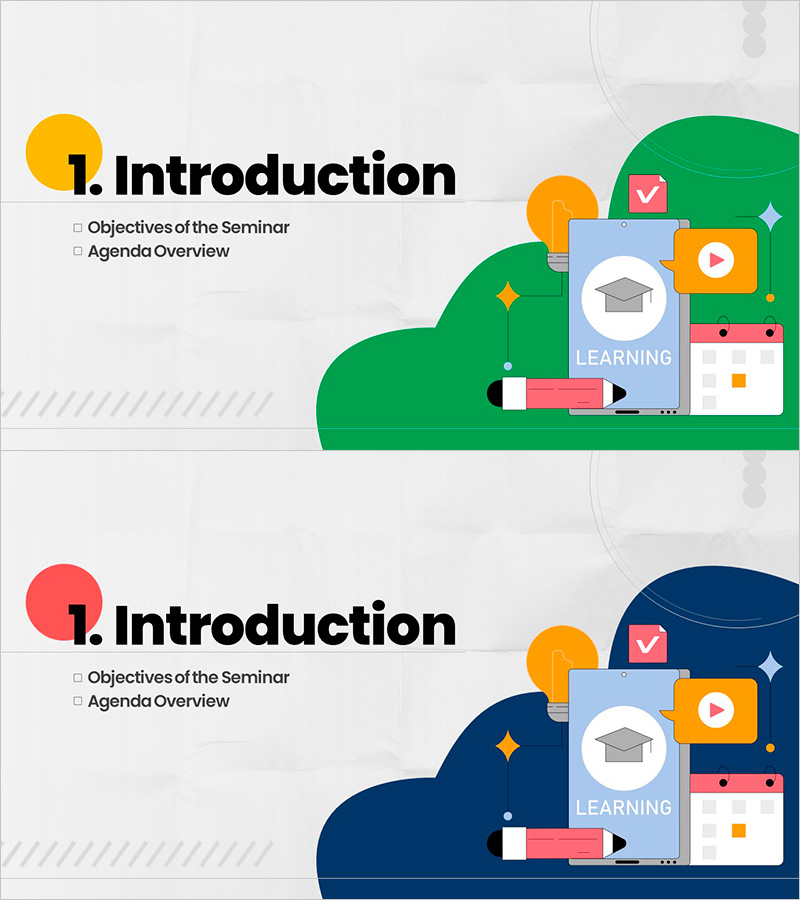
A 2-slide PowerPoint introduction deck designed for college course guidance and educational program kickoffs. Features a bright green and yellow color scheme with learning-themed icons (graduation cap, checkmark, play button, pen) arranged in an illustration-focused layout on the right side. The left side provides clear text areas for course title, objectives, and agenda overview. Delivered in 16:9 widescreen PPTX format, fully editable and ready to customize. Perfect for opening slides in academic lectures, seminars, training programs, and online course introductions. The layout combines visual appeal with functional text input zones for course details and learning goals.
Usage Points
-
Main Usage
Serves as the opening slide for lectures or educational programs, immediately capturing learner attention and clearly presenting course objectives and schedule. The bright, motivational color palette and learning-related icons establish a positive learning environment and set expectations for the course ahead.
-
How to Use
Use as the first slide in lecture presentations, seminars, or online course introductions. Enter your course title in the main heading area and populate the checklist section with learning objectives, key topics, or session schedule. Customize colors and text to match your institution's branding or course theme.
-
Recommended For
Ideal for university instructors, online educators, corporate training coordinators, educational program designers, and learning content creators. Particularly effective for student-facing courses, new employee onboarding programs, and professional development seminars where first impressions and clear learning objectives are critical.
-
Slide Structure
Two-slide layout with numbered introduction sections. Each slide features a colored circular number marker (yellow on first slide, red on second), 'Introduction' heading, and a right-side illustration area with learning icons against green or navy backgrounds. Left side contains dedicated text zones for title, subtitle, and bulleted checklist items.
Related Products
-

Nature Theme Business Report PPT Section – Business Overview
#Slide Type #Section Cover
-

PetBiz Vision Section – Business Goals & Strategy
#Slide Type #Section Cover
-
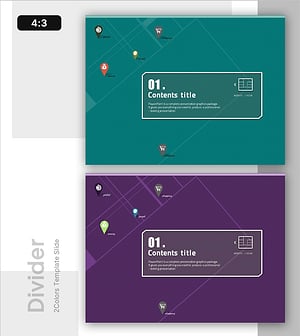
Credit Card Template Section Divider – Credit Strategy
#Slide Type #Section Cover
-
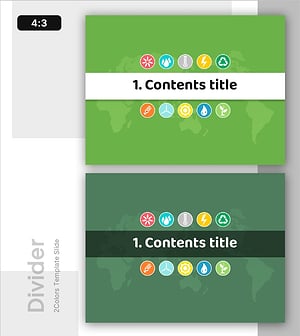
Energy PowerPoint Divider Template – Emphasizing Sustainability
#Slide Type #Section Cover
