College Education Seminar Template – Innovative Education Approach
RM0900005
- Last Update 03/03/2025
- File Size 1.4MB
- # of Slides 2
- File Format PPTX
- Slide Ratio 16:9
- Color
Keywords
About the Product
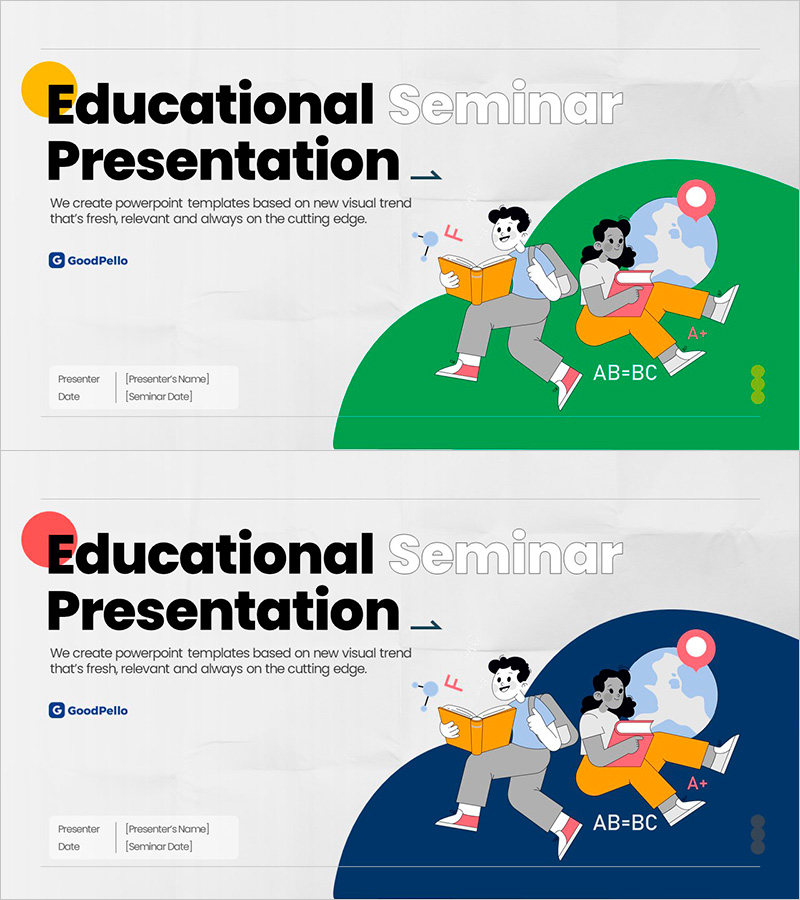
A 2-slide title slide set designed for college-level education seminars and academic presentations. Features two color variations: yellow and green, plus red and navy blue combinations, with student illustrations and educational elements such as books and mathematical symbols. Provided in 16:9 widescreen PPTX format with designated text fields for presenter name and seminar date. This PowerPoint slide deck is ready to use for educational institutions, learning programs, and academic presentations with minimal customization.
Usage Points
-
Main Usage
This title slide creates a strong first impression for education seminars, lecture programs, and learning workshops. The student-centered illustrations and vibrant color combinations immediately capture audience attention and establish positive expectations about the educational content. Optimized for universities, educational institutions, and online learning platforms.
-
How to Use
Simply edit the 'Education Seminar' title text at the top and fill in the presenter name and seminar date fields at the bottom with your information. Two color versions are provided—choose the one that matches your institution's brand colors or presentation theme. Additional text and logo insertion is straightforward and flexible.
-
Recommended For
Ideal for university lectures, education seminars, student presentations, educational program introductions, learning workshops, online course openings, and educational institution promotional presentations. Particularly effective for student-focused education, freshman orientation, and innovation in education topics.
-
Slide Structure
Consists of 2 slides, each with a title text area (bold black font) at the top, descriptive text in the center, and student illustrations with educational elements (books, math symbols, globe) positioned on the right side in an asymmetrical layout. Presenter name and seminar date input fields are located at the bottom for easy information entry.