PowerPoint Template for Education Seminar – Effective Presentation Design
RM0900003
- Last Update 03/02/2025
- File Size 0.5MB
- # of Slides 2
- File Format PPTX
- Slide Ratio 16:9
Keywords
About the Product
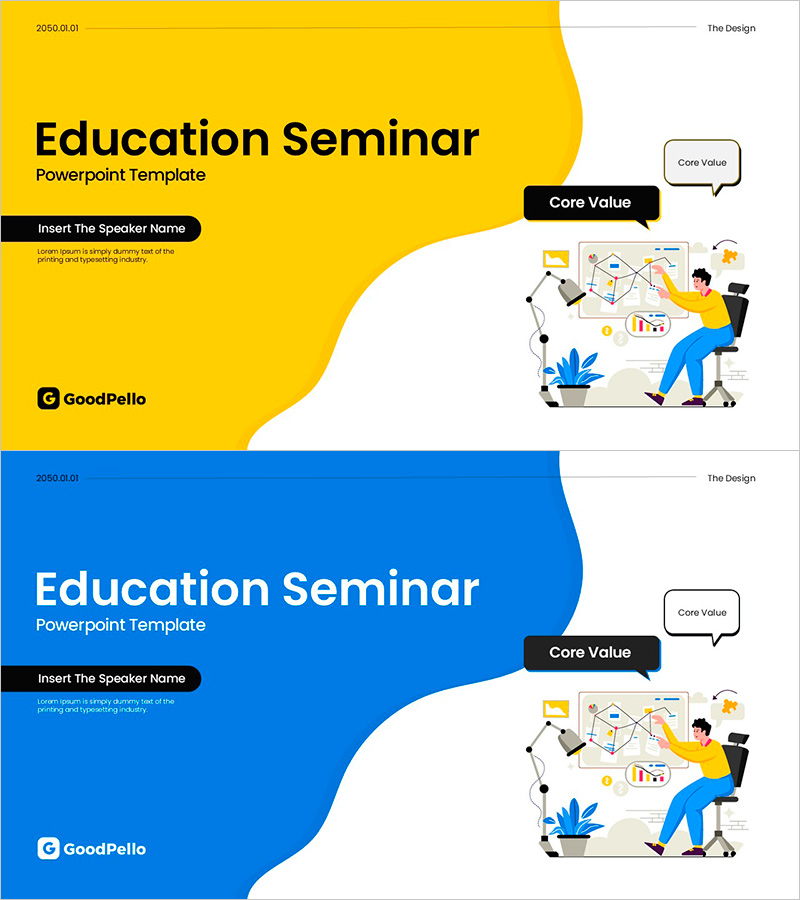
A professional title slide designed specifically for education seminars and training presentations. This PowerPoint slide features a striking two-tone background combining yellow and blue with smooth curved design elements that create a modern yet approachable atmosphere. The left side provides space for speaker name and seminar title, while the right side displays a collaborative learning illustration with 'Core Value' messaging. The 16:9 aspect ratio slide deck includes two color variations, making it ideal for educational presentations, workshop materials, and training resources that require immediate deployment.
Usage Points
-
Main Usage
Serves as the opening title slide for educational seminars, training sessions, and workshop presentations. The dual-tone color scheme communicates both learning and credibility, while the collaborative illustration on the right reinforces the interactive nature of educational content.
-
How to Use
Display as the first slide before beginning your presentation to capture audience attention. Enter the speaker name, affiliation, and date in the left curved section, and add your seminar topic in the title area. The two-tone structure maintains a professional appearance without requiring additional design modifications.
-
Recommended For
Ideal for educators, corporate training departments, online course creators, seminar facilitators, and workshop leaders. Particularly effective for employee training programs, new hire onboarding, expert-led seminars, academic lectures, and professional development workshops across various industries.
-
Slide Structure
Two-slide set offering both yellow and blue background versions. Each slide features a left curved section for speaker information and title input, with a right-aligned collaborative illustration and 'Core Value' label creating clear information hierarchy and visual balance.