


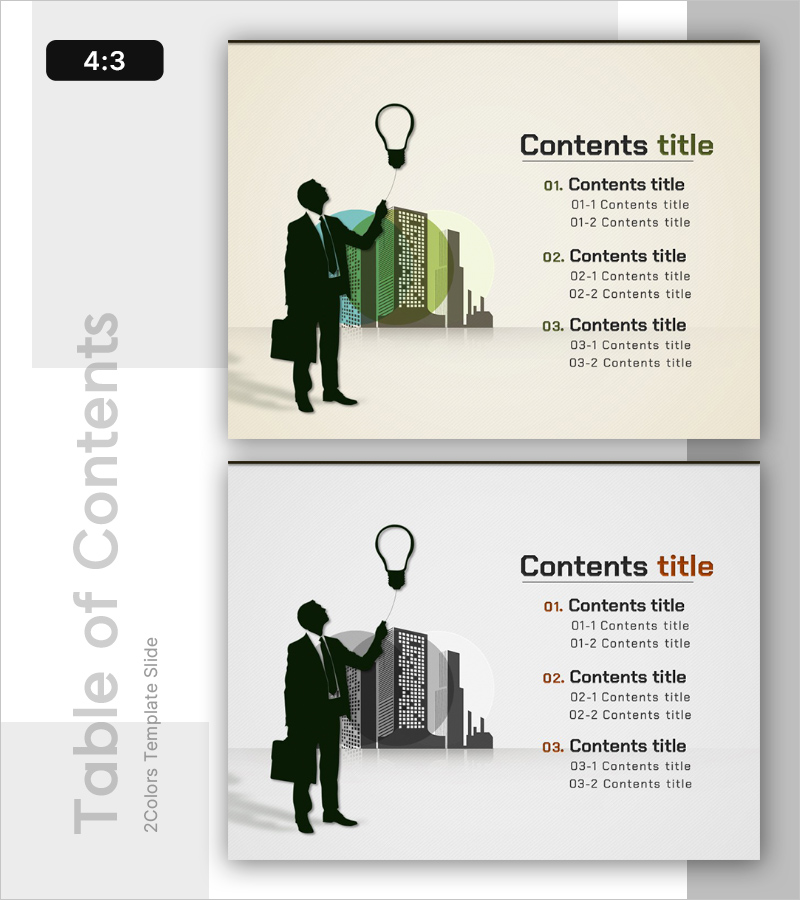
Silhouette PPT Table of Contents – Capturing Innovative Planning
RB0100024_2
- Last Update 03/02/2025
- File Size 0.7MB
- # of Slides 2
- File Format PPTX
- Slide Ratio 4:3
- Color
Keywords
About the Product
A 2-slide PowerPoint presentation template designed for table of contents pages in business presentations. The design features a cream-colored background with black silhouette illustrations of a businessman and building, paired with a three-tier hierarchical text structure on the right side. This 4:3 aspect ratio slide deck includes two color variations—cream and beige tones, plus light gray tones—for flexible branding options. The slide is ready to use immediately in your presentation materials, with clearly defined text input areas for easy editing. Perfect for business plans, proposals, company profiles, and other corporate documents requiring a professional contents page.
Usage Points
-
Main Usage
This slide presents a professional table of contents page for your presentation. The silhouette illustrations of a businessman and building convey both corporate credibility and innovation, while the three-tier hierarchical text structure clearly outlines your entire document structure to the audience.
-
How to Use
Enter your first section title in the '01. Contents title' area and subsection items in the '01-1' and '01-2' fields. Choose between the two color variations that best match your corporate branding. The clearly defined text input areas enable quick and efficient editing without design knowledge required.
-
Recommended For
Ideal for business plans, proposals, company profiles, marketing strategies, investor pitch decks, and any corporate presentation requiring a professional contents page. Particularly effective for documents explaining company strategy, vision, and business structure in a step-by-step manner.
-
Slide Structure
Comprises 2 slides, each divided into a left silhouette illustration area and right text area. The right side features 3 main sections (01, 02, 03) with 2 subsection input fields each (01-1, 01-2, etc.), accommodating up to 9 items total per slide for comprehensive content organization.
Related Products
-
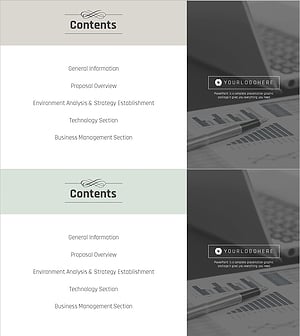
Business Classic Theme Proposal Contents Slide
#Slide Type #Table of Contents
-
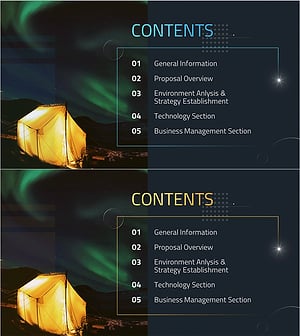
Photography Proposal Template Contents – Professionalism and Creativity
#Slide Type #Table of Contents
-
Hexagon 3D Company Profile Template Contents - Visually Appealing Structure
#Slide Type #Table of Contents
-
Modern Line IR Template Contents
#Slide Type #Table of Contents