



Line Drawing Training Seminar Template Section 01 – Creative Beginning
RM0900001_3
- Last Update 03/02/2025
- File Size 0.3MB
- # of Slides 2
- File Format PPTX
- Slide Ratio 16:9
- Color
Keywords
About the Product
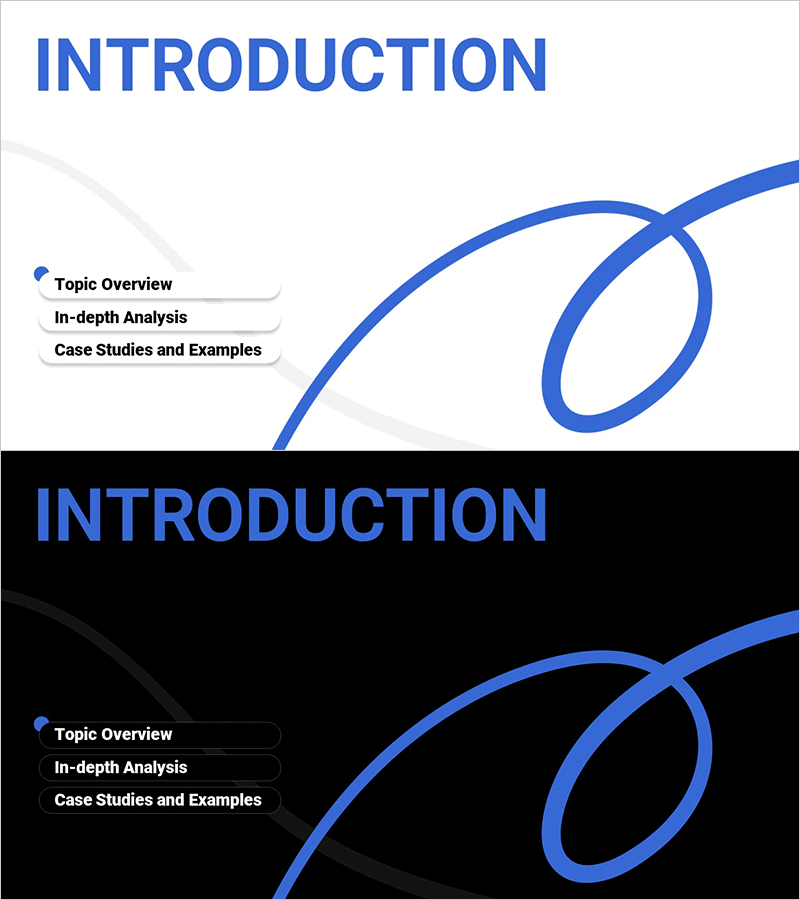
A minimalist section divider PowerPoint slide perfect for opening educational seminars and professional presentations. The design features a light gray background with blue curved line drawing elements positioned on the right side, while the left side provides three text input areas for topic overview, in-depth analysis, and case studies. The two-slide set includes both light and dark background versions to match different presentation contexts. Delivered in 16:9 widescreen PPTX format, fully editable and ready to use immediately. This slide maintains visual interest through organic line elements while preserving clarity for information delivery.
Usage Points
-
Main Usage
Serves as an opening or section divider slide for educational seminars, corporate presentations, and academic talks. The blue curved line drawing captures visual attention while the left-side text areas clearly communicate the presentation structure and key topics.
-
How to Use
Use slide 1 (light background) as the document opening divider and slide 2 (dark background) for section breaks. Enter your topic, analysis focus, and case study information in the three left-side text boxes. Add logos or supplementary text in the right-side space as needed.
-
Recommended For
Educational institution seminars, corporate training and onboarding presentations, academic conferences and research talks, online course materials, and any presentation requiring a creative yet professional opening that establishes credibility and visual interest.
-
Slide Structure
Two-slide set with slide 1 featuring a light gray background and blue curves, slide 2 with a black background and blue curves. Each slide includes three text input areas on the left (topic overview, in-depth analysis, case studies) with the curved line element on the right providing visual balance and design continuity.
Related Products
-

Fashion Business Plan Template Section Slide – Emphasizing Operation Plans
#Slide Type #Section Cover
-
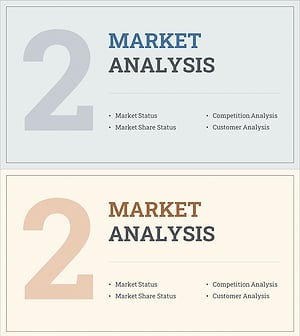
Interior Business Plan Template Section: Emphasis on Market Analysis
#Slide Type #Section Cover
-
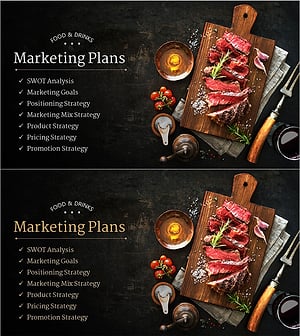
Restaurant Business Plan Template Section Slide
#Slide Type #Section Cover
-
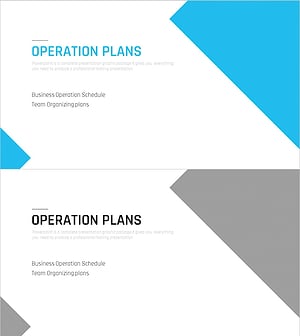
Multipurpose Business Plan Template Section Slide – Professional and Clean Design
#Slide Type #Section Cover
