



Role-Oriented Departmental Structure – Efficient Management Framework
RB0100005_4
- Last Update 03/01/2025
- File Size 0.3MB
- # of Slides 2
- File Format PPTX
- Slide Ratio 4:3
- Color
Keywords
- #Content-Based Slides
- #Design-Based Slides
- #Company Introduction
- #Diagram
- #Organizational Chart
- #Structure
- #Tree Diagram
- #4:3
- #organizational tree diagram PowerPoint
- #hierarchy chart slide template
- #organizational structure PPT
- #departmental roles diagram
- #company organization chart
- #how to create organizational chart in PowerPoint
About the Product
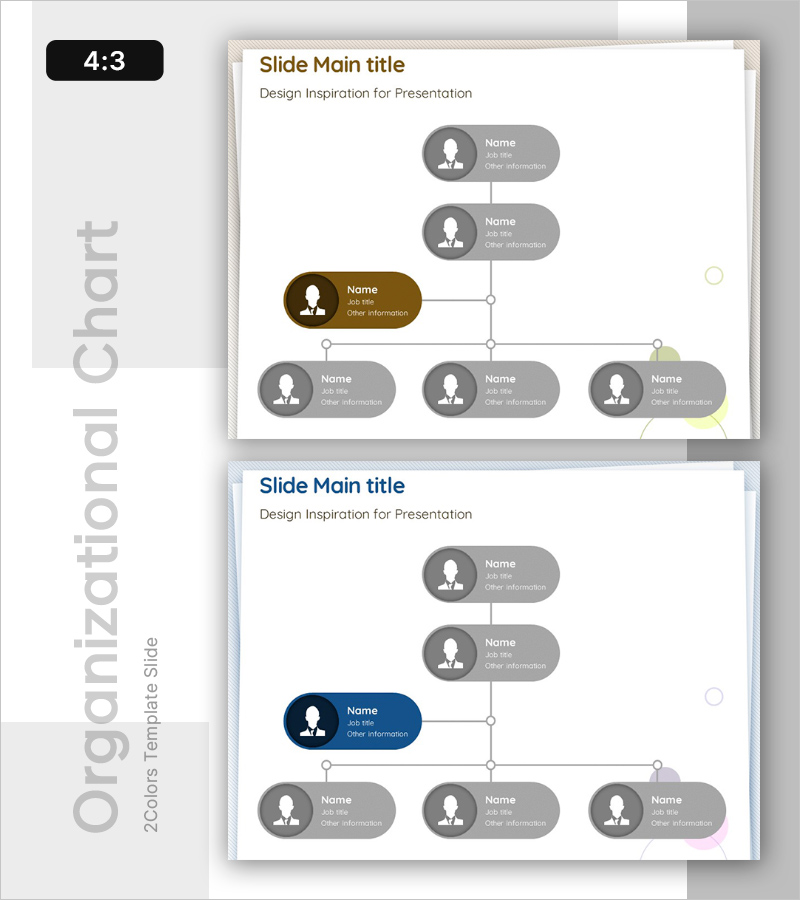
A hierarchical tree diagram PowerPoint slide designed to visualize organizational structures and departmental relationships. This slide clearly displays the chain of command from top management down through multiple levels, using two color schemes (brown, gray, and lime accents) to distinguish roles and reporting lines. The 4:3 aspect ratio includes 2 slides perfect for organizational introductions, company presentations, team structure explanations, and management briefings. Circular profile icons combined with callout text boxes effectively present personnel information, while the fully editable PPTX format allows you to customize the structure to match your organization's hierarchy and add or remove nodes as needed.
Usage Points
-
Main Usage
This tree diagram is specifically designed to display organizational hierarchies and departmental roles at a glance. Starting from the top-level executive and branching down through multiple departments, it clearly illustrates reporting relationships and areas of responsibility. Ideal for new employee onboarding, organizational restructuring announcements, company overview presentations, and helping stakeholders understand the organizational framework.
-
How to Use
Begin with the top-level management node and follow the connections down to subordinate department nodes. Edit the text boxes in each node to add job titles, names, and responsibilities. Customize colors to highlight specific departments or management levels, add or remove nodes to match your actual organization size, and apply animations to guide the audience through the hierarchy during your presentation.
-
Recommended For
HR and personnel departments explaining organizational structures, new employee onboarding and training programs, executive briefings and reports, company overview presentations and investor pitches, team building workshops, organizational restructuring announcements, consulting firms analyzing client organizational frameworks, and management training sessions.
-
Slide Structure
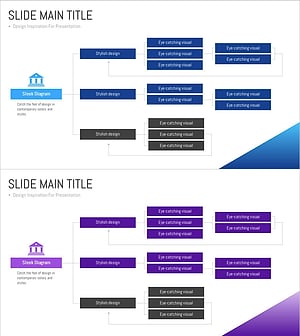
Two-slide set featuring identical 7-node tree structures with different accent colors. The first slide highlights a brown-accented central node, while the second features a navy-blue accent. Each node combines a circular profile icon with a callout text box for personnel details. Vertical lines and connection points clearly show hierarchical relationships. Optimized for 4:3 aspect ratio and standard presentation displays.
Related Products
-
Company Team Structure – Clear Presentation Through Organizational Chart
#Company Introduction #Diagram #Organizational Chart
-
Mind Map Diagram Slide Template for Effective Presentations
#Company Introduction #Product/Service Introduction #Diagram
-
Company Silhouette Organization Chart – Intuitive and Elegant Design
#Company Introduction #Diagram #Other
-
Bank Service Company Organization Chart – Modern and Sleek Structure
#Company Introduction #Diagram #Organizational Chart
