



Organization and Expert Introduction Presentation Template – Stylish Design
RM0800009_11
- Last Update 10/08/2025
- File Size 11.1MB
- # of Slides 2
- File Format PPTX
- Slide Ratio 16:9
- Color
Keywords
- #Content-Based Slides
- #Design-Based Slides
- #Company Introduction
- #Diagram
- #Manpower
- #Structure
- #Tree Diagram
- #16:9
- #organization chart PowerPoint slide
- #tree diagram template
- #team structure presentation
- #organizational hierarchy slide
- #expert introduction template
- #how to create organization chart in PowerPoint
About the Product
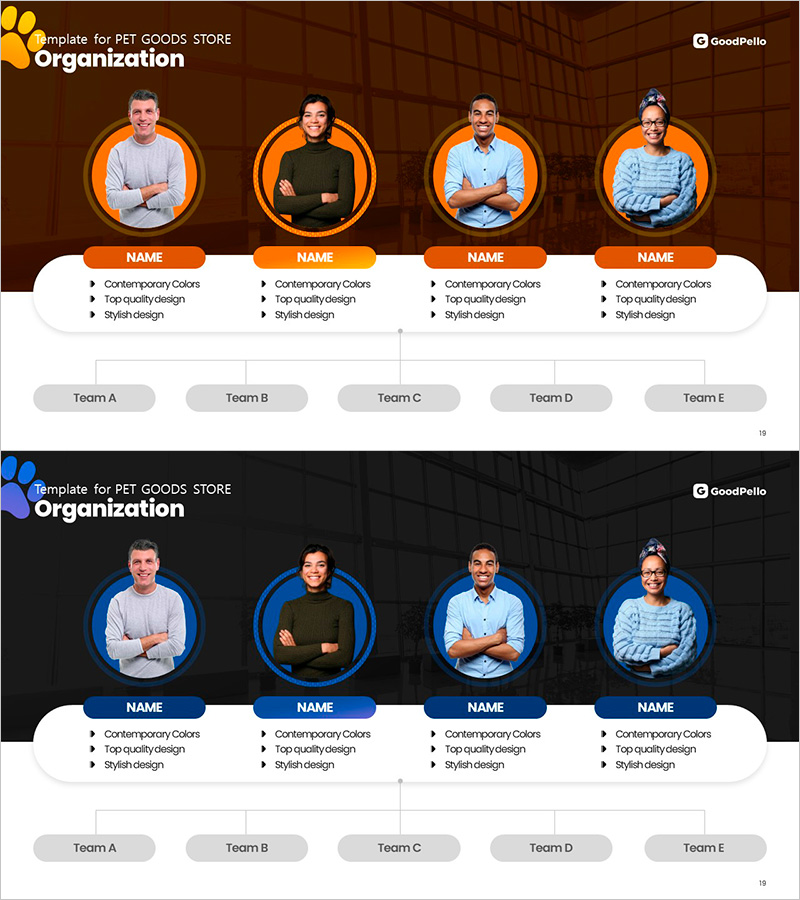
A hierarchical tree diagram PowerPoint slide designed to showcase organizational structure and team members at a glance. Features circular profile frames with name, title, and key attributes for each person, ideal for leadership team introductions, department organization charts, and expert profiles. Available in orange and blue color schemes with fully editable text fields. The 16:9 format includes 2 slides ready for company presentations, organizational restructuring announcements, and team introduction decks.
Usage Points
-
Main Usage
Visually communicate organizational structure, team hierarchy, and leadership composition with clarity and impact. The circular profile layout and hierarchical arrangement effectively convey each member's role and relationships, making it ideal for company introductions, team structure explanations, and organizational announcements.
-
How to Use
Insert team member photos into the circular profile areas and fill in name, title, and key attributes in the text fields. Extend the organizational depth by adding department names to the Team A–E buttons at the bottom. Choose between orange or blue color scheme to match your corporate branding and customize as needed.
-
Recommended For
HR and organizational development professionals, executives presenting leadership teams, startup founders introducing team members, consulting firms explaining organizational structures, educational institutions showcasing leadership, and project managers visualizing role assignments and team hierarchies.
-
Slide Structure
Four circular profile areas at the top (each with photo, name, title, and three attribute lines), white background card section in the center, and five team buttons (Team A–E) at the bottom. Color-coded circular borders (orange or blue) distinguish hierarchy levels, with vertical connector lines showing organizational relationships.
Related Products
-
Company Key Personnel Profile Organization Chart – Showcasing a Strong Team
#Company Introduction #Diagram #Manpower
-
Key Personnel Introduction Slide – Team Structure and Responsibilities
#Company Introduction #Diagram #Manpower
-
Team Organization Chart Operation Plan – Efficient Team Management
#Company Introduction #Diagram #Manpower
-
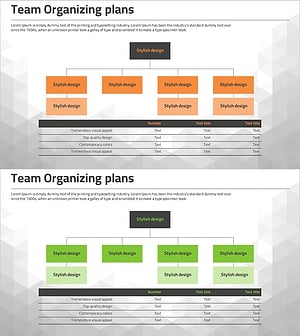
Organizational Chart Diagram & Table – Visualizing Team Structure
#Company Introduction #Diagram #Manpower
