



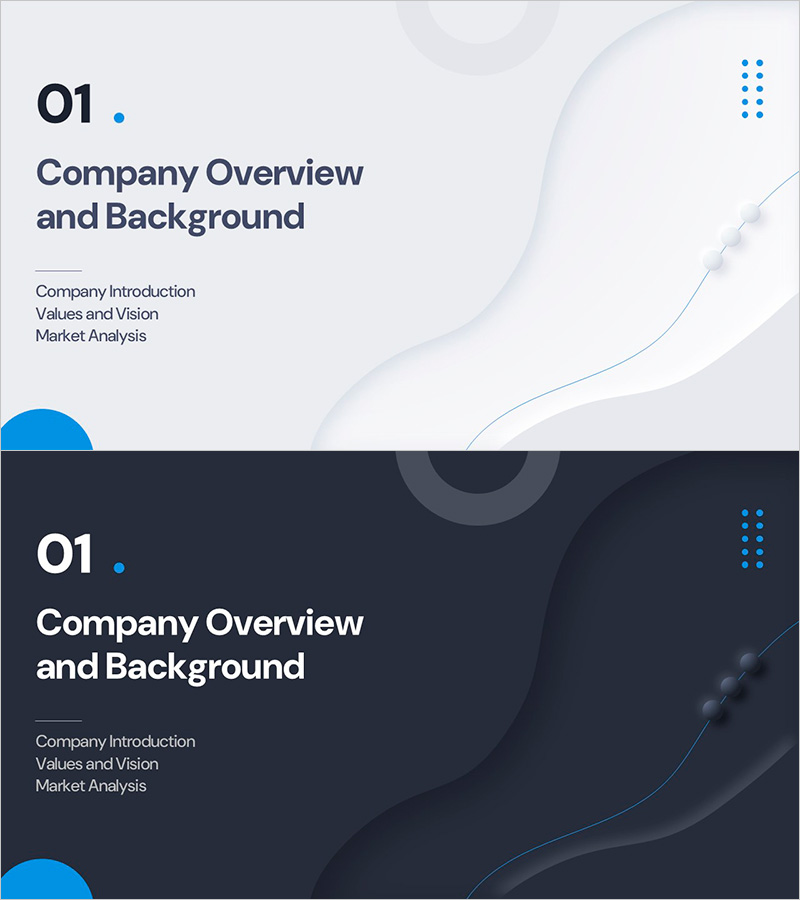
Brand Background Section Cover - Effective Company Introduction
RM0800008_3
- Last Update 02/28/2025
- File Size 0.2MB
- # of Slides 2
- File Format PPTX
- Slide Ratio 16:9
- Color
Keywords
About the Product
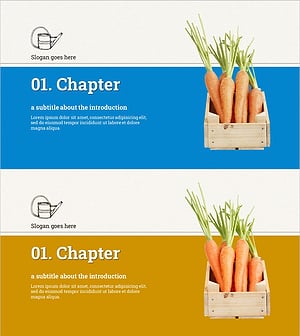
A professional section cover slide set designed to introduce and separate key sections in corporate presentation decks. Features a light gray background with blue accent elements and minimal layout, perfect for distinguishing company overview, vision, and market analysis sections. The 2-slide set includes both light and dark tone versions to match your presentation flow and lighting conditions. PowerPoint slides provide dedicated logo placement and section title input areas that reinforce corporate brand credibility. Ready to use in business presentations, company introduction decks, investor pitches, and proposal documents.
Usage Points
-
Main Usage
Serves as a visual transition point and section divider in corporate presentations. Placed before major sections such as company overview, vision, market analysis, and business strategy to refocus audience attention and clarify information hierarchy.
-
How to Use
Edit logo placement and section title text boxes in the slide master to customize for each section. Use the light tone version for daytime presentations and the dark tone version for evening events or premium atmosphere settings.
-
Recommended For
Ideal for corporate investor relations, pitch decks, company introduction presentations, business proposals, and employee onboarding materials. Particularly suited for finance, consulting, IT, and manufacturing industries where credibility and professionalism are essential.
-
Slide Structure
Two-slide set with section number and title input area at the top and logo placement space at the bottom. Blue accent element on the left and curved background on the right create visual balance, while minimal text areas keep focus on the cover function.
Related Products
-
Section Cover Slide - Simple Design Inspiration
#Slide Type #Section Cover
-
Natural Color Section Slide – Capturing the Beauty of Nature
#Slide Type #Section Cover
-
Stylish PowerPoint with a Botanical Garden Theme
#Slide Type #Section Cover
-
Eco-Friendly Agriculture Harvest Project Template – Section Slide
#Slide Type #Section Cover
