



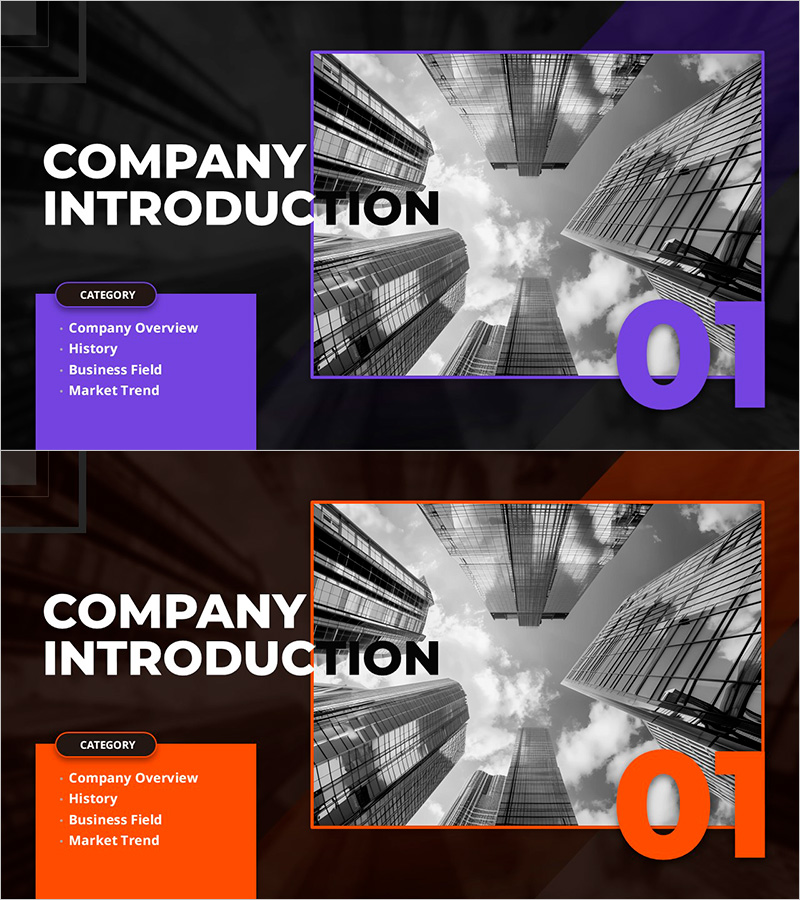
Square Company Introduction Cool Cover – Stylish Corporate Image
RM0700009_3
- Last Update 02/27/2025
- File Size 11.1MB
- # of Slides 2
- File Format PPTX
- Slide Ratio 16:9
- Color
Keywords
About the Product
A professional cover slide for company introduction presentations featuring a striking dual-tone design in purple and orange on a dark background. This 2-slide PowerPoint template positions the main title and category items (Company Overview, History, Business Field, Market Trend) on the left, while a modern architectural image anchors the right side to convey corporate professionalism and trustworthiness. Optimized for 16:9 widescreen format, the balanced layout between text and imagery enables immediate customization and seamless integration into any corporate presentation.
Usage Points
-
Main Usage
Serves as the opening cover slide for company introduction presentations, establishing corporate professionalism and modern brand image on first impression. The dual-tone color scheme creates strong visual impact while the structured layout communicates key presentation topics. Ideal for investor pitches, partner meetings, and employee onboarding.
-
How to Use
Slide 1 functions as the main cover—enter company name and presentation title. Slide 2 provides a color variation option. Edit the left-side category items to match your presentation structure, and replace the right-side image area with company logo or representative photography. Purple and orange accent colors can be modified via theme color settings.
-
Recommended For
Corporate company introductions, investor relations presentations, partner collaboration proposals, employee onboarding seminars, and brand awareness events. Particularly effective for enterprises in finance, IT, construction, manufacturing, and professional services where corporate credibility is paramount.
-
Slide Structure
Two-slide layout with Slide 1 as the primary cover containing title area, four category items, and image placeholder on the right. Slide 2 offers a color variant. Left side features five text input zones (one title, four category items), right side has one large image insertion area, creating clear information hierarchy with simple, professional composition.
Related Products
-
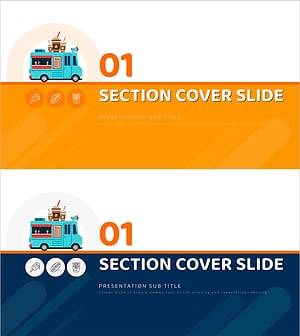
Food Truck PPT Chapter 01 – Menu Introduction & Presentation
#Slide Type #Section Cover
-
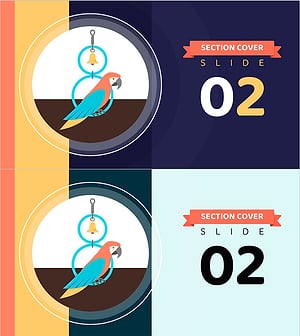
Pet Shop Template Section Cover – Cute Pet Icon
#Slide Type #Section Cover
-
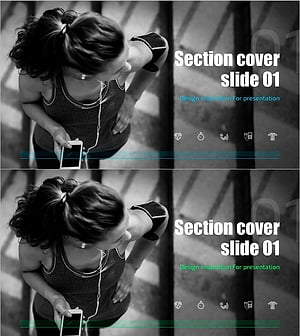
Health Exercise Template Section Cover Slide01
#Slide Type #Section Cover
-
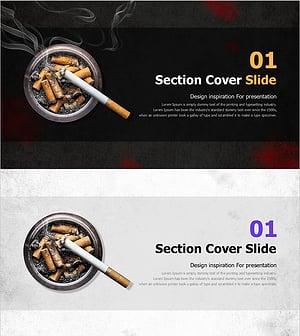
Tobacco PPT Section Slides – Stylish Cover Slide
#Slide Type #Section Cover
