



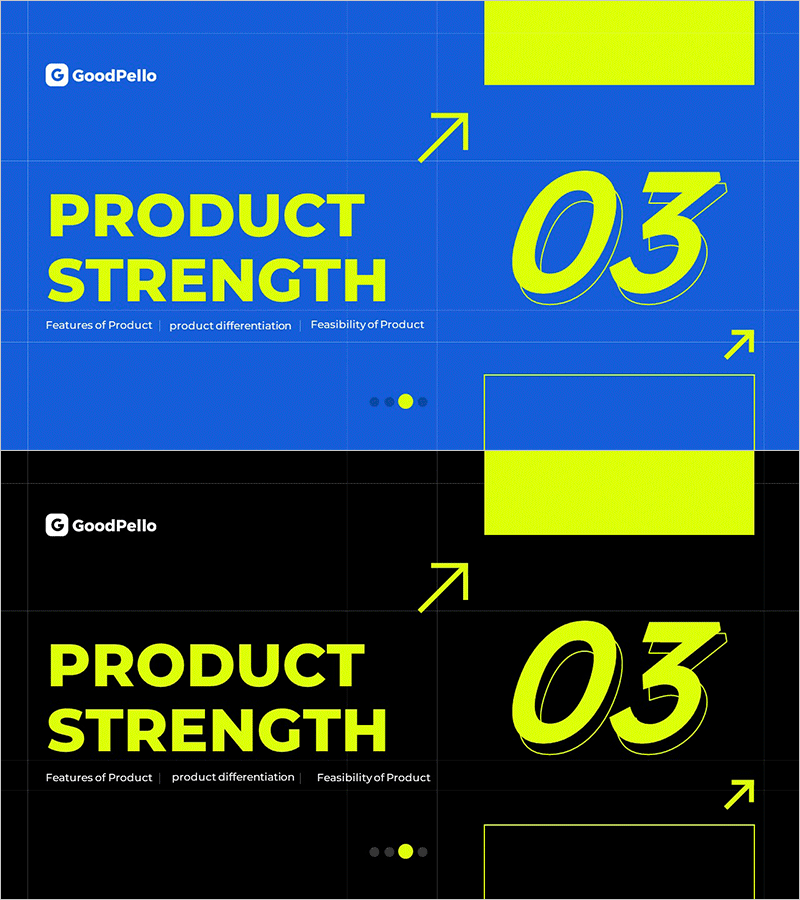
Layout Product Introduction Template Section Slide 03
RM0700003_14
- Last Update 02/26/2025
- File Size 0.4MB
- # of Slides 2
- File Format PPTX
- Slide Ratio 16:9
- Color
Keywords
About the Product
A professional PowerPoint slide designed to highlight key product strengths in your presentation. Featuring a blue background with yellow accent colors across 2 slides, this template uses an asymmetrical layout with title and descriptive text on the left, and large numbered icons with directional arrows on the right. Organize product features, differentiation, and feasibility into three distinct sections with a grid-based structure and geometric elements that convey a contemporary aesthetic. Ready to use immediately in investor pitches, client proposals, product demonstrations, and internal business presentations.
Usage Points
-
Main Usage
Deliver product strengths—features, differentiation, and feasibility—with visual impact and clarity. The large numbered icons and directional arrows draw audience attention to key points, making this section slide perfect for opening a product introduction segment.
-
How to Use
Insert as a section opener in product presentations or as a strength-highlighting page in investor materials. Replace the left-side text with your product title and three key strengths, and update the right-side numbers to match your sequence. Customize colors and text to align with your brand guidelines.
-
Recommended For
Product managers, sales teams, investor relations professionals, and business strategy departments creating client proposals, investor decks, and product launch presentations. Suitable for startups, SMEs, and enterprises communicating product value propositions.
-
Slide Structure
Two-slide layout with each slide containing a left text input area (one title + three description lines) and a right numeric display area (01, 02, 03). Blue background with yellow accent boxes and arrow icons create clear information hierarchy and visual flow.
Related Products
-
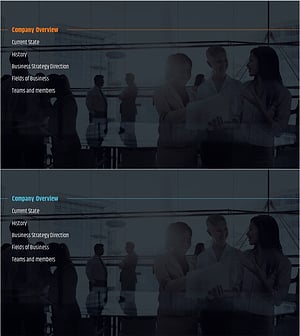
City Modern Theme Business Plan Template Section Slide
#Slide Type #Section Cover
-
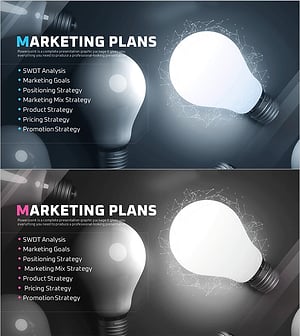
Startup Business Plan Template Section – Marketing Plans
#Slide Type #Section Cover
-
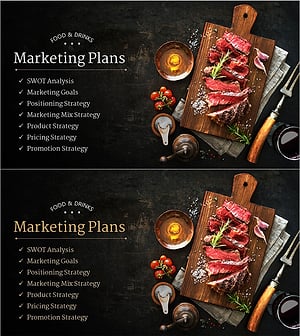
Restaurant Business Plan Template Section Slide
#Slide Type #Section Cover
-
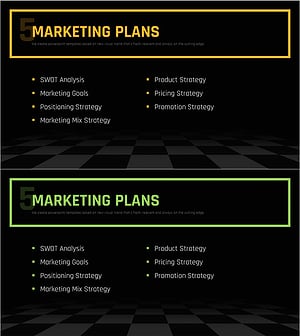
Chess Themed Business Strategy Template Section Slide
#Slide Type #Section Cover
