



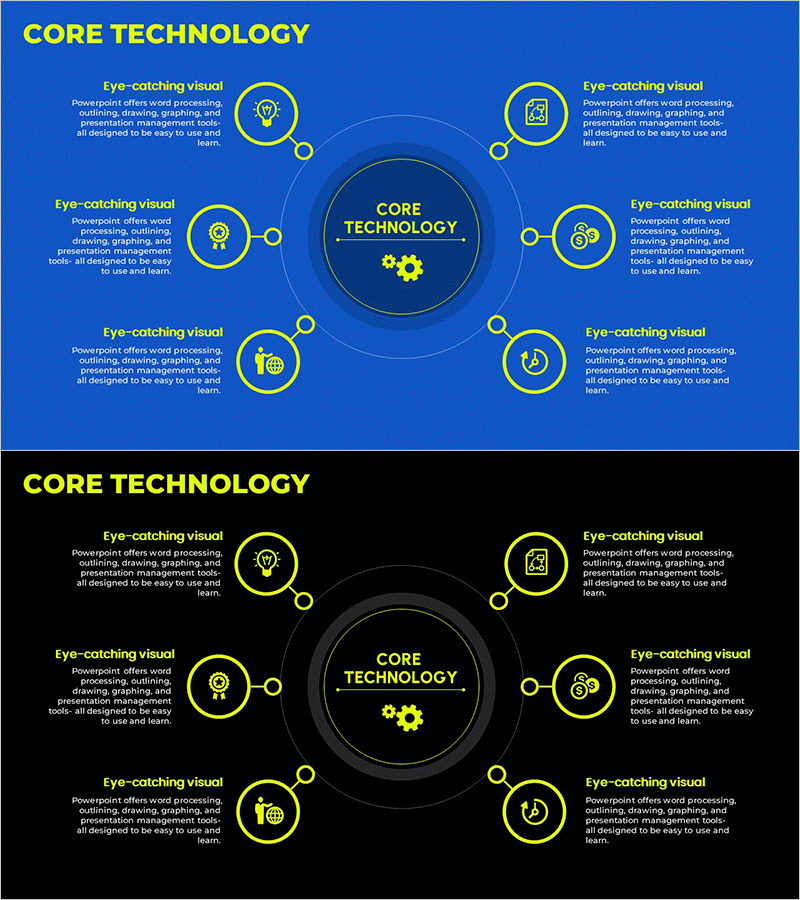
Core Technology Areas Diagram – Business Vision and Strategy
RM0700003_11
- Last Update 02/25/2025
- File Size 0.8MB
- # of Slides 2
- File Format PPTX
- Slide Ratio 16:9
- Color
Keywords
- #Content-Based Slides
- #Design-Based Slides
- #Business Introduction
- #Business Vision and Strategy
- #Diagram
- #Technological Status
- #Core Competencies
- #Spread
- #Centralized Diagram
- #16:9
- #radial diagram PowerPoint
- #core technology slide template
- #central hub diagram
- #technology areas presentation
- #business vision PowerPoint slide
- #8-node diagram template
About the Product
A radial diagram PowerPoint slide where eight technology areas expand outward from a central core technology hub. Designed with a blue background, yellow circular icons, and connecting lines, this slide is optimized for technology capability, business vision, and strategy presentations. Each node includes dedicated text space for detailed descriptions, making it immediately applicable for technology status reports, business introductions, and capability showcases. The 2-slide set includes both blue and black background versions in 16:9 widescreen PPTX format.
Usage Points
-
Main Usage
Visually represents a company's core technology areas and business capabilities. The radial structure expanding from a central technology hub effectively communicates technology landscape, business overview, and strategic direction in presentations.
-
How to Use
Replace the central 'Core Technology' text with your company's primary technology name. Input each technology domain name and description in the eight circular node areas. Select either the blue or black background version based on your presentation context and apply to your slides.
-
Recommended For
Ideal for technology-driven startups, IT companies, and manufacturers presenting at business briefings, investor pitches, technology status reports, and product development strategy sessions. Suitable for presentations to executives, technical teams, and investors.
-
Slide Structure
Central circular hub with 'Core Technology' text and gear icon. Eight nodes radiate outward from center, each featuring a yellow circular border and icon (lightbulb, document, gear, globe, clock, etc.). Each node includes adjacent 'Eye-catching visual' heading and descriptive text area.
Related Products
-
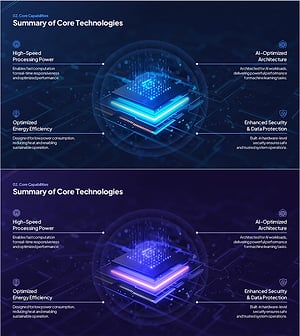
Summary of Core Technologies of AI Chipsets – Performance, Efficiency & Security
#Business Introduction #Business Vision and Strategy #Diagram
-
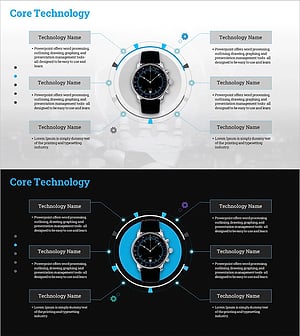
Watch Core Technology Diagram – Business Vision and Strategy
#Business Introduction #Business Vision and Strategy #Diagram
-
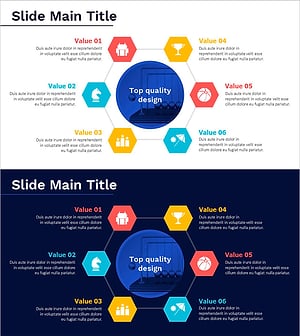
Diagram Slide Highlighting the Advantages of a Game
#Business Introduction #Business Vision and Strategy #Diagram
-
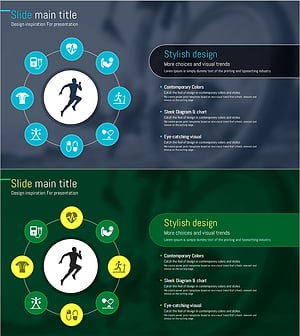
Slide Visualizing the Benefits of Running
#Business Introduction #Business Vision and Strategy #Diagram
