



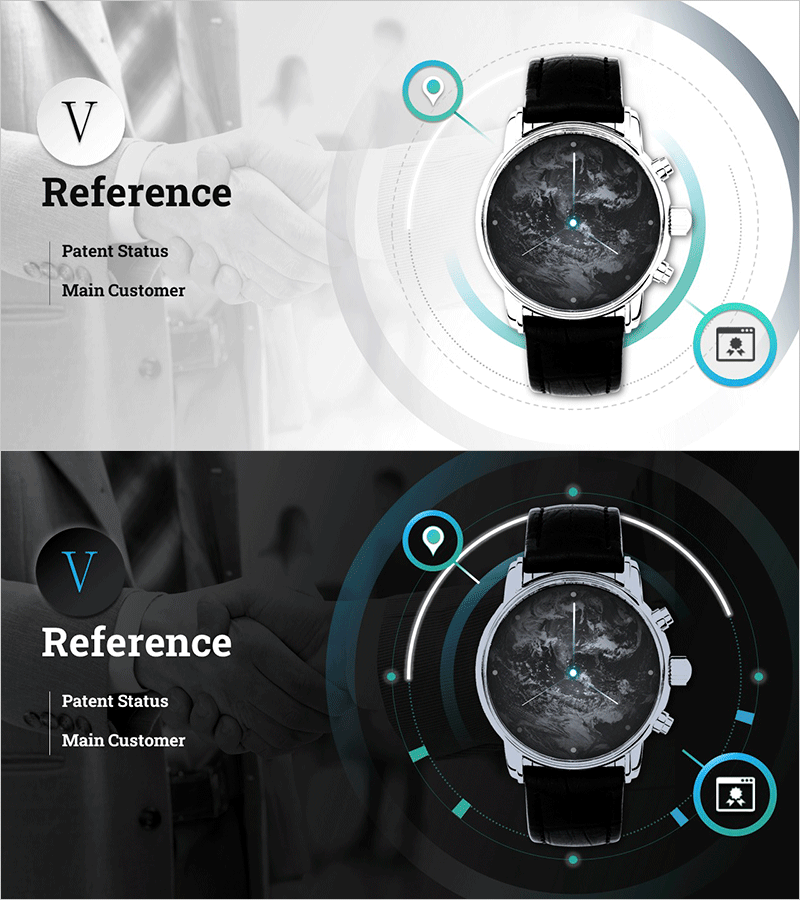
Watch Product Introduction and Service PPT Section Slide
RM0700002_21
- Last Update 02/25/2025
- File Size 31.3MB
- # of Slides 2
- File Format PPTX
- Slide Ratio 16:9
- Color
Keywords
About the Product
A 2-slide PowerPoint presentation set designed for watch product introduction and service announcements. Features a light gray background with turquoise accent icons and circular layout that visually emphasizes key product features and customer information. The left section displays product name, patent status, and main customers in text format, while the right side showcases the watch product image with location tracking and user information icons. A dark background version is also included for flexible presentation environments. Fully editable PPTX format ready for immediate use.
Usage Points
-
Main Usage
Effectively communicate product features and customer information at a glance during product presentations. The turquoise icons highlight key watch functionalities such as location tracking and user information, enabling compelling product value delivery to investors, partners, and customers.
-
How to Use
Place this slide as a cover or product overview section in your product introduction presentation. Edit the left text area with product name, patent information, and main customers, then customize the right icon area with your product's unique features. Choose between light or dark background versions based on your presentation environment.
-
Recommended For
Ideal for product brochures, investor pitch decks, technical presentations, and client proposals where product features and credibility need emphasis. Suitable for IT, wearable, and smart device companies presenting products and creating B2B sales materials.
-
Slide Structure
2-slide set with one light background version and one dark background version. Each slide is divided into left text area (3 items: product name, patent status, main customers) and right product image area (central watch image with 2 feature icons above and below).
Related Products
-
Interior Business Plan Template Section: Emphasis on Market Analysis
#Slide Type #Section Cover
-
Multipurpose Business Plan Template Section Slide – Professional and Clean Design
#Slide Type #Section Cover
-
Chess Themed Business Strategy Template Section Slide
#Slide Type #Section Cover
-
Restaurant Business Plan Template Section Slide
#Slide Type #Section Cover
