



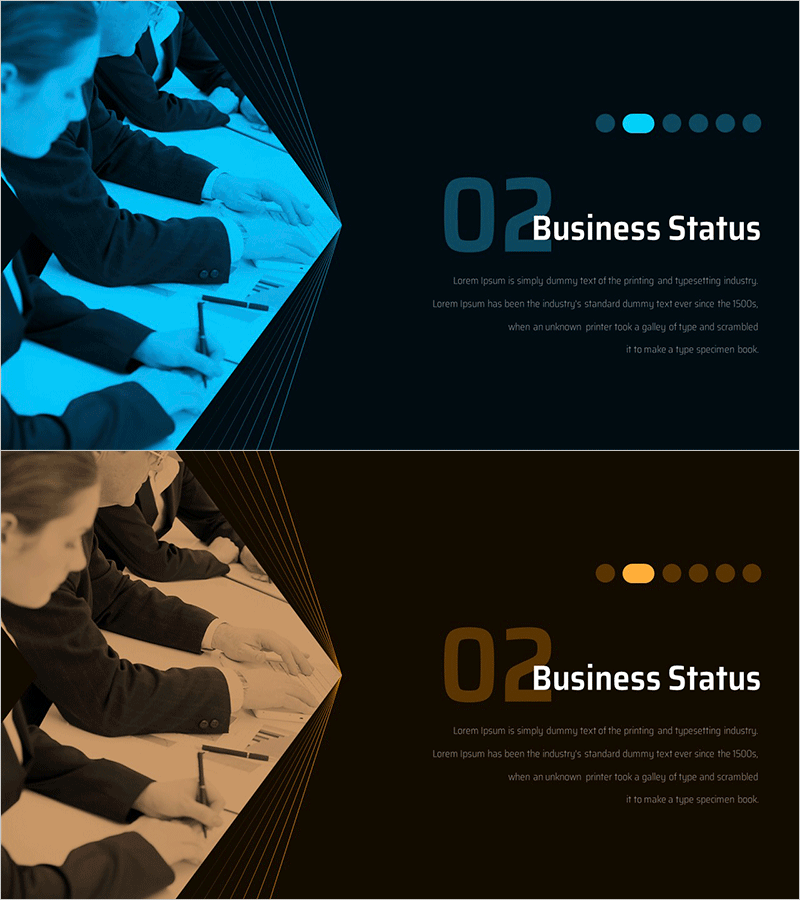
Directional IR Template Section Slide – Emphasizing Business Status
RM0600007_8
- Last Update 02/25/2025
- File Size 1.2MB
- # of Slides 2
- File Format PPTX
- Slide Ratio 16:9
- Color
Keywords
About the Product
A 2-slide section divider set designed for IR presentations and business reports. Features dual-tone backgrounds in blue and brown with diagonal line accents to create clear visual transitions between sections. Left side displays professional imagery of business work (laptop, documents), while the right side contains the section title '02 Business Status' and descriptive text area. Fully editable in PowerPoint format for immediate use in corporate presentations and investor communications.
Usage Points
-
Main Usage
Serves as a visual transition point between sections in investor presentations, quarterly business reports, and performance briefings. The dual-tone color scheme conveys both professionalism and stability, while diagonal line elements add dynamic visual interest to formal business communications.
-
How to Use
Edit the section title and descriptive text in the slide master to customize for each section. Replace the left-side image with relevant visuals for that section. Modify the section number (02) sequentially to match your presentation structure and create multiple section dividers.
-
Recommended For
Ideal for investor relations presentations, shareholder meetings, quarterly and annual business reviews, and executive briefings. Recommended for finance, consulting, manufacturing, and other industries where credibility and professional presentation are essential.
-
Slide Structure
Two-slide set with one blue-background slide and one brown-background slide. Each slide uses a 50-50 two-column layout: left side for imagery, right side for text. Text area includes three editable fields: section number, title, and descriptive content.
Related Products
-
Modern Simple Proposal Template Section Slide
#Slide Type #Section Cover
-
City Modern Theme Business Plan Template Section Slide
#Slide Type #Section Cover
-
Multipurpose Business Plan Template Section Slide – Professional and Clean Design
#Slide Type #Section Cover
-
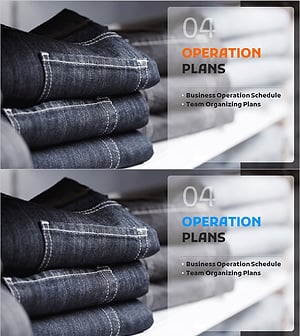
Fashion Business Plan Template Section Slide – Emphasizing Operation Plans
#Slide Type #Section Cover
