



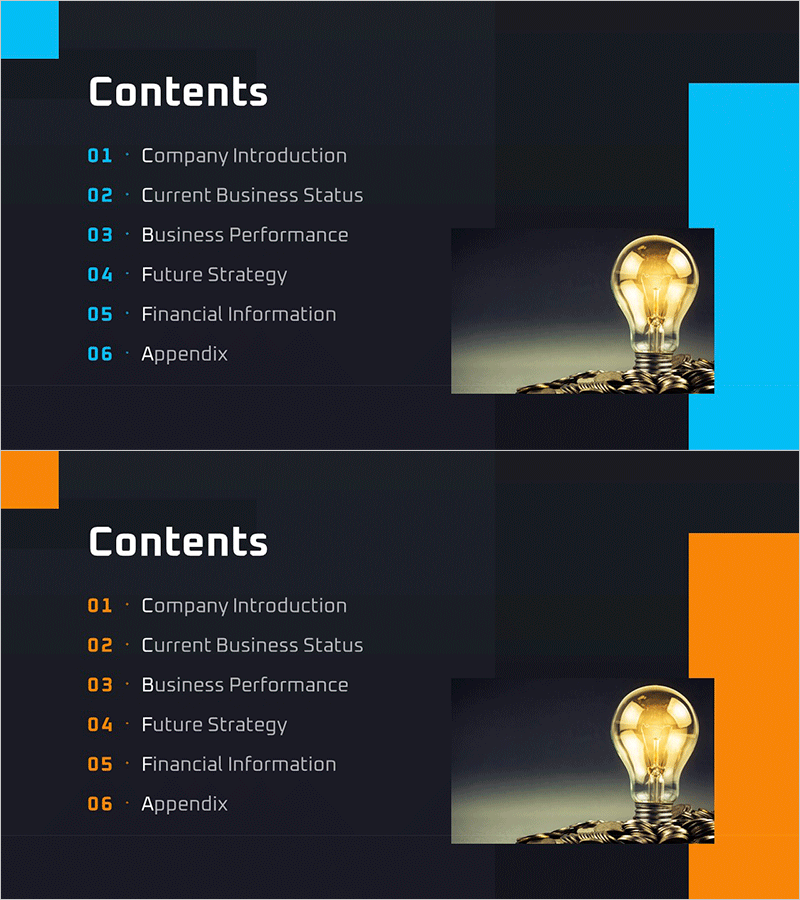
Success Trend IR Template Contents
RM0600004_2
- Last Update 02/24/2025
- File Size 1MB
- # of Slides 2
- File Format PPTX
- Slide Ratio 16:9
- Color
Keywords
About the Product
A professional contents page PowerPoint slide designed for IR presentations and business reports. The slide features a dark navy background with cyan accent boxes that convey corporate credibility and expertise. Six sections (Company Introduction, Current Business Status, Business Performance, Future Strategy, Financial Information, Appendix) are clearly organized with numbered labels, while a lightbulb image on the right reinforces messages of innovation and growth. The 2-slide set offers multiple color variations (cyan and orange) to match your brand guidelines. Text fields are fully editable, allowing you to customize content quickly and reduce presentation preparation time.
Usage Points
-
Main Usage
Serves as the contents or agenda page for IR presentations, business reports, and corporate presentations. The cyan accent and dark background emphasize corporate professionalism and trustworthiness, while the 6-section structure clearly guides the audience through the presentation flow.
-
How to Use
Open the slide and modify each section title to match your document structure. Text fields and numbering are pre-positioned for immediate editing. Choose between color variations (cyan or orange) to align with your brand identity and corporate guidelines.
-
Recommended For
Ideal for investor presentations, shareholder meetings, executive reports, and corporate introduction decks. Particularly recommended for industries where credibility is essential, such as finance, manufacturing, and IT sectors.
-
Slide Structure
The 2-slide set features a left-aligned contents text area (accommodating 6 items) and a right-side accent box with image space. Numbered labels (01–06) and item name fields are clearly separated, creating an intuitive information hierarchy.
Related Products
-
Painting Theme Company Profile Template Contents
#Slide Type #Table of Contents
-
Concrete Theme Company Profile Contents
#Slide Type #Table of Contents
-
Global Investment Attraction Template Contents – Professionalism and Innovation
#Slide Type #Table of Contents
-
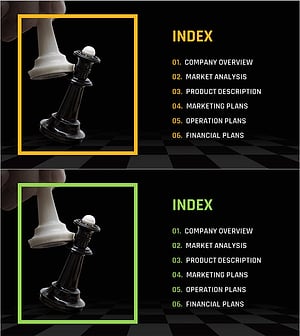
Chess Themed Business Strategy Template Contents
#Slide Type #Table of Contents
