



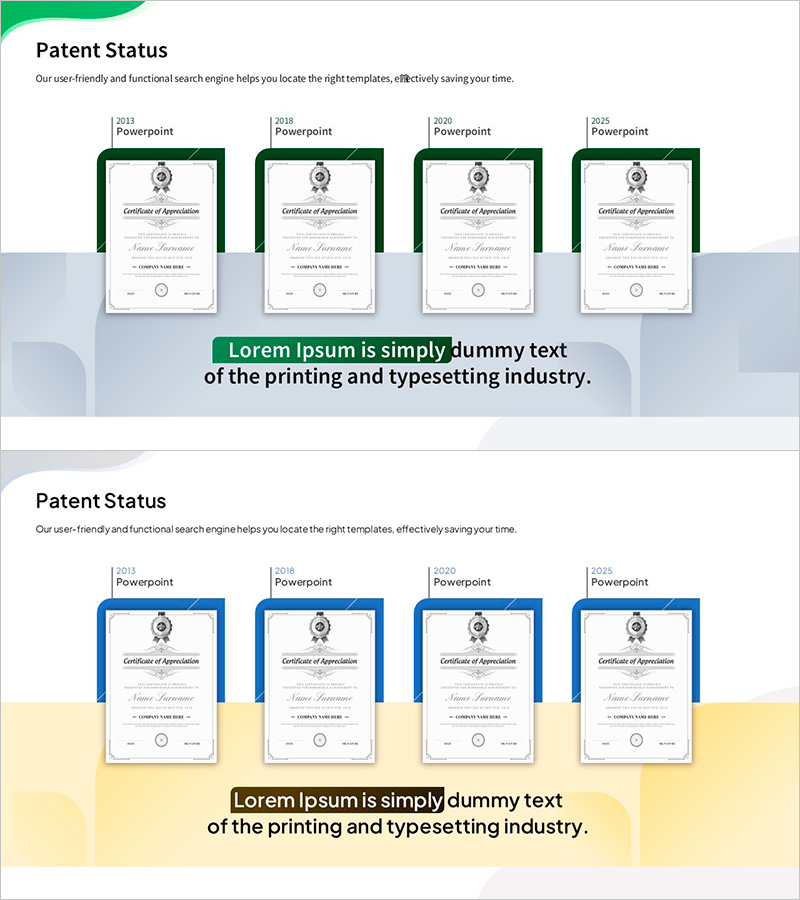
Certificate Design Slide – The Passage of Time
RM0500011_6
- Last Update 11/07/2025
- File Size 6.4MB
- # of Slides 2
- File Format PPTX
- Slide Ratio 16:9
- Color
Keywords
About the Product
A 2-slide PowerPoint presentation template designed for corporate certifications, awards, and letters of appreciation. The first slide displays certification history in a horizontal timeline format by year, while the second slide serves as an individual certificate template. The dark green frame paired with white background conveys formality and trustworthiness, with dedicated spaces for company logo, signature, and seal placement. Ideal for company profiles, annual reports, and investor presentations to visually communicate organizational credibility and achievements. 16:9 widescreen format, fully editable PPTX file.
Usage Points
-
Main Usage
Professionally present corporate certifications, industry awards, and letters of appreciation. The timeline format visualizes achievement history by year, while the individual certificate template allows detailed information entry. Effectively communicates organizational credibility and trustworthiness to investors, partners, and clients.
-
How to Use
Enter certification years and issuing organizations in the first slide's timeline. Complete the second slide with specific details (issuing authority, certification number, validity period). Add company logo in the designated space and insert authorized signature. Integrate into company profile, annual report, or investor presentation sections.
-
Recommended For
Ideal for company profiles, annual reports, and investor presentations where organizational credibility is paramount. Particularly effective for companies holding ISO certifications, quality approvals, government designations, or industry awards. Highly suitable for finance, manufacturing, consulting, and education sectors.
-
Slide Structure
2-slide layout: First slide features 4–5 certification entries arranged in a horizontal timeline showing achievement history. Second slide includes a centered certificate image, left-side logo space, right-side signature area, and bottom seal placement. Dark green frame unifies both slides with 6–8 text input fields total.
Related Products
-
List of Major Registered Patents – Highlighting Company Overview and Achievements
#Company Introduction #Other #Awards and Certifications, and Patents
-
Patent-based Business Model - Emphasizing Corporate Achievements PowerPoint Template
#Company Introduction #Other #Awards and Certifications, and Patents
-

Introduction of Patents and Technologies Slide – Innovation and Achievement
#Company Introduction #Other #Awards and Certifications, and Patents
-
Award-winning Performance Related to Facility System – Presentation of Innovative Achievements
#Company Introduction #Diagram #Other
