



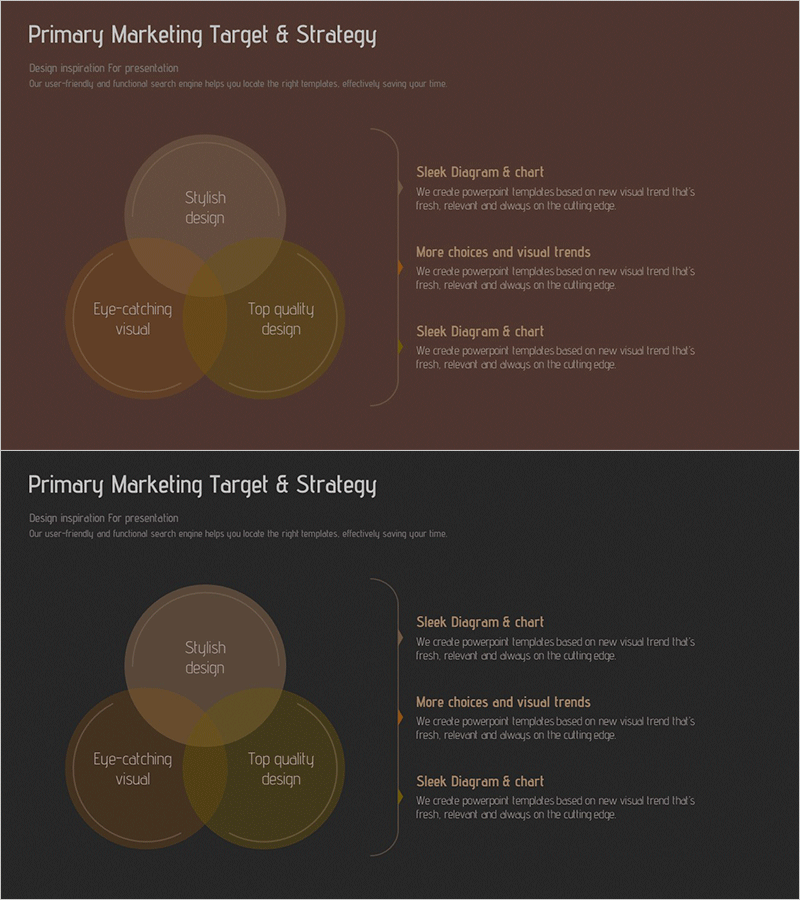
Marketing Target Strategy Overlay Diagram
RM0400013_4
- Last Update 02/18/2025
- File Size 0.6MB
- # of Slides 2
- File Format PPTX
- Slide Ratio 16:9
- Color
Keywords
- #Content-Based Slides
- #Design-Based Slides
- #Marketing Plan and Strategy
- #Diagram
- #Marketing Strategy
- #Target Setting
- #Cluster
- #Combination Diagram
- #16:9
- #overlay diagram PowerPoint
- #3-element Venn diagram presentation
- #marketing strategy slide
- #cluster diagram PPT
- #intersection diagram template
- #business presentation slide
About the Product
A three-circle overlay diagram PowerPoint slide designed for marketing target setting and strategy development. Three transparent circular shapes in brown and olive tones overlap at the center, emphasizing the intersection area to visually represent relationships and commonalities between key elements. The 2-slide set includes a diagram-only version and a version with right-side text explanation areas, allowing flexible selection based on presentation context. Available in 16:9 widescreen PPTX format compatible with all PowerPoint versions, with fully editable colors, text, and node configuration.
Usage Points
-
Main Usage
Visualizes the intersection of three core marketing elements—target audience, product characteristics, and market opportunity—to derive optimal positioning strategy. The Venn diagram structure simultaneously displays each element's independent attributes and the synergy created in overlapping areas.
-
How to Use
Insert into market analysis or target segmentation sections of marketing plans, business proposals, and strategy reports. Customize text in each circle and adjust colors to match organizational brand guidelines. Use the text-annotated version during presentations to provide detailed explanations of each element.
-
Recommended For
Marketing managers, strategy planning teams, business development professionals, and consultants presenting target market analysis to clients or internal stakeholders. Ideal for new market entry, product positioning, and customer segmentation strategy presentations.
-
Slide Structure
Three transparent circular shapes overlap at the center forming a Venn diagram structure. Each circle contains text input areas, with the intersection region automatically displaying color blending. Slide 1 shows the diagram only; Slide 2 adds three explanation text boxes on the right side for detailed element descriptions.
Related Products
-
Marketing Strategy Triangle Overlay Diagram - Value and Target Setting
#Marketing Plan and Strategy #Diagram #Marketing Strategy
-
Marketing Square Overlay Diagram – Effective Marketing Strategy
#Marketing Plan and Strategy #Diagram #Marketing Strategy
-
Marketing Strategy Slide Using Pyramid Diagram – Effective Targeting
#Marketing Plan and Strategy #Diagram #Marketing Strategy
-
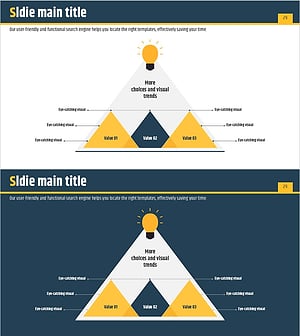
Visualizing Business Strategies with Triangular Overlap and Nested Diagrams
#Business Vision and Strategy #Marketing Plan and Strategy #Diagram
