



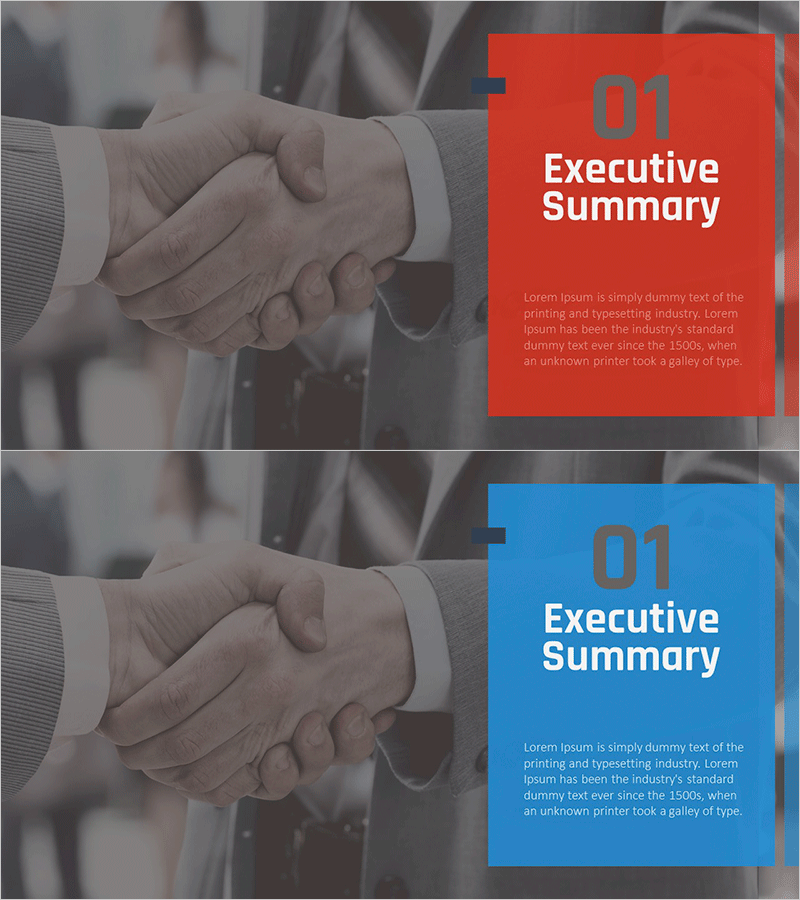
Strategic Marketing Plan Template Section Slide – Professional First Impression
RM0400009_3
- Last Update 02/17/2025
- File Size 3MB
- # of Slides 2
- File Format PPTX
- Slide Ratio 16:9
- Color
Keywords
About the Product
A professional section divider slide for marketing plans, business proposals, and corporate presentations. Features a striking red and blue dual-tone color block design that separates the left image area from the right text area, with a handshake photograph symbolizing trust and partnership. The 2-slide set provides both color variations and is optimized for 16:9 widescreen PowerPoint format. Section number, title, and descriptive text fields are clearly positioned for immediate editing and customization.
Usage Points
-
Main Usage
Serves as a visual divider to introduce each major section of a business presentation, such as Executive Summary, Company Overview, Market Analysis, or Marketing Strategy. Enhances presentation flow and refocuses audience attention at key transition points.
-
How to Use
Modify the section number and title in the slide master to customize for each section. Replace the left image area with section-relevant photography or icons, and edit the right text area title and description. Utilize both red and blue color options to create visual variety throughout your presentation.
-
Recommended For
Ideal for marketing plans, business proposals, investor pitch decks, corporate reports, and consulting presentations. Particularly effective for multi-section documents where clear visual separation between topics is essential for audience comprehension.
-
Slide Structure
2-slide set with red background and blue background versions. Each slide divides the layout into left image area (approximately 40%) and right text area (approximately 60%), with section number, title field, and three lines of descriptive text positioned in the text area.
Related Products
-

Snow Mountain Theme Business Plan Template Section – Achievements and Challenges
#Slide Type #Section Cover
-
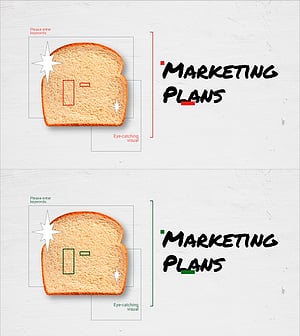
Cafe Business Marketing Strategy Section Cover
#Slide Type #Section Cover
-
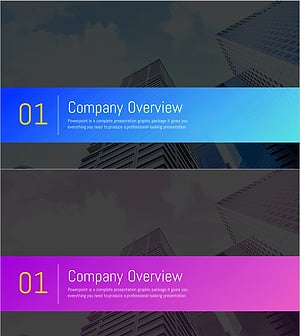
Asset Management Business Plan Template Section Slide – Infused with Professionalism and Trust
#Slide Type #Section Cover
-
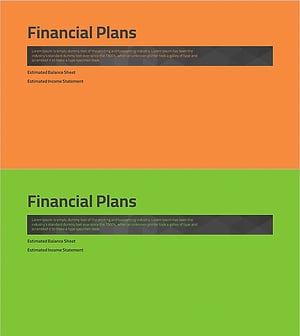
Simple Theme Business Plan Template Section - Financial Plans
#Slide Type #Section Cover
