



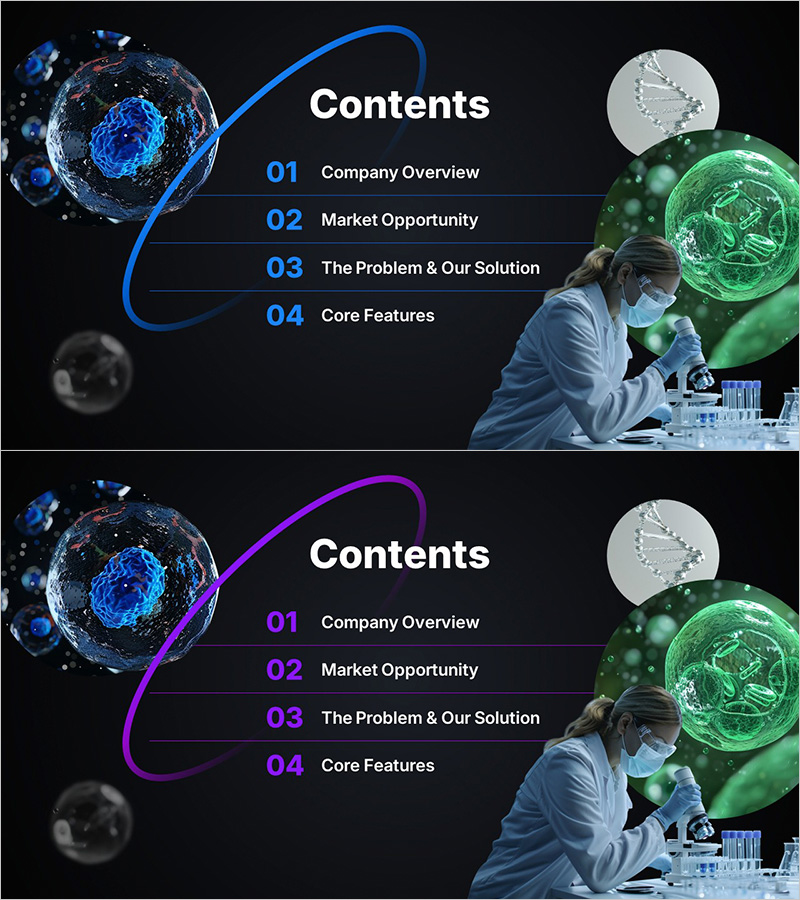
Modern Table of Contents Slide for Biotech and Corporate Presentations
RM0300025_2
- Last Update 11/07/2025
- File Size 3.4MB
- # of Slides 2
- File Format PPTX
- Slide Ratio 16:9
- Color
Keywords
- #Content-Based Slides
- #Slide Type
- #Table of Contents
- #16:9
- #table of contents PPT slide
- #contents slide PowerPoint design
- #4-step agenda slide
- #biotech presentation contents
- #corporate pitch deck contents
- #dark blue curved layout
- #how to create a contents slide in PowerPoint
- #professional agenda slide template
About the Product
A professional table of contents PowerPoint slide designed for biotech, life sciences, and corporate presentations. The slide features a dark black background with blue and green spherical visual elements, white typography, and a minimalist curved guide connecting four numbered sections. The 2-slide set includes a color variant (purple accent option) to match your brand identity. Each section is clearly labeled with numbering and flowing curves, making the presentation structure immediately clear to your audience. Fully editable text fields allow instant customization for investor pitches, research reports, and business proposals.
Usage Points
-
Main Usage
This slide clearly outlines your presentation structure to the audience, breaking down the content into four key sections such as company overview, market opportunity, solution, and core features. It sets expectations, improves audience engagement, and provides a visual roadmap for your entire presentation.
-
How to Use
Place this slide immediately after your title slide or at the beginning of each major section transition. Edit the numbered items to match your presentation topics, and select the color variant (blue or purple) that aligns with your corporate branding. The dark background ensures excellent readability in dimly lit conference rooms.
-
Recommended For
Ideal for biotech, pharmaceutical, medical device, and IT startup investor presentations, pitch decks, research reports, and business proposals. Recommended for companies seeking to convey both professionalism and innovation to investors, partners, and stakeholders.
-
Slide Structure
The 2-slide set features a split layout: spherical visual elements (blue and green tones) on the left, and text content area on the right. A curved guide line connects four numbered items (01–04), each with an editable title field. The color variant replaces the blue curve and numbering with purple, providing visual flexibility while maintaining the same structural layout.
Related Products
-
Enjoy Music Festival Template Table of Contents
#Slide Type #Table of Contents
-
Table of Contents Slide with Person Turning Pages
#Slide Type #Table of Contents
-
Hot Air Balloon Rainbow Template Table of Contents
#Slide Type #Table of Contents
-
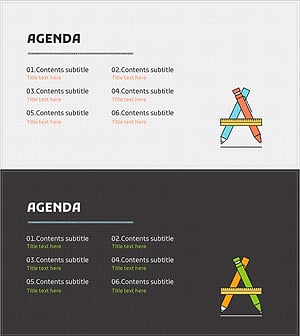
Writing Instrument Illustration Template – Table of Contents
#Slide Type #Table of Contents