



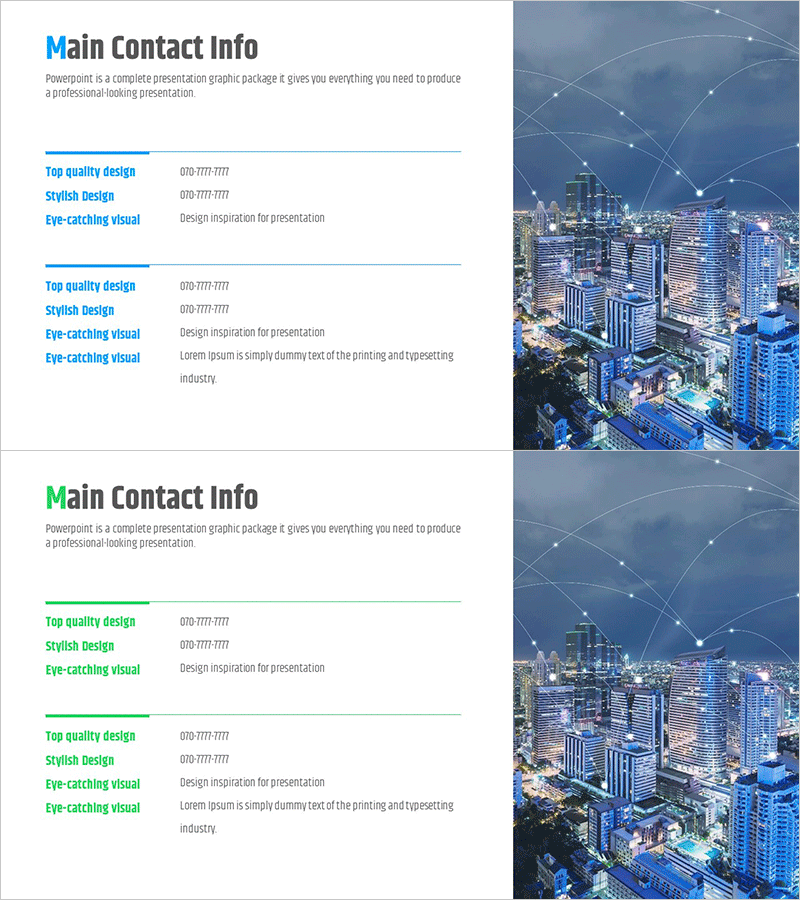
Company Key Profile Information Slide
RM0300022_24
- Last Update 02/13/2025
- File Size 0.4MB
- # of Slides 2
- File Format PPTX
- Slide Ratio 16:9
- Color
Keywords
About the Product
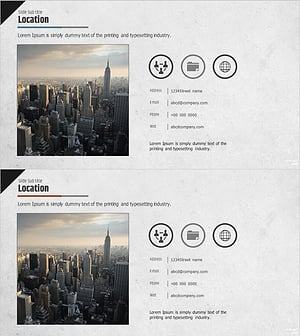
A professional PowerPoint slide designed to present key company contact information and corporate profile details. The layout features a two-column structure with contact details and organizational information on the left side and a cityscape image on the right, conveying corporate credibility and professionalism. This presentation slide is formatted in 16:9 widescreen ratio, optimized for modern presentation environments, with blue accent lines and gray text providing excellent information readability. The slide is ready for immediate use in company introduction presentations and can be fully customized—all text and images are editable in PPTX format.
Usage Points
-
Main Usage
This slide effectively presents key company contact information, departmental contacts, and corporate overview to investors, partners, and clients, establishing trust and credibility. It serves as a closing slide or supplementary information section in company introduction presentations, emphasizing essential contact details.
-
How to Use
Enter company name, department, contact person, phone number, email, and address in the left text area. Insert company photos or brand imagery in the right image section. The blue accent lines and text colors can be customized to match your corporate brand identity. Both slides share the same layout, allowing you to list multiple department contacts across the two slides.
-
Recommended For
Ideal for corporate investor relations presentations, company introduction decks, partnership proposals, client meetings, and recruitment seminars. Particularly effective in B2B business environments when presenting company information to decision-makers and investors, emphasizing organizational accessibility and professionalism.
-
Slide Structure
Both slides feature an identical two-column layout. The left side contains a 'Main Contact Information' heading with 4-5 text input fields for contact details, while the right side provides a full-width image area. A blue accent line beneath the heading clearly separates information hierarchy and visual sections.
Related Products
-
Company Summary Slide – Contact Information
#Company Introduction #Diagram #Company Overview
-
Introduction to Location and Company Profile – Visual Focus
#Company Introduction #Company Overview #Contact Information
-
Professional Company Overview Slides – Modern Business Imagery
#Company Introduction #Company Overview #Contact Information
-
Company Location Introduction and Overview
#Company Introduction #Diagram #Company Overview
