



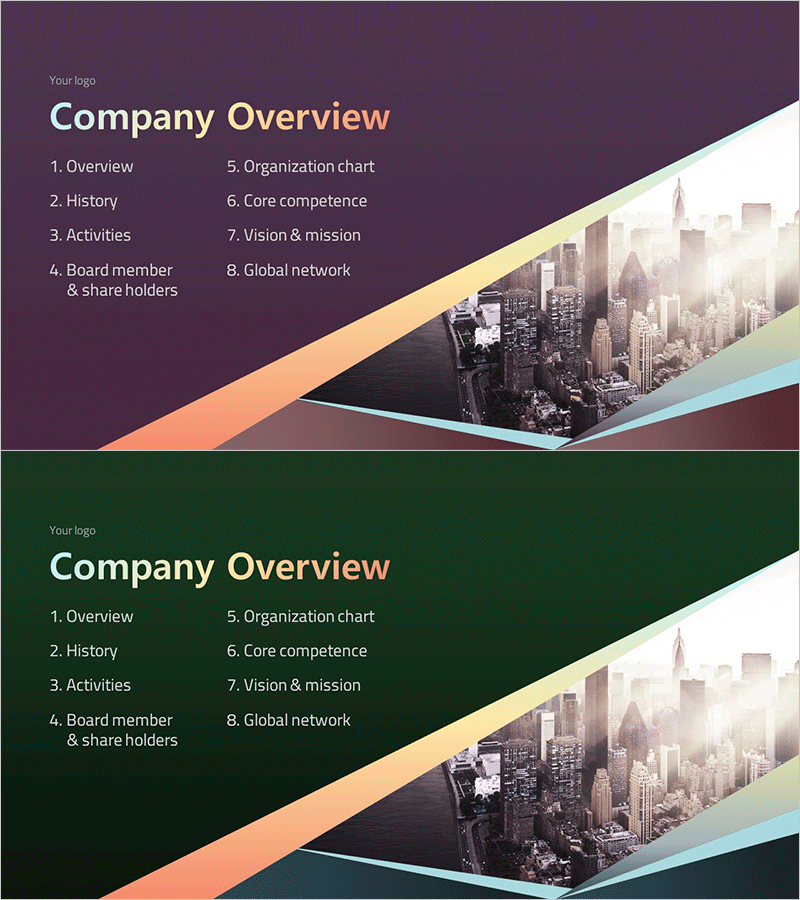
Color Gradient Template Section - Ideal for Business Introduction
RM0300020_3
- Last Update 02/12/2025
- File Size 1.2MB
- # of Slides 2
- File Format PPTX
- Slide Ratio 16:9
- Color
Keywords
About the Product
A professional cover slide set designed to establish strong first impressions for business presentations. The layout features a diagonal purple-to-orange gradient flowing across the slide with a cityscape image, conveying both corporate professionalism and dynamic energy. Clear zones for logo placement, title text, and table of contents make this PowerPoint slide ideal for company introductions, business plans, and investor pitch decks. Delivered in 16:9 widescreen PPTX format with 2 fully editable slides, allowing you to customize colors, text, and imagery to match your brand guidelines.
Usage Points
-
Main Usage
Serve as the opening page of business documents to establish corporate identity and credibility instantly. This cover slide is essential for company introductions, business plans, investor presentations, and proposals, using logo and title placement to communicate your organization's professionalism and vision from the first moment.
-
How to Use
Slide 1 is designed for logo, company name, and subtitle input; Slide 2 accommodates a title and table of contents list. Simply click on text boxes to enter your company information, presentation topic, and chapter headings. Customize background colors and replace the cityscape image with your own photography to align with your corporate branding.
-
Recommended For
Executives, business development managers, marketing professionals, and investor relations teams at corporations, SMEs, and startups preparing company introductions, business plans, investor relations materials, and proposals. Particularly effective for investment pitches and partnership proposals where first impressions are critical.
-
Slide Structure
2-slide set. Slide 1: Logo placement zone (top-left), company name and subtitle text fields (center), purple-orange gradient background with cityscape image. Slide 2: Title input area (top), 8-item table of contents list fields (left side), matching gradient background and cityscape layout.
Related Products
-
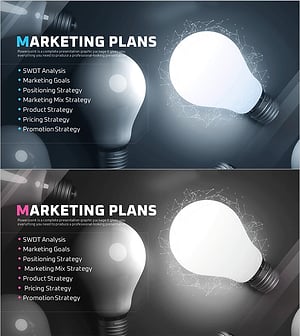
Startup Business Plan Template Section – Marketing Plans
#Slide Type #Section Cover
-
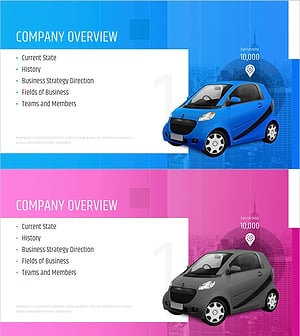
Car Sharing Business Plan Template Section Slide
#Slide Type #Section Cover
-
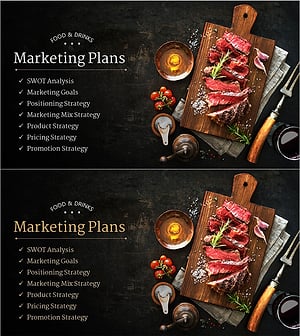
Restaurant Business Plan Template Section Slide
#Slide Type #Section Cover
-
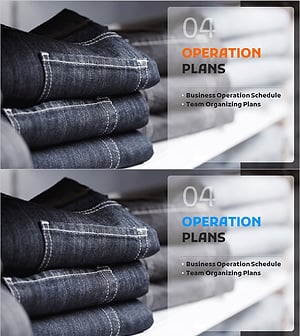
Fashion Business Plan Template Section Slide – Emphasizing Operation Plans
#Slide Type #Section Cover
