



Color Gradient Template Contents – Professional and Business
RM0300020_2
- Last Update 02/12/2025
- File Size 0.1MB
- # of Slides 2
- File Format PPTX
- Slide Ratio 16:9
- Color
Keywords
About the Product
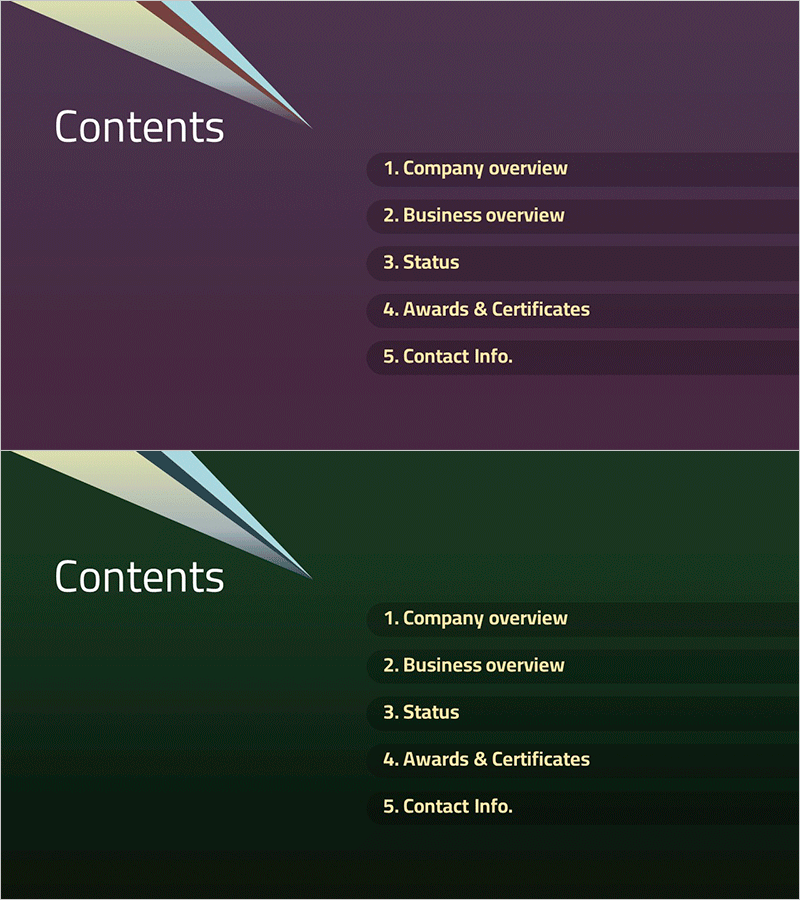
A professional 2-slide contents page set designed for business presentations. Features a gradient background flowing from deep purple to teal with geometric line accents, providing a clean layout for displaying up to 5 content sections. Created in 16:9 widescreen PowerPoint format, this slide deck is optimized for modern presentation environments. Ideal for company introductions, business plans, proposals, and investment pitches. Text areas are fully editable, allowing quick customization of section titles while maintaining the professional gradient design and visual hierarchy.
Usage Points
-
Main Usage
Establish a professional table of contents for business presentations with visual impact. The gradient background from purple to teal creates visual interest while maintaining text readability, and geometric line elements convey a modern, trustworthy corporate image. Suitable for company profiles, business plans, proposals, investor pitch decks, and strategic presentations.
-
How to Use
Enter your document's main section titles into the text areas to complete the contents page. The 2-slide set offers color variations (purple-dominant and teal-dominant) that can be selected to match your overall presentation tone or distributed across different document sections. Keep the background gradient and line elements intact while editing only the text for quick implementation.
-
Recommended For
Executive presentations, investor and partner meetings, internal strategy briefings, corporate onboarding sessions, and stakeholder updates. Recommended for marketing, sales, planning, finance, and operations teams seeking to establish credibility and professionalism in their presentations.
-
Slide Structure
Each slide features a 'Contents' title area on the left and a numbered list of 5 content items on the right. Individual text boxes for each item number and description allow independent editing. The gradient background and geometric lines create visual cohesion while clearly distinguishing each content section.
Related Products
-
Degree Template Table of Contents – A Harmony of Teal and Red
#Slide Type #Table of Contents
-
Colored Pencil Note Template Table of Contents
#Slide Type #Table of Contents
-
Balloon Party Template Table of Contents
#Slide Type #Table of Contents
-
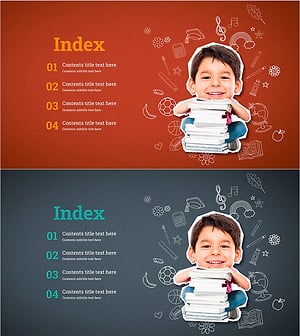
Joyful Learning Template Table of Contents - A Fresh Start in Education
#Slide Type #Table of Contents
